9
Product Operation
! Note:
4. Response function
When the machine is not in the range of visibility or you cannot hear it is
working, after you press the button “Respond” on the remote control, the
machine will beep, so that you can find it through the sound.
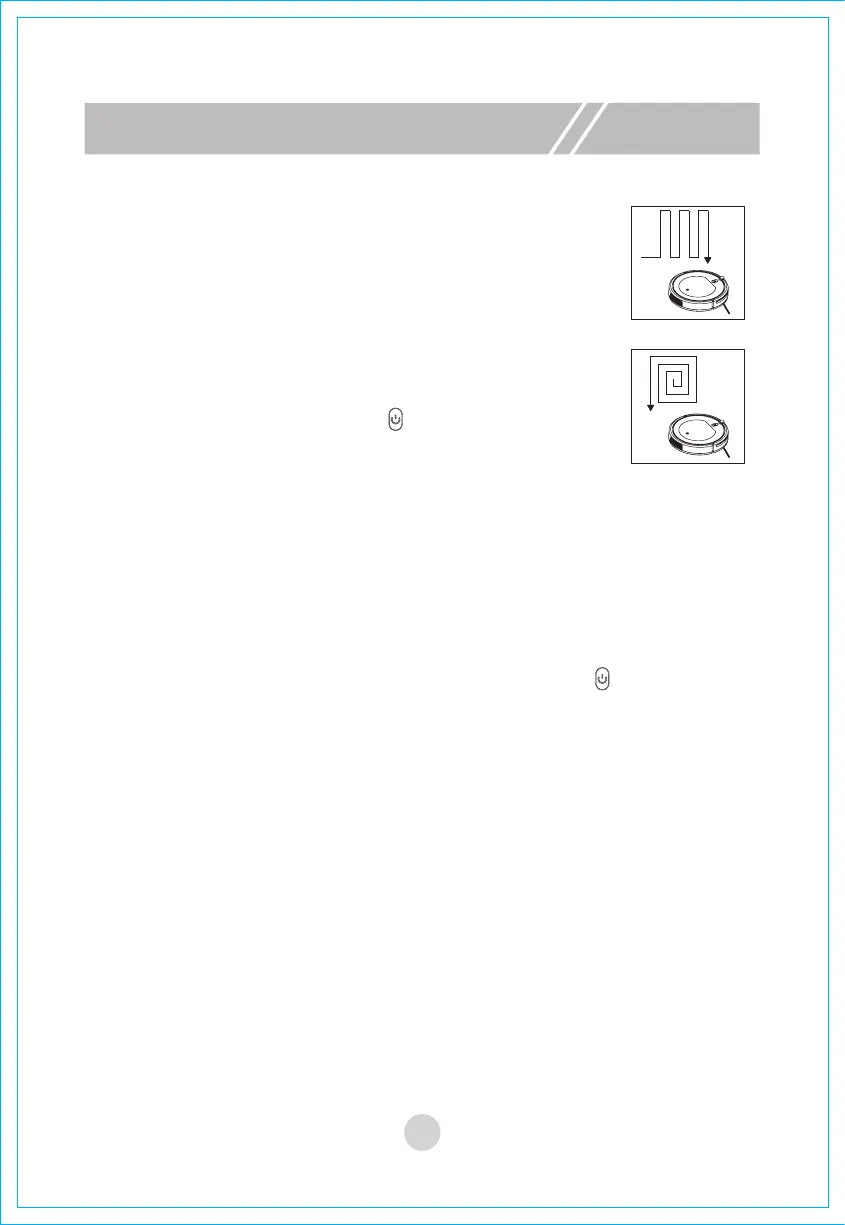
3. Sweeping mode
A. Auto sweeping
Under the “operating mode”, the machine will enter the auto
mode after you press this button.
B. Focus sweeping
Under the “operating mode” or “standby mode”, the machine
will enter the focus mode after you press this button.
C. Random sweeping
Under the standby mode, “after you press the “start/pause”
button of the remote control or the “ ” button of the machine,
the machine will enable the random sweeping mode. Under
the operating mode, press the button “random” on the remote
control, the machine will start random mode.
a. After a sweeping mode is selected, the machine will switch to another sweep-
ing mode automatically according to the actual environment, so as to achieve
the best sweeping effect.
b. Under any sweeping mode, the machine will stop sweeping if you press
either “start/pause” button of the remote control or the “ ” button of the
machine body.


 To Next Page