6
Product Components
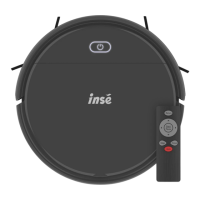
Remote control
1.“Start/pause” button
Under the “standby mode” or “operating mode”, the machine enters the
random sweeping mode.
A.
2. Up
Under the
“standby mode” or “operating mode”
, the machine moves forward
by pressing this button.
Under the
“standby mode” or “operating mode”
, the machine moves
backward by pressing this button.
Under the
“standby mode” or “operating mode”
, the machine rotates to the
left by pressing this button.
Under the
“standby mode” or “operating mode”
, the machine rotates to the
right by pressing this button.
A.
B. Down
C. Left
D. Right



 To Next Page