7
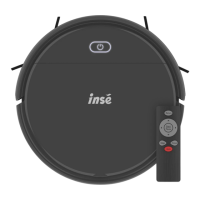
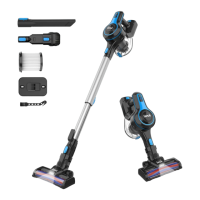
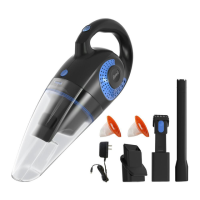
Product Components
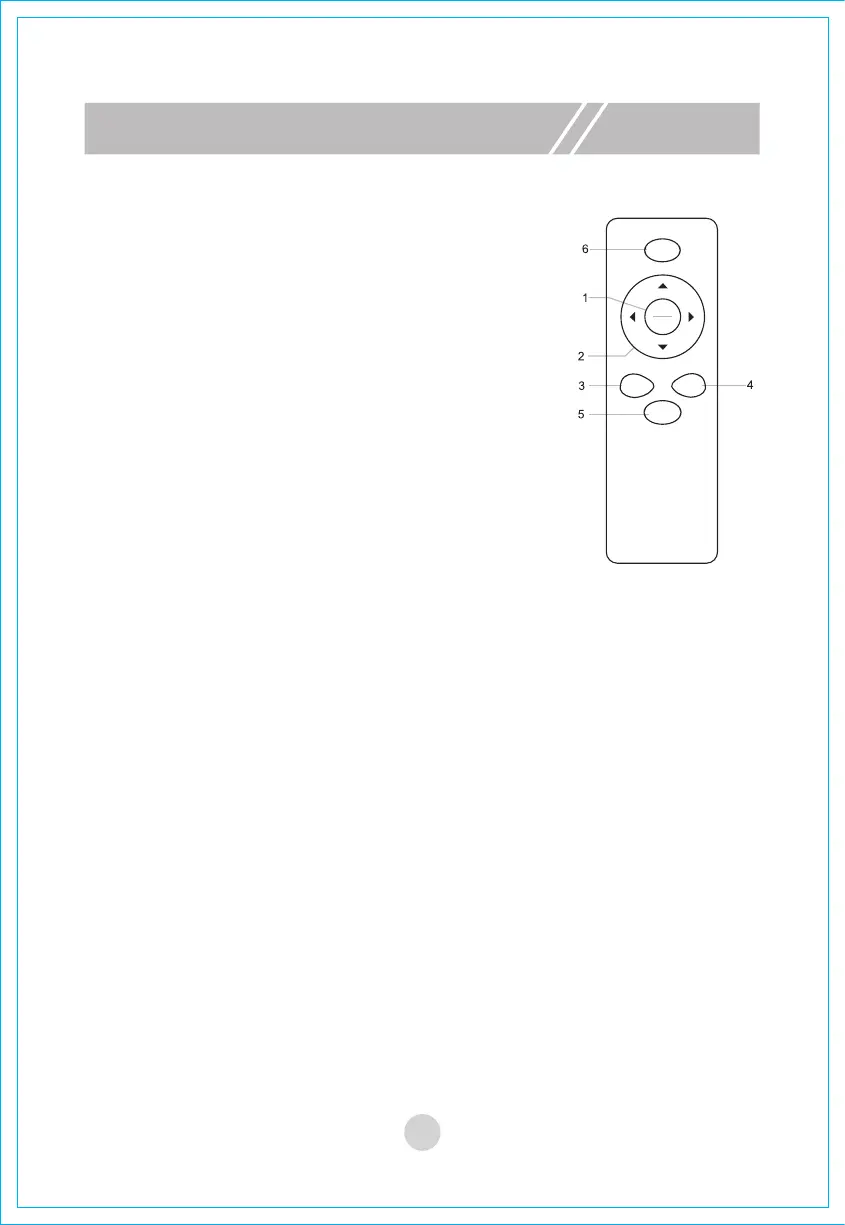
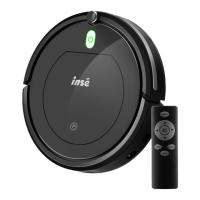
3.“Focus” button
4.“Random” button
5. “Auto” button
6. “Respond” button
A.Please assemble two pieces of 7# batteries before use.
B.
If the remote control is not in use for a long time, please take
out its batteries.
!Note:
Respond
FOCUS
AUTO
RANDOM
Start
Pause
Under the “operating mode” or “standby mode”,
the machine will enter the focus mode after you
press this button.
Under the
“operating mode” or “standby mode”
,
the machine will enter the random mode after you
press this button.
Under the “operating mode” or “standby mode”,
the machine will enter the auto mode after you
press this button.
Under the “operating mode” or “standby mode”,
the machine will beep after you press this button.


 To Next Page