EasyManua.ls Logo

Insignia TMF Series - User Manual

Insignia TMF Series
48 pages
Print Icon
To Next Page IconTo Next Page
Loading...
Service Manual_2017-V1
1
TMF SERIES
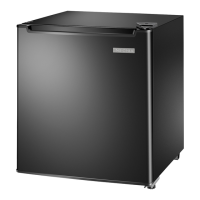
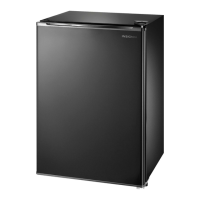
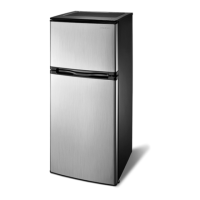
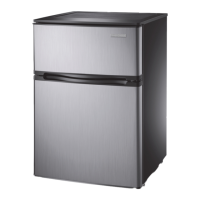
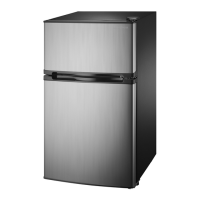
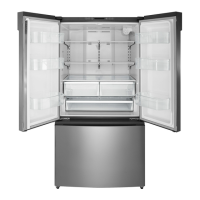
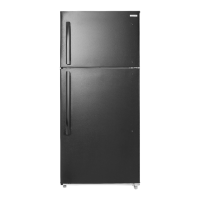
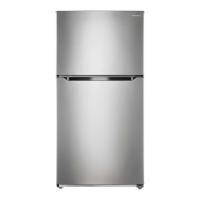
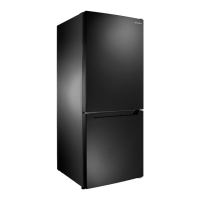
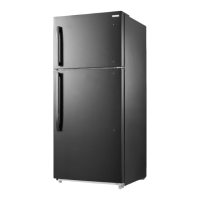
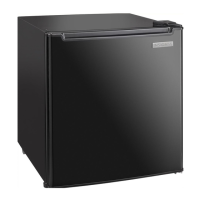
(The picture in this service manual is only for reference, and specific appearance and configuration are
subject to the real product)
Applicable Models
Model Code
UR-BCD595WE-SQ
NS-RTM21SS7
SERVICE MANUAL

Table of Contents

Questions and Answers

  • J
    Jessica ChavezAug 16, 2025
    Why is my Insignia TMF not operating?
    • R
      richard08Aug 17, 2025
      Your Insignia Refrigerator might not be operating due to several reasons: * It might be unplugged. Ensure it's properly plugged into the outlet. * The thermostat could be set to STANDBY. Press the SET button until LED 3 lights up. * A blown fuse or tripped circuit breaker can also be the reason. Check your house's fuse/circuit breaker box and replace the fuse or reset the breaker. * There may be a power failure. If this occurs, the refrigerator will turn off, and you should wait until the power is restored.
  • C
    Calvin ParrishAug 19, 2025
    What to do if food in my Insignia Refrigerator compartment is not cold?
    • L
      Lisa MorrowAug 19, 2025
      If the food in your Insignia Refrigerator compartment isn't cold enough, consider the following: * Ensure the door is closed properly, as it may have been opened too often. * If you've recently added a large amount of food, allow time for it to cool before checking again. * The thermostat might be set too warm; adjust it to a colder setting. * Check the door gasket and clean it if it doesn't seal properly. * If the refrigerator was recently disconnected, allow four hours for it to cool completely.
  • H
    haleymartinAug 22, 2025
    What to do if my Insignia TMF is not working?
    • J
      Jacqueline CampbellAug 22, 2025
      If your Insignia Refrigerator isn't working, here are some things to check: * Make sure the refrigerator is plugged in properly. * Ensure the thermostat isn't set to the STANDBY position; press the SET button until LED 3 lights. * Check your house fuse or circuit breaker and replace the fuse or reset the breaker if needed. * If there was a power failure, wait for the power to be restored. * Make sure that the door is closed properly and the door seal is clean. * Also, make sure that the refrigerator has enough space, it should be no closer than five inches from the adjacent walls.
  • S
    smithdanielleAug 25, 2025
    Why is my Insignia TMF not turning on?
    • D
      David OconnorAug 26, 2025
      Your Insignia Refrigerator might not be turning on due to several reasons: * It might be unplugged, so ensure it's properly plugged into the outlet. * The thermostat may be on STANDBY; if so, press the SET button until LED 3 lights up. * A blown fuse or tripped circuit breaker could be the issue; check and replace/reset as necessary. * A recent power failure could also be the cause; wait for the power to return. * The door might not be closed properly or the door seal may be dirty, so ensure the door is closed and clean the seal if needed.
  • W
    William StewartAug 27, 2025
    Why is my Insignia Refrigerator compressor turning on and off frequently?
    • A
      Alexandria EllisAug 27, 2025
      The compressor in your Insignia Refrigerator might be turning on and off frequently due to several reasons: * The door may have been opened too often or not closed properly. Ensure the door is closed correctly and clean the door seal if necessary. * The room temperature might be hotter than normal, which is normal under these circumstances. * If you've recently added a large amount of food, this is also normal. * The thermostat might not be set correctly; reset it to the appropriate setting. * Ensure the refrigerator has proper clearances, it should be no closer than five inches from adjacent walls. * If the refrigerator was recently disconnected, allow about four hours for it to cool down completely.
  • Y
    Yvette BishopAug 30, 2025
    How to stop moisture building up inside my Insignia Refrigerator?
    • J
      Jerry CowanAug 30, 2025
      Moisture buildup inside your Insignia Refrigerator can be addressed by: * Ensuring the door is closed properly, as frequent opening can cause this issue. * Moving the refrigerator to a less humid location. * Repackaging food properly to ensure it is sealed.
  • S
    Scott CarterSep 2, 2025
    What to do if food is freezing in my Insignia TMF Refrigerator?
    • A
      angelafarleySep 2, 2025
      If food in your Insignia Refrigerator compartment is freezing, it's likely that the thermostat is set too cold. Adjust the thermostat to a warmer setting.
  • T
    torresdavidSep 4, 2025
    Why won't the door on my Insignia TMF close completely?
    • D
      Desiree TownsendSep 4, 2025
      If your Insignia Refrigerator door doesn't close completely: * Check for food packages interfering with the door and reposition or remove them. * Ensure the shelves are properly adjusted. * Clean the door gaskets if they are dirty. * Make sure the refrigerator is level by adjusting the leveling feet.
  • F
    fwalshSep 7, 2025
    How to fix vibrations in my Insignia Refrigerator?
    • R
      Rhonda WilliamsSep 7, 2025
      To address vibrations in your Insignia Refrigerator: * Ensure it is on a level, sturdy surface and use the leveling legs to adjust. * Confirm that the refrigerator is not touching a wall.
  • V
    victoria42Sep 10, 2025
    Why does my Insignia Refrigerator make unusual noises?
    • L
      Lindsay StewartSep 12, 2025
      Unusual noises from your Insignia Refrigerator can occur if: * The refrigerator is not level on the floor; level it using the leveling feet. * The body of the refrigerator is touching a wall; move it away from the wall.

Insignia TMF Series Specifications

General IconGeneral
BrandInsignia
ModelTMF Series
CategoryRefrigerator
LanguageEnglish

Related product manuals