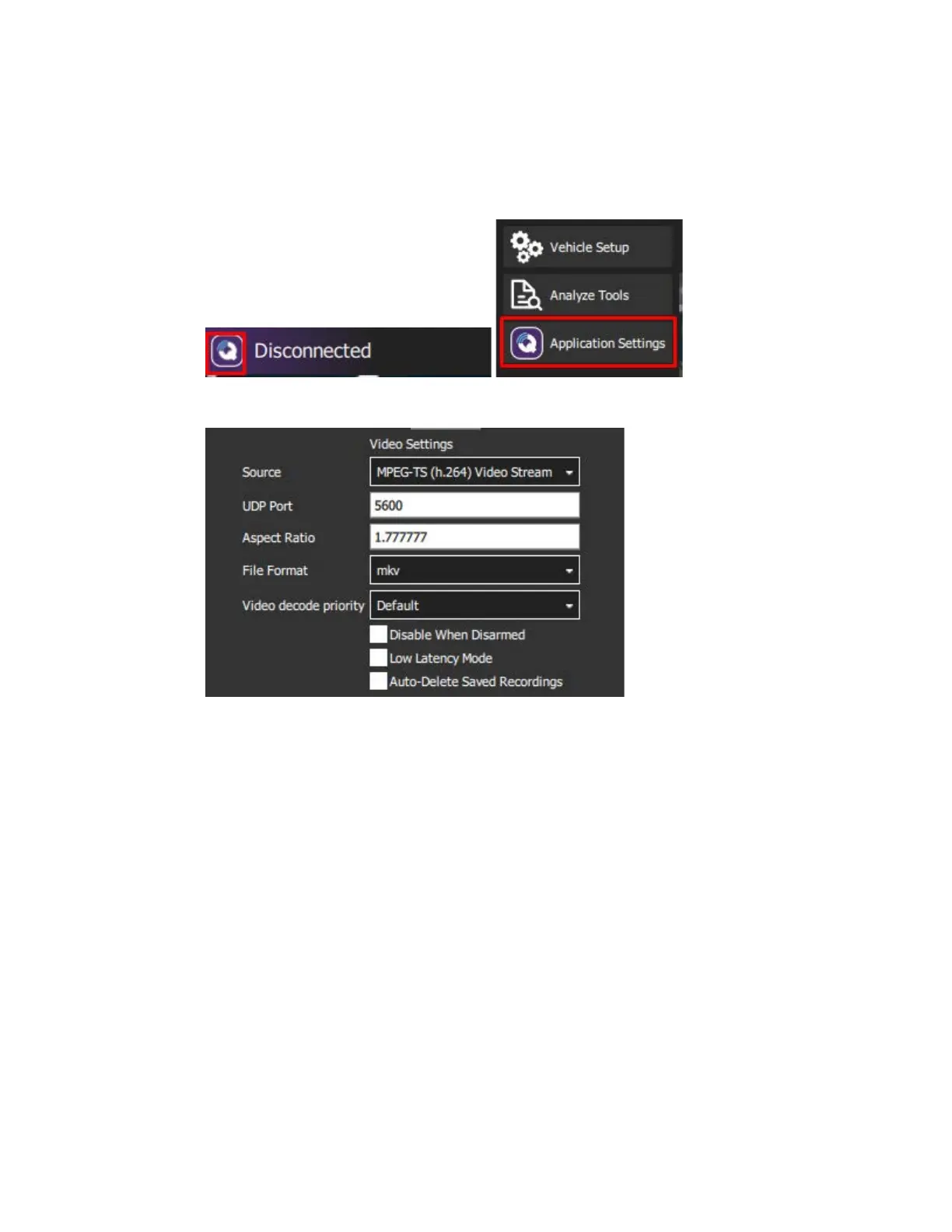
Lastly, use the following steps to set up video streaming from the camera mounted on
the gimbal to QGroundControl.
1. In QGC, click on the purple ‘Q’ button on the top left of the screen, then click on
‘Application Settings’
2. At the top of the page in the ‘Video’ section, under the ‘Source’ drop-down select
‘MPEG-TS (h.264) Video Stream’.
Once the aircraft is powered on and the camera is installed and powered on, the payload
camera’s video stream will automatically appear in QGC’s ‘Fly’ view.
Note: Avoid putting stress on the HDMI cord plugged into the gimbal.



 To Next Page