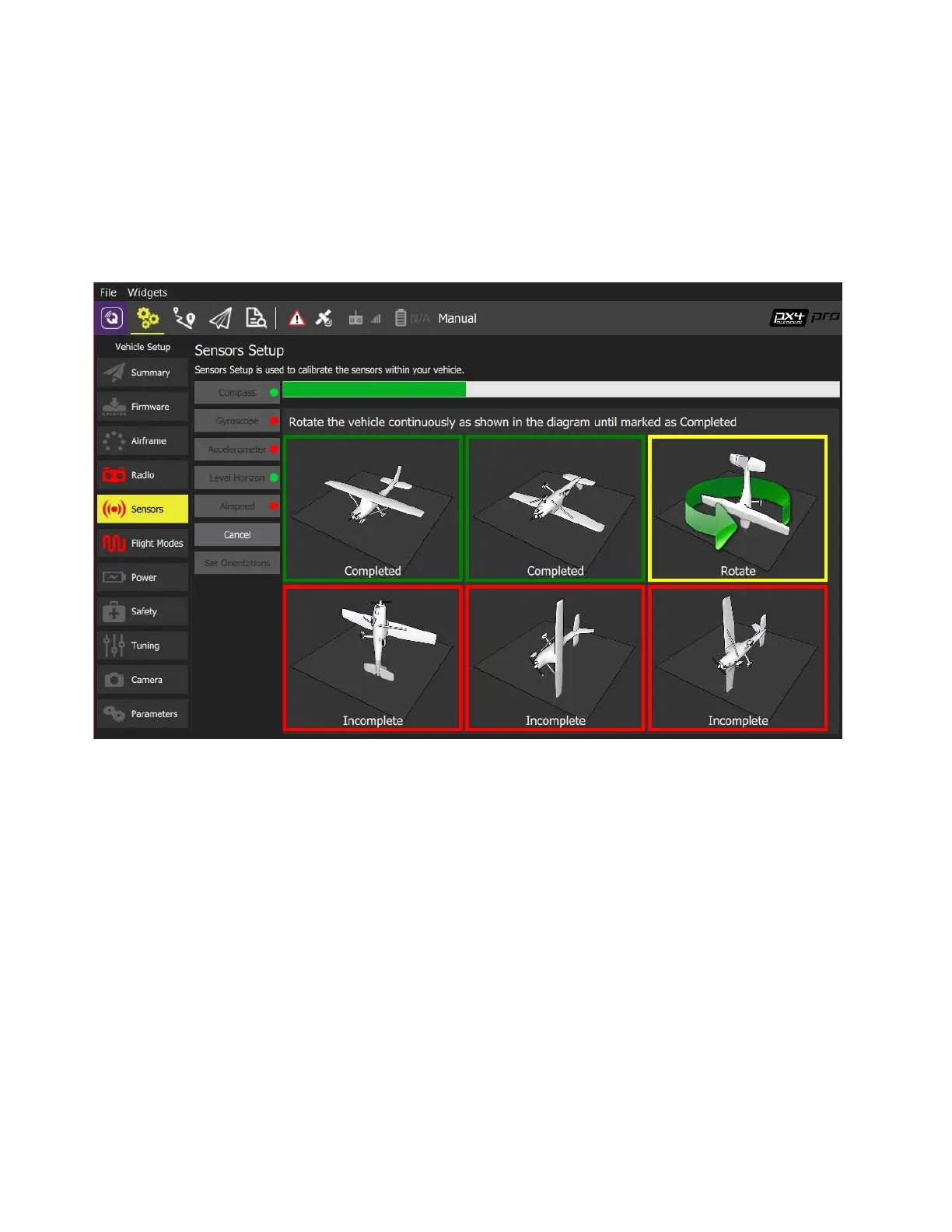
After hitting ‘OK’, the drone must be rotated about a vertical axis (the human body) for seven
seconds in each of the orientations shown. Green boxes show complete orientations, the yellow
box shows current calibrating orientation, and red boxes indicate incomplete orientations.
1. Hold the drone steady until the orientation highlights yellow in QGC
2. Rotate with the drone until the orientation turns green.
3. Repeat this process for the other 5 orientations



 To Next Page