12
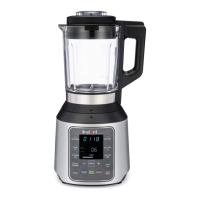
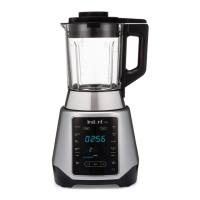
Control Panel
3 Manual Blending
Use Blend for up to 05:00 minutes of continuous blending. Speed adjustable. Refer to
Manual Blending for details.
4
The ame icon illuminates when a hot blending program is selected.
5 Settings
Pulse, Clean, Start/Pause, Cancel, Keep Warm and − / + buttons. Refer to Program
Settings for details.



 To Next Page