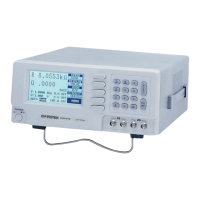
LCR-800 Series User Manual
48
8. OPTION 1(BIN Functions, only for LCR-826/827/829)
8-1. BIN FUNTIONS for Components Sorting:
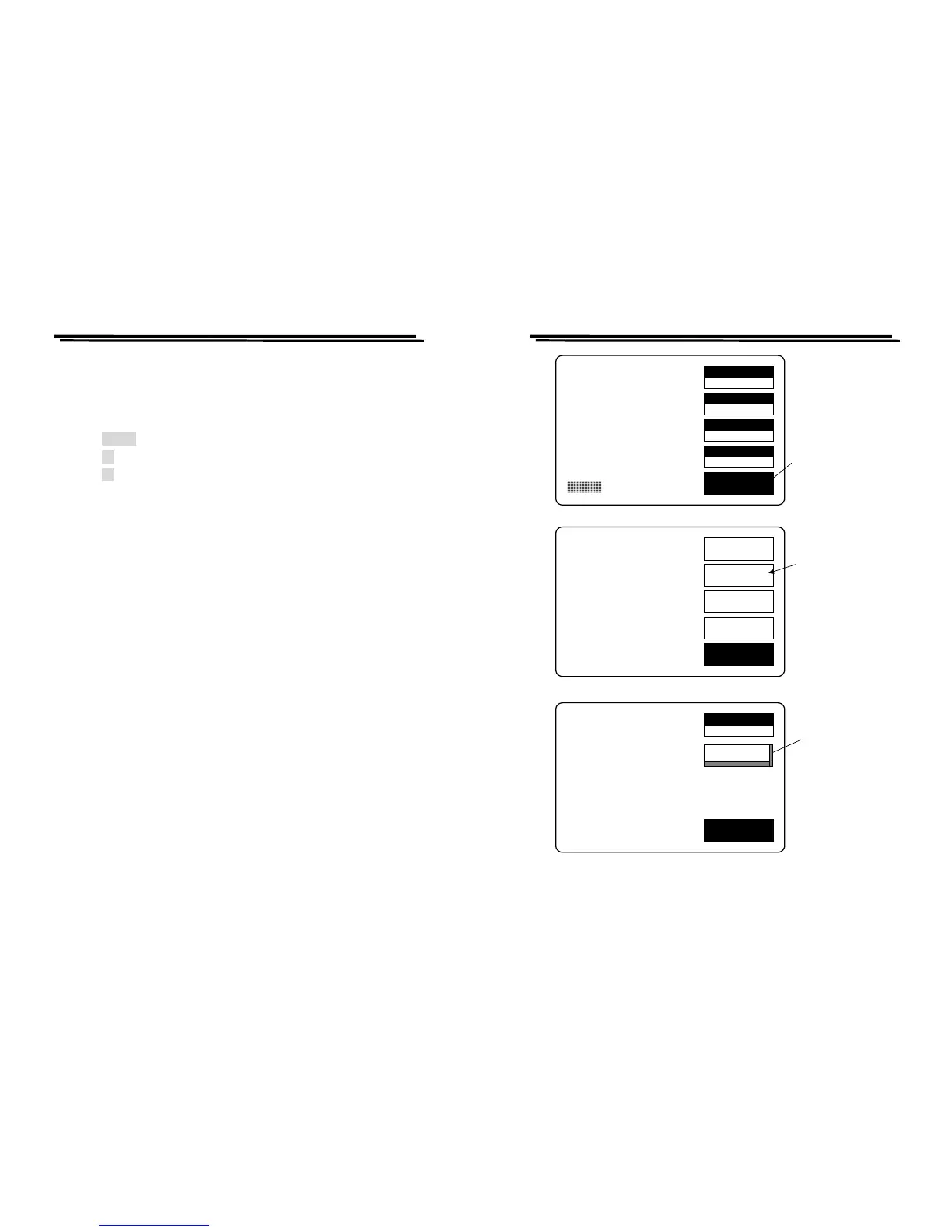
Proceed BIN FUNTIONS steps(Figure 8-1):
z Press MENU key.
z Press F2 key to select “SORT” function.
z Press F2 key to select “OPTION1 ” function.
LCR-800 Series User Manual
49
SPEED
SLOW
DISPLAY
VALUE
MODE
C/D
CIRCUIT
SERIES
MENU
C 13.450uF
D .1652
TESTING
F :1.0000 kHz
V :1.000 V
AUTO MANU INT.B OFF
R.H OFF
C.V OFF
OFFSET
SORT
SETTING
CALBRAT
EXIT
CAP. C/D OFFSET
SET SORT
SET PARAMETER
CALIBRATION
Press menu
key
Press F2 key
to the sort
menu
NOM.VAL
77.000
EXIT
NOM.VAL = 77.000pF
OPTION1
Press F2 key to
input the
option1
function
HANDLER
Figure 8-1.: OPTION 1(BIN FUNTIONS)setting



 To Next Page