LCR-800 Series User Manual
68
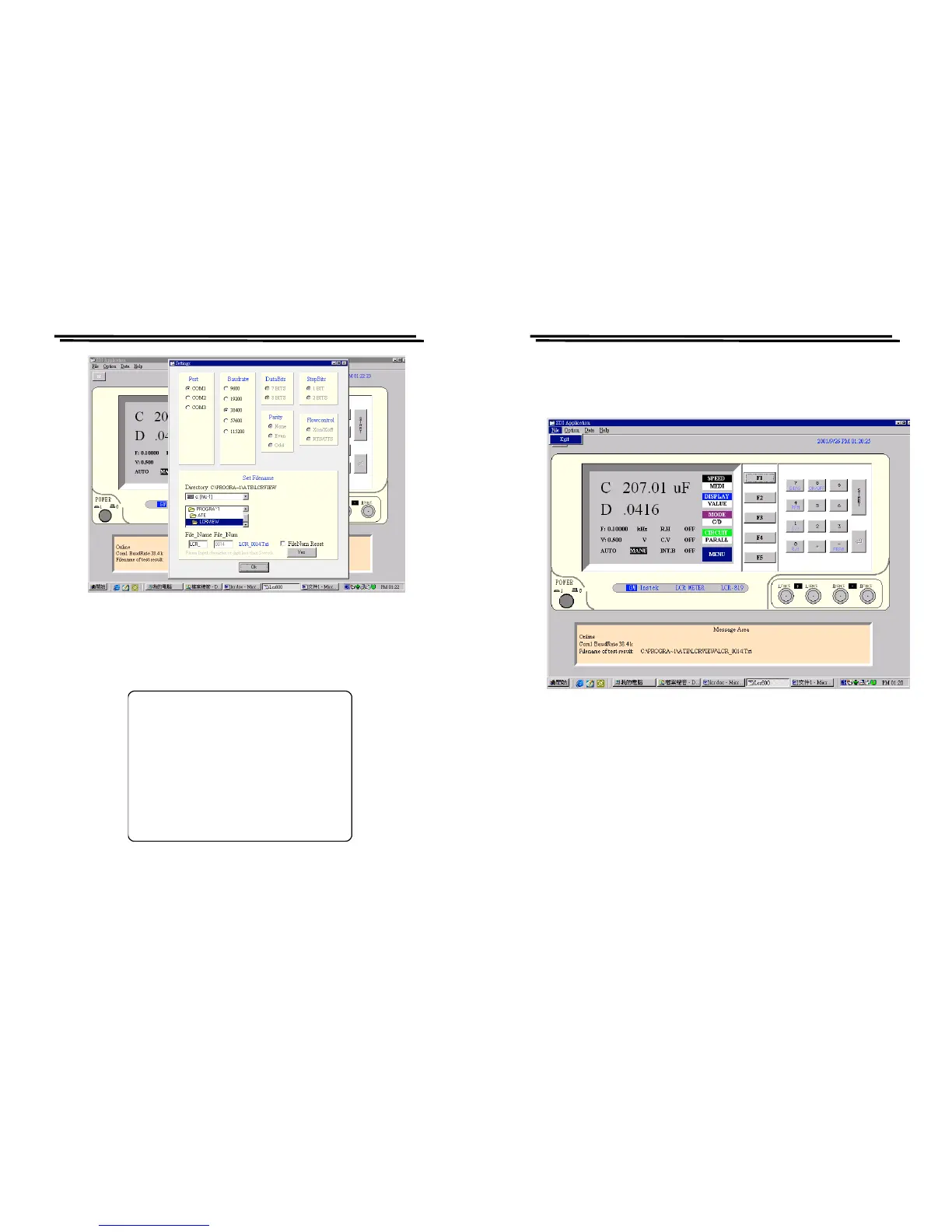
Figure 9-4
5) After online, the picture of LCR Meter will be switched to “RS232
ONLINE”, please refer to Figure 9-5.
Figure 9-5
RS232 ONLINE
LCR-800 Series User Manual
69
9-2. RS232 VIEWER Software Operation
1) File
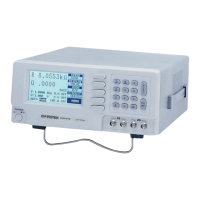
Press Exit(Figure 9-6), or press Power to leave the program.
Figure 9-6



 To Next Page