EasyManua.ls Logo

InstroTek CoreDry - Page 10

InstroTek CoreDry
36 pages
Print Icon
To Next Page IconTo Next Page
To Previous Page IconTo Previous Page
Loading...
InstroTek
6
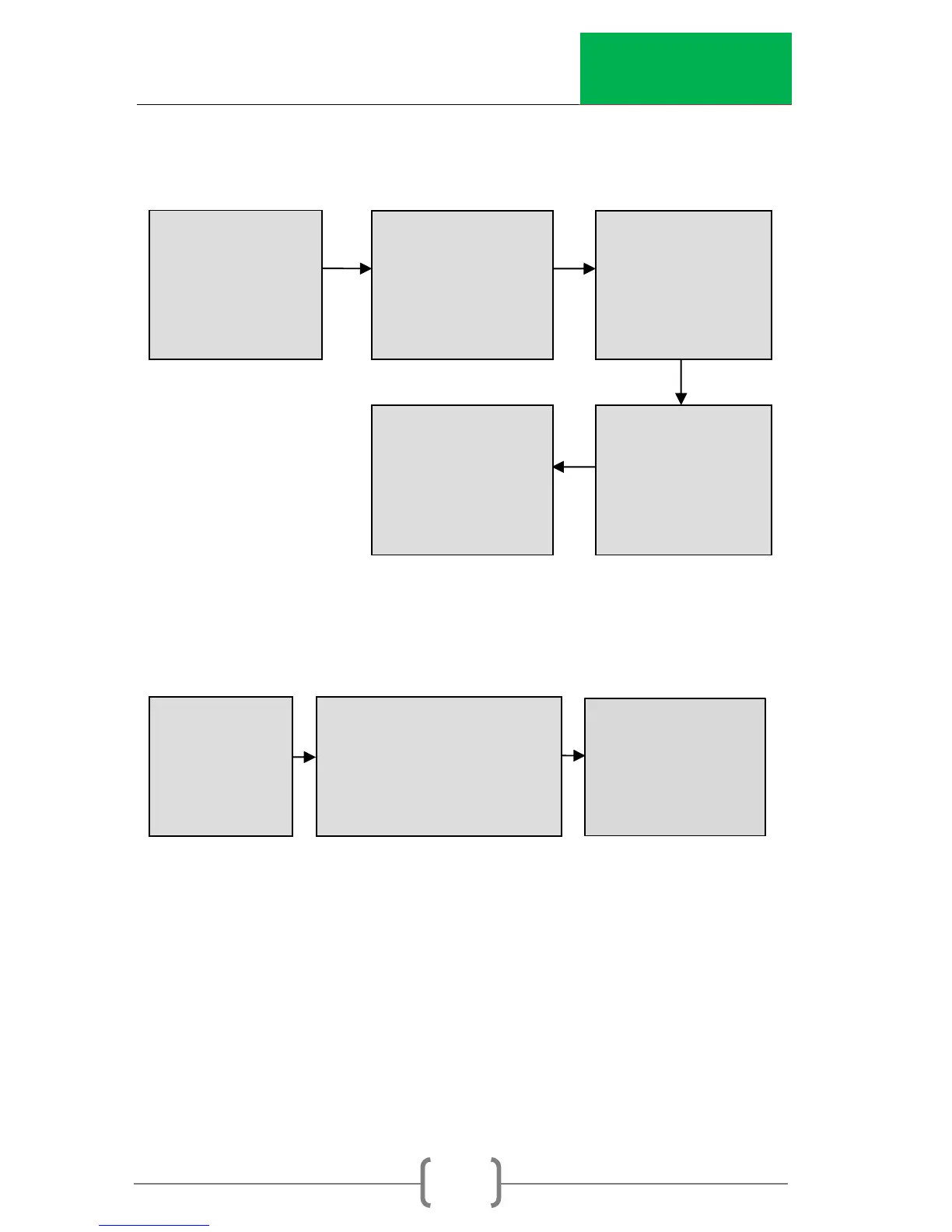
Turn Unit On: Initialization and prep flow chart.
Place the sample in the chamber, place the lid firmly on the
chamber and the unit starts cycling (after pushing the start key):
CoreDry
Version X.X.X
CoreDry
Version X.X.X
System
Pressurizing XX
CoreDry
Version X.X.X
Dry Cold Trap
T= XX
CoreDry
Version X.X.X
Cold Trap
Cooling = XX
System Ready
P1
Start to Begin
Auto Mode
Program #X
Cycle = XX T = XX
Pressure = XXX mmHg
Auto Mode
Program #X
Flow Cycle
Cycle= XX T=XX
Auto Mode
Auto Mode
Program #X
Flow Cycle
Cycle= XX T=XX
Auto Mode
Program #X
Flow Cycle
Cycle= XX T=XX
Auto Mode
Program #X
Flow Cycle
Cycle=XX T=XX
Unit cuts off when sample is dry or a message will prompt the
user to rotate the sample, when sample is not completely dry.