4
ENG
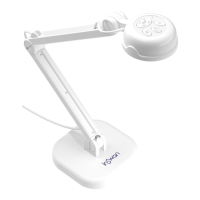
You can hold the camera to
capture images at any angle,
or place the camera in the
Camera Holder to use it as
a PC Camera or Document
Camera.
INS-3 requires the Documate applicaon or other
webinar soware to funcon.
Documate provides powerful learning-enhancing
features such as zoom, rotate, snapshot' annotaon,
video recording, paper document scans and text
extracon for eding through opcal character
recognion (OCR). Please download the latest version
of Documate for PC, Mac, or Chromebook at www.
inswan.com.
INS-3 is compable with most webinar soware
applicaons.
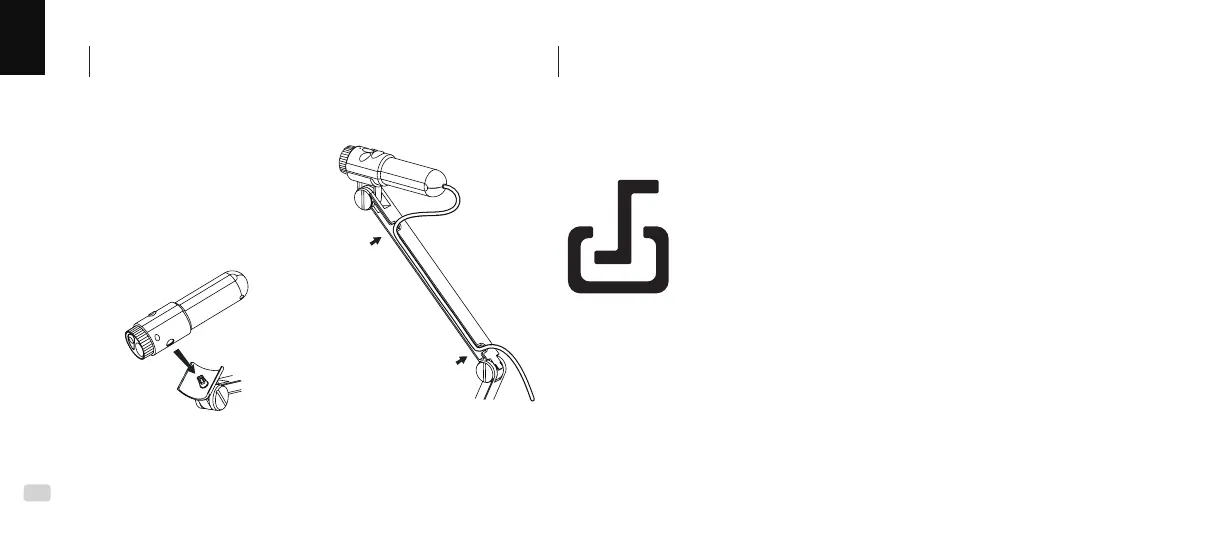
1.
Mount the camera to the
bracket
2.
Lay the USB cable in the
groove provided
Lay the Camera on the Camera Bracket
Install application software on your PC or laptop
B C



 To Next Page