6
ENG
Using Documate
E
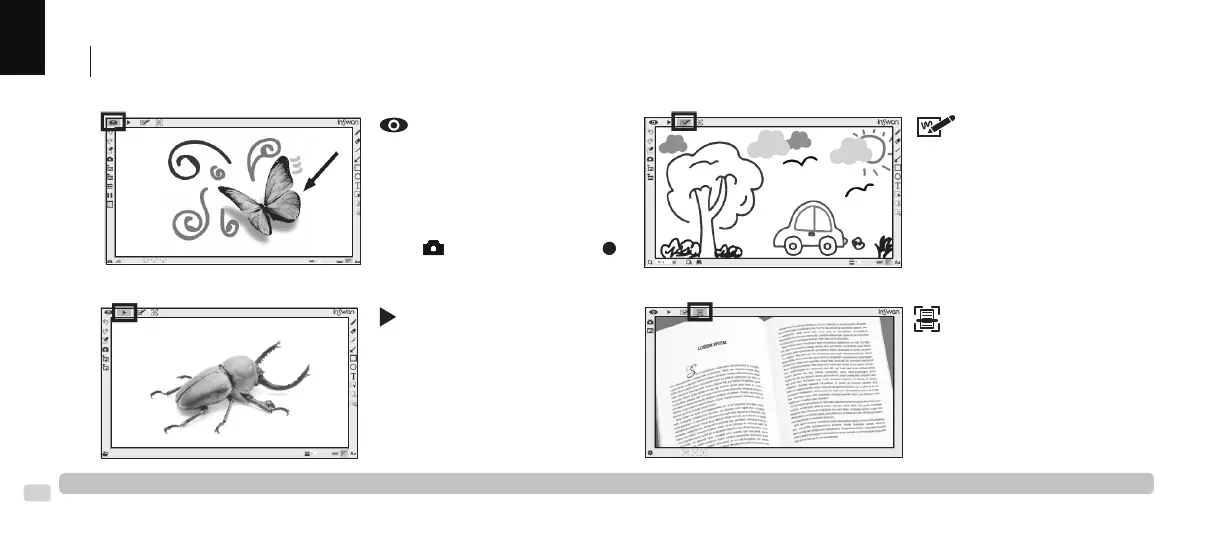
Start Documate on your PC or laptop and choose the desired operaon mode as follows :
More detailed instruconal video are available at www.inswan.com.
Live mode (default) :
Shows the live image captured
by the INS-3 and provides various
funcons to enhance your
presentaon.
Recording video and image capture
Click ( ) to take snapshots or ( )
to record video clips for future use.
Drawing mode :
Use the whiteboard space and
markup tools to add text, create
drawings or markup exisng
images.
Playback mode :
Review and/or edit snapshot and
video clips taken by INS-3 or other
devices.
Scan mode :
Scan documents or images as
PDF, PNG, JPG or TIFF, or use OCR
(opcal character recognion) to
extract text for eding.



 To Next Page