12.3 VPN
12.3.1 VPN General
A VPN (virtual private network) is used to connect IP end devices or entire
networks with each other, in a safe way. The data is transmitted tamper-proof to a
destination and cannot be read by third parties.
You can configure the EBW-E100 for an OpenVPN, PPTP or IPsec connection.
The exact proceeding for creating a certificate structure and configuring a VPN
participant is described in a series of configuration guides. These are available from
our website (http://www.insys-icom.com/cg/) or our support team (support@insys-
icom.de).
12.3.2 OpenVPN General
You can use the EBW-E100 as OpenVPN server or OpenVPN client.
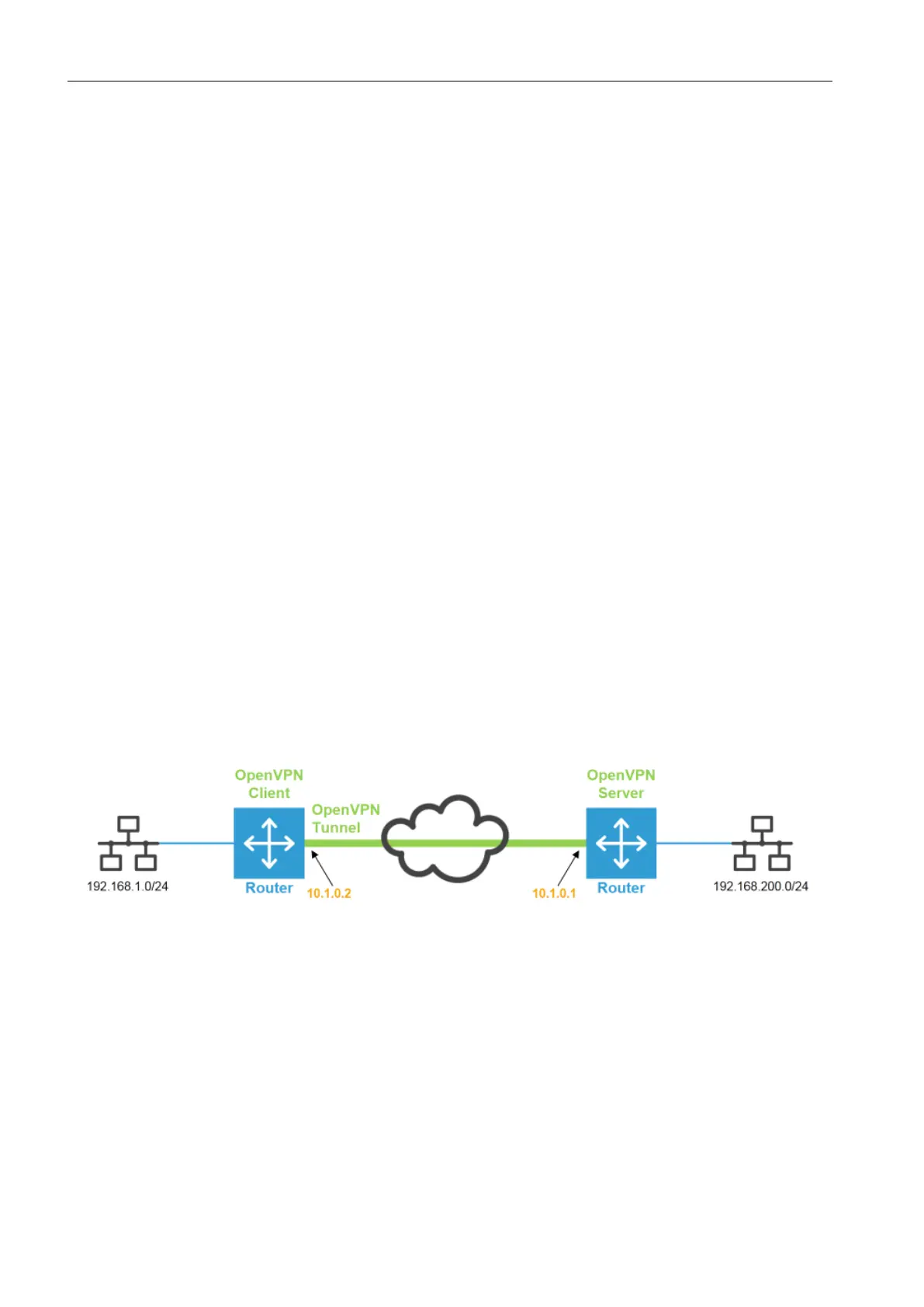
Figure 4 shows a sample configuration for an OpenVPN connection. One EBW-
E100 is configured as OpenVPN server and a second as OpenVPN client here. Both,
client as well as server can be replaced by any OpenVPN-capable devices. In the
example, a WWAN connection between the two devices exists. Via this WWAN
connection, an OpenVPN connection is established.
As soon as a WAN connection has been established, IP connections between both
networks can be established. OpenVPN uses an existing WAN connection to
establish a VPN tunnel. A tunnel consists of an IP connection, which transports all
packets to be tunnelled in its payload. OpenVPN will make a virtual network card
available for sending data traffic.
Figure 4: OpenVPN connection and IP addresses in the sample configuration


 To Next Page