DPS-5.4
ID NUMBER AND DATA SETTING
Caution:
Note:
When previous ID number and ID data, such as a factory present
ID number and ID data, are maintained, the unit enters ID
Number Confirmation Mode when the above keys are pressed.
However, if only an ID number is maintained, the unit enters ID Data Input Mode.
Preparations:
1 Remote controller RC-484M
2 TV monitor
3 ID Data DVD Disc. (Part No. 0R118)
A : ID number Input Mode
1. Press "DVD" and "1" at the same time.
2. Press "RETURN" key and "STEREO" key.
3. Enter a 9-digit ID number and ID number is also
displayed on the FL display.
4. After entering all 9 digits, when you press the "PLAY" key
the unit enters Compare mode.
5. After entering all 9 digits, when you press the "SEARCH"
key, the unit unconditionally sets the input number as the
ID number. Then the unit automatically enters Player's Data
input Mode.
6. This display appears when the "PLAY" key is pressed in
step 4. Enter a 9- digit number to compare.
7. After entering all 9 digits, you press the "PLAY" key.
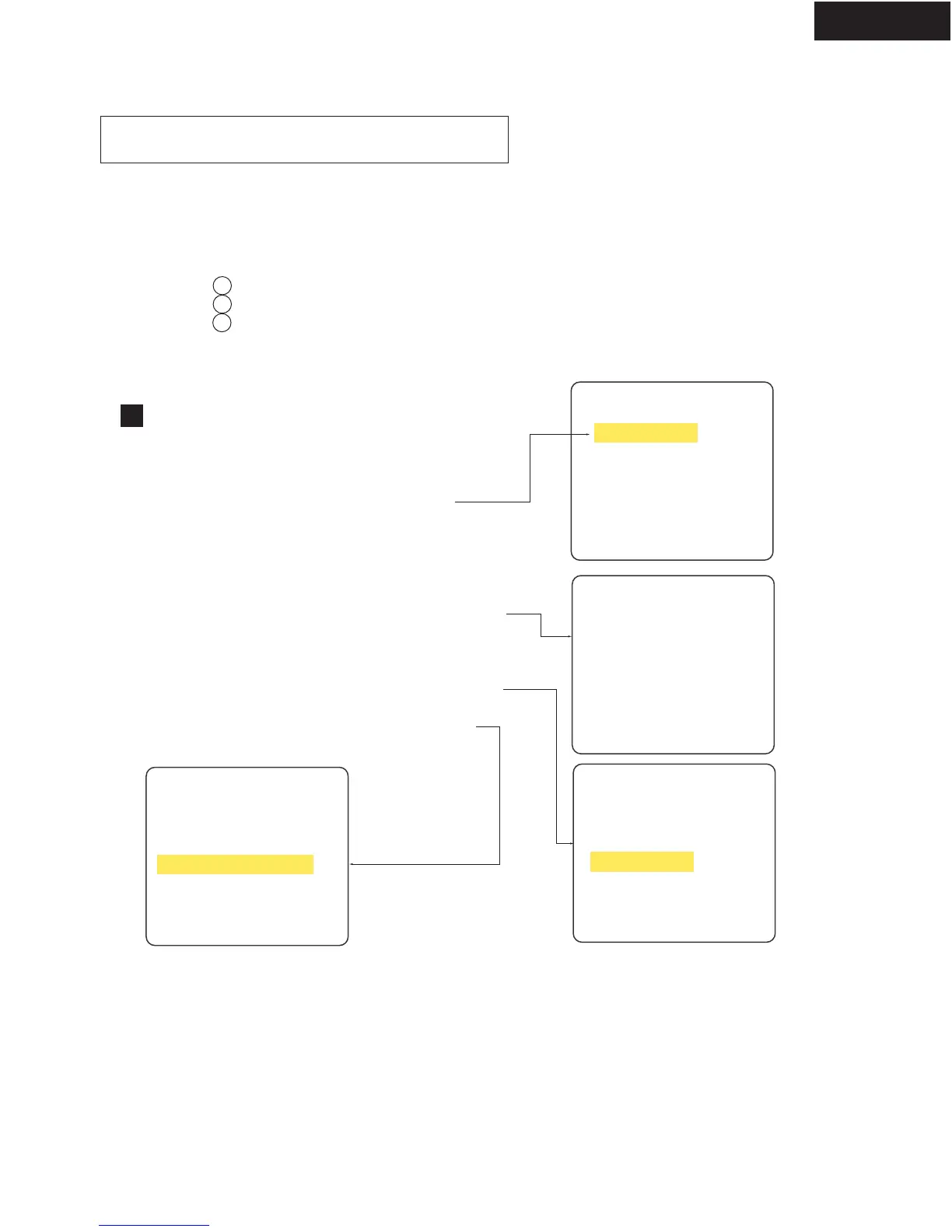
[ Remote controller RC-484M]
[Player's ID Number Setting]
ID Number ?
>---------
compare
>
<CLEAR> Exit
Input ID Number !
*********
TV monitor
[Player's ID Number Setting]
ID Number ?
>000000001
<SEARCH> Exit
Input ID Number !
<PLAY> Compare Mode
Note: When you press the PLAY key before inputting a
9- digit ID number, the unit returns to Step 2.
[Player's ID Number Setting]
ID Number ?
>000000001
Input ID Number !
Compare
>
*********
[Player's ID Number Setting]
ID Number ?
>000000001
Input ID Number !
Compare
>000000001 OK?
<PLAY> Enter
It is necessory to enter individual ID number and
ID data to each player when you repair it.



 To Next Page