102
Front Panel≫ Rear Panel≫ Remote≫
Contents
≫
Connections
≫
Playback
≫
Setup
≫
Convenience functions
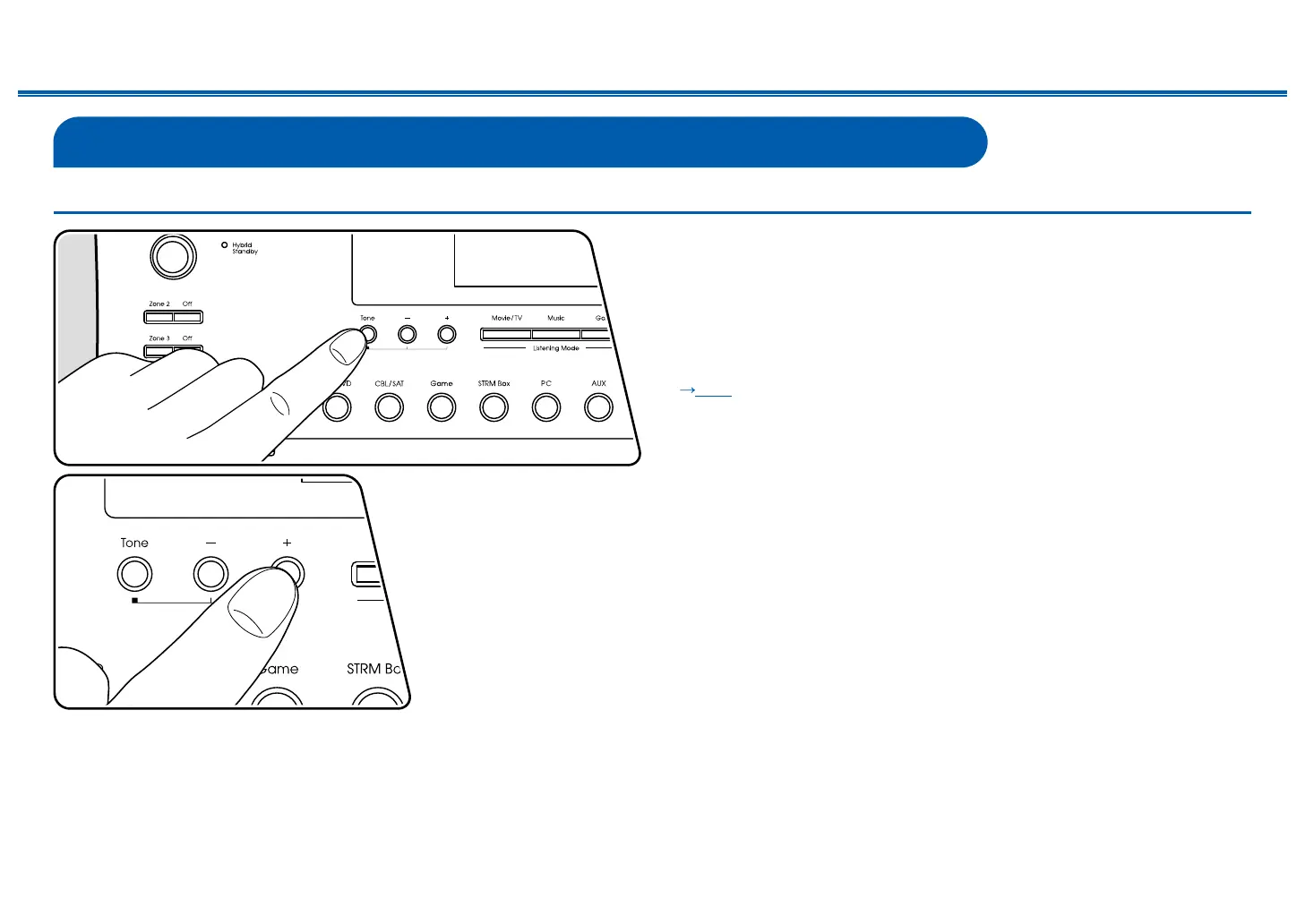
Adjusting the tone
You can adjust the sound quality of the speakers.
1. Press the Tone button on the main unit to select the setting to adjust from
"Bass" and "Treble".
Bass: Enhances or moderates the low-tone range of the speakers.
Treble: Enhances or moderates the high-tone range of the speakers.
2. Press + and - button for adjustment.
The tone can be adjusted on the quick menu using the remote controller.
( p154)



 To Next Page