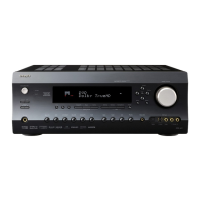
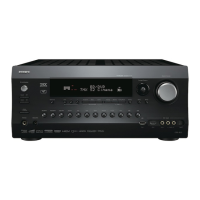
(Australian models)
Front Panel
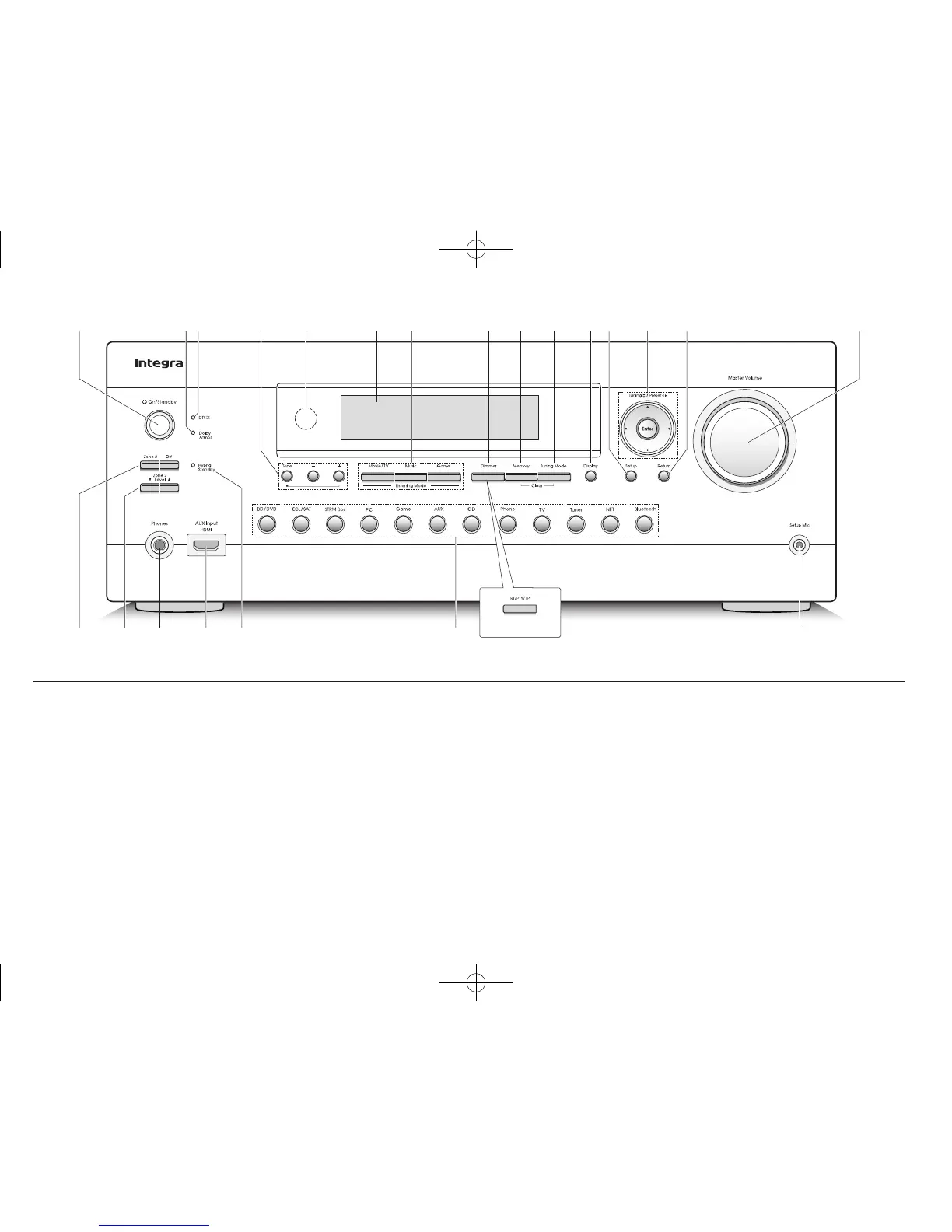
1 zOn/Standby button: Turns the unit on or into standby
mode.
2 Dolby Atmos indicator: Lights when playing Dolby
Atmos.
3 DTS:X indicator: Lights when playing DTS:X.
4 Tone and Tone Level buttons: Adjust the high tone
and low tone.
5 Remote control sensor: Receives signals from the
remote controller.
6 Display
7 Listening Mode buttons: Allow you to select the
listening mode.
8 Dimmer button (North American models): Switches
the brightness of the display.
RT/PTY/TP button (Australian models): Can be used
when receiving the station transmitting text information.
9 Memory button: Registers a station.
F Tuning Mode button: Switches the tuning mode.
G Display button: Switches the information on the
display.
H Setup button: Used when making settings.
I Cursor buttons, Tuning
jl
button, Preset
d c
button and Enter button: Move the cursor and
confirms the selection. When listening to AM/FM
broadcasting, tune in to the station with Tuning
jl
or
select the registered station with Preset
d c
.
J Return button: Returns the display to the previous
state.
K Master Volume: Allows you to adjust the volume.
L Zone 2 button and Off button: Controls the multi-zone
function.
M Zone 2 Level
/
button: Allows you to adjust the
speaker volume of a separate room.
N Phones jack: Stereo headphones with a standard plug
are connected.
O AUX Input HDMI jack: A HD camera or such other
device is connected.
P Hybrid Standby indicator: Lights if the unit enters
standby mode when the HDMI Standby Through, USB
Power Out at Standby, Network Standby or Wakeup
from Bluetooth function is enabled.
Q Input selector buttons: Switch the input to be played.
R Setup Mic jack: The supplied speaker setup
microphone is connected.
DTR-30.7_BAS_En_SN29401993_150414.indd 3 2015/05/14 16:32:47



 To Next Page