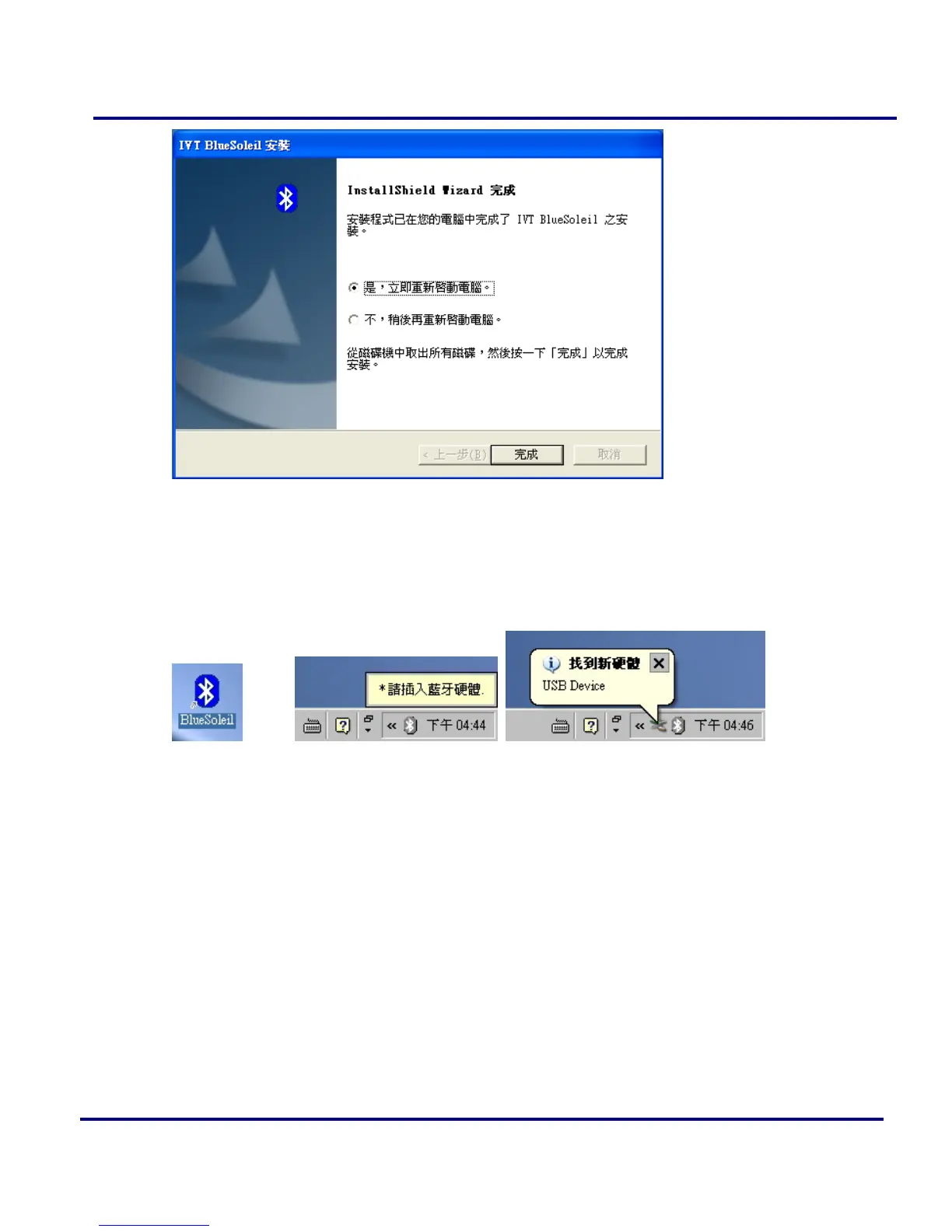
Figure 1-16: Finish installation.
7. There are two new Bluetooth icons appear on the desktop and the windows task bar
respectively when logged in Windows operating system. For more information on
the BlueSoleil, please refer to Chapter 2.
Figure 1-17: BlueSoleil on the Desktop and the system tray.
8. Now you can plug-in / install your USB Bluetooth Adapter into your computer.



 To Next Page