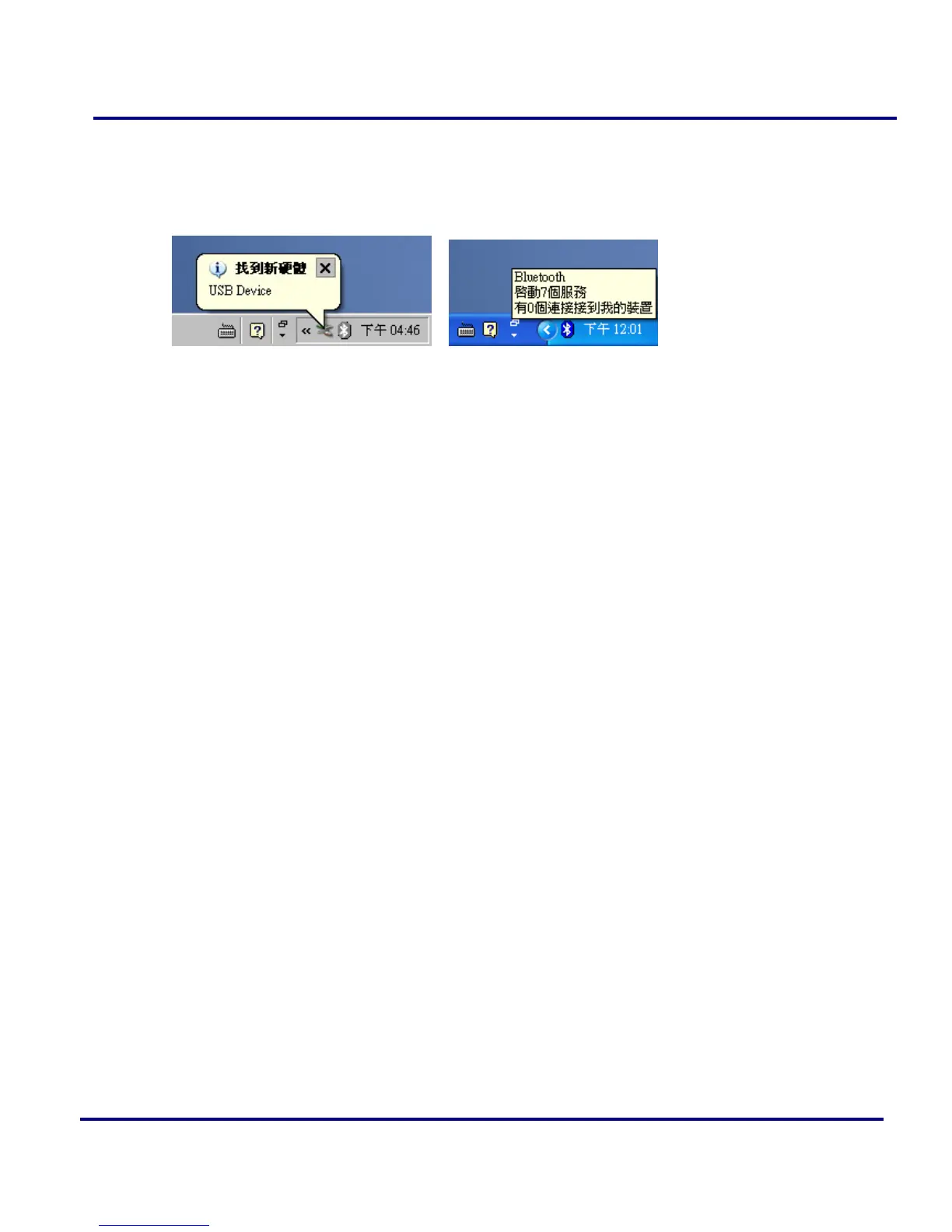
9. The Windows will show a prompt “Find new hardware – USB Device” in the
system tray Bar. Please wait its finish the installation. When the Bluetooth Icon
becomes Blue, then the hardware is installed and ready to use.
Figure 1-19: Bluetooth Icons in System tray.
10. Please remove the Software CD after the installation is complete.



 To Next Page