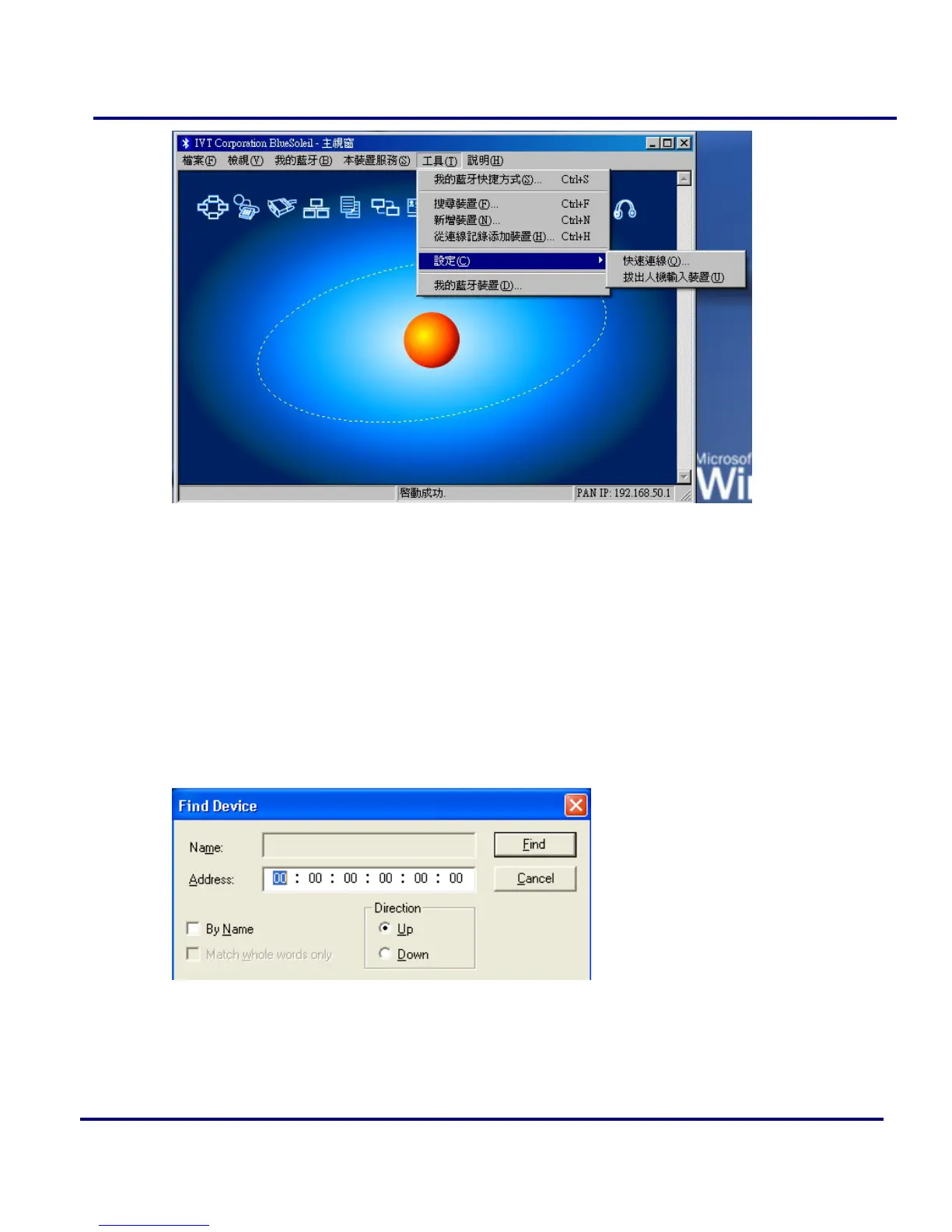
Figure 2-17: Tools Menu
Find Device: Click to find a device, by either of two search criteria. (Figure
2-18)
By Bluetooth Device Address: Enter a Bluetooth device address, in standard
format: (xx:xx:xx:xx:xx:xx), and click on the Find button. The device with the
specified address will appear highlighted in the Main Window.
By Name: Check the By Name checkbox, enter the Name of the device, and
click on the Find button. The device with the specified name will appear
highlighted in the Main Window.
Figure 2-18: Find Device
Add New Device: Add a remote device by entering its Bluetooth device address.
(Figure 2-19)



 To Next Page