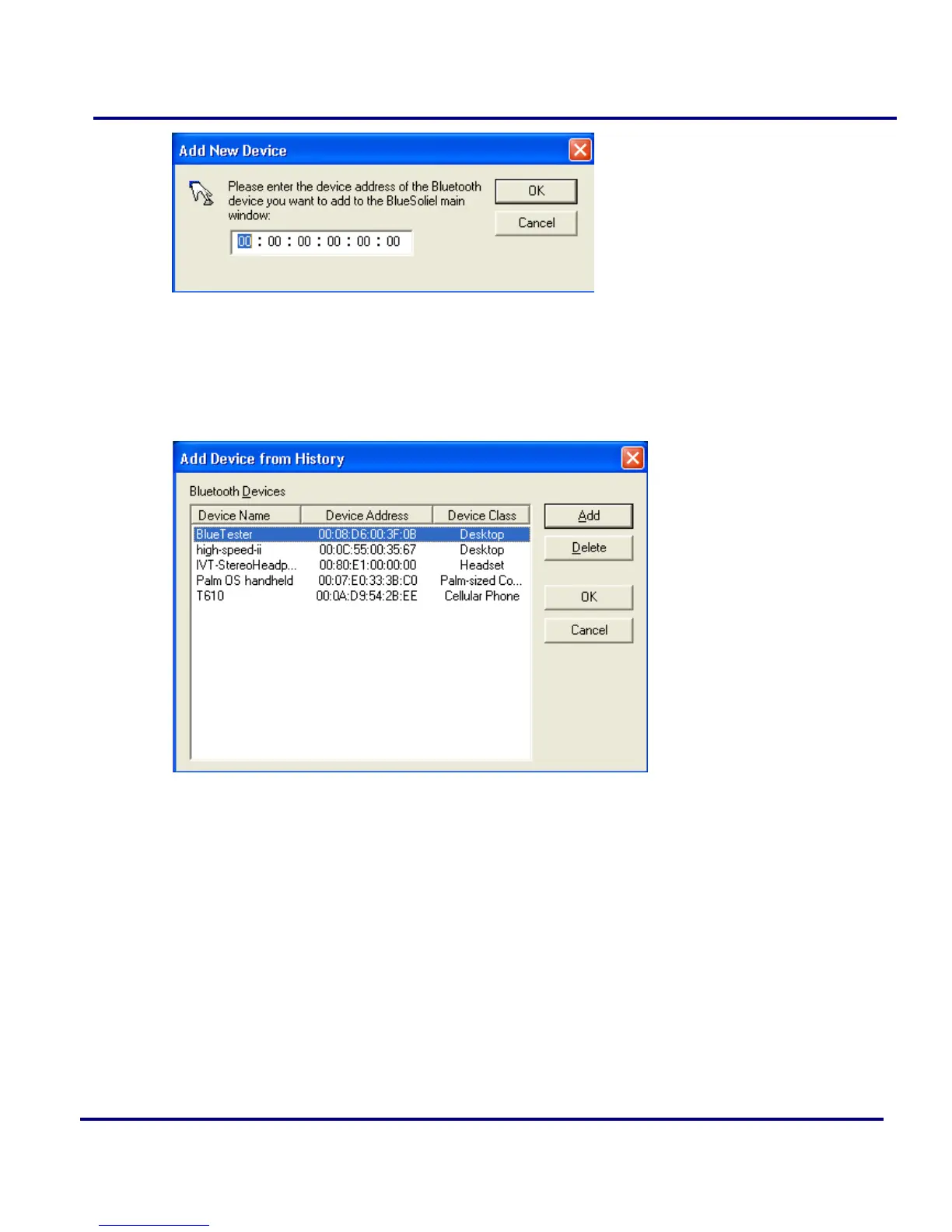
Figure 2-19: Add new Device
Add Device From History: Add a remote device from history list. (Figure 2-20)
(1) Add: Add the selected device to the Main Window.
(2) Delete: Delete the selected device from the history list.
Figure 2-20: Add Device from History
Configurations-> Quick Connect: If desired, assign a remote device to
automatically connect with whenever an application opens a specified Bluetooth
serial port.
(1) Assign: Assign a device to the selected port.
(2) Remove: Remove the Auto-Connection device assignment for the selected port.



 To Next Page