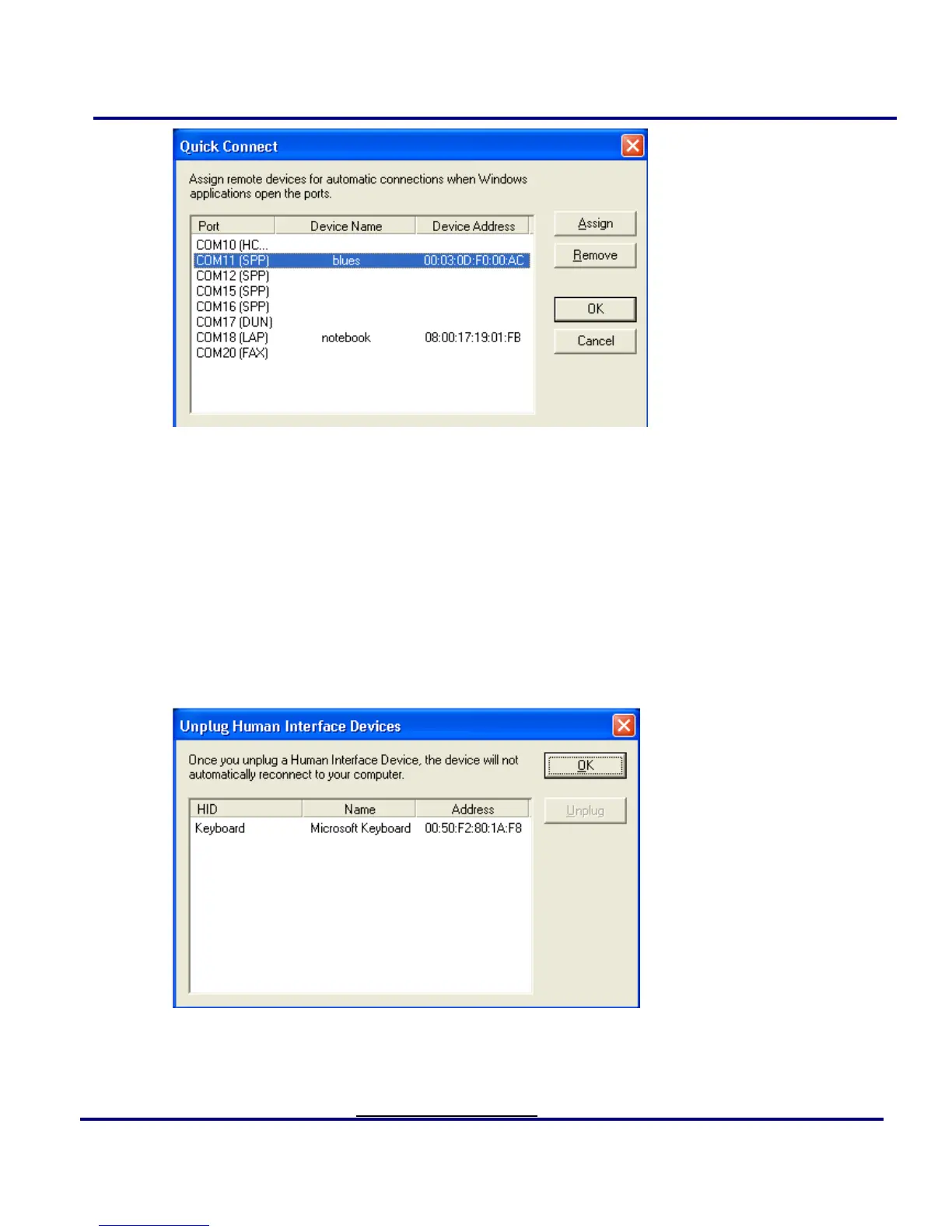
Figure 2-21: Quick Connect
Configurations->Unplug HID: Remove Human Interface Devices from
BlueSoleil. (Figure 2-22)
Unplug: Unplug the selected HID device.
When you first connect the HID device to your computer, BlueSoleil sets up the
devices so that they will automatically reconnect in case the connection is ever broken.
After you unplug an HID device, it will no longer automatically reconnect to your
computer.
Figure 2-22: Unplug HID Device
My Bluetooth Device: Advanced hardware configuration, recommended for advanced
users only. Please refer to Hardware Configuration for more details.



 To Next Page