- 8 -
English
Controls, Indicators and Operation
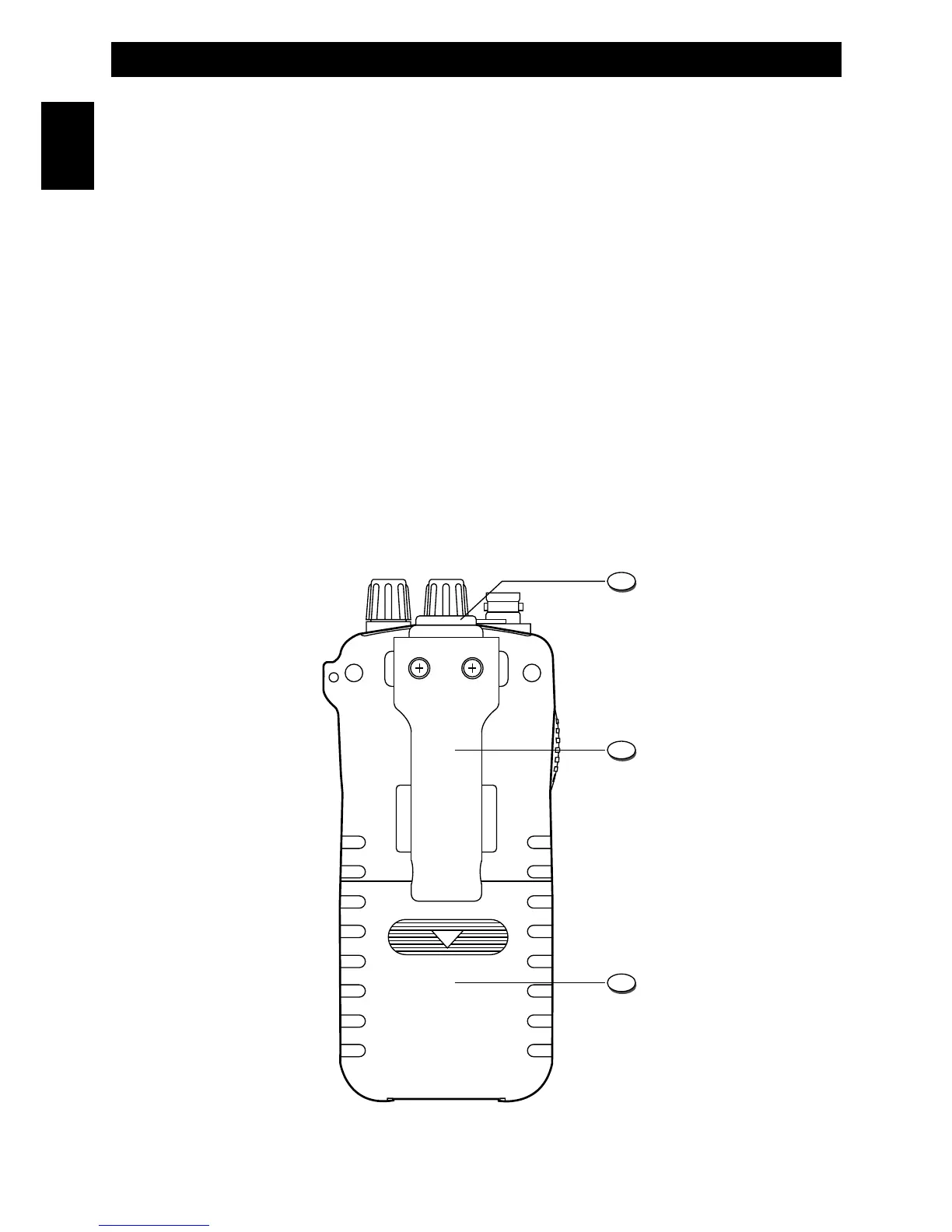
Rear Panel
20. ME Key
PROGRAMMING MEMORY CHANNELS (M1-M8)
Use the UP (9) or DN (10) keys to select the channel to be stored as a memory channel. Press the ME (20) key for
about three seconds until the M1 (E) icon appears on the LCD. Now use the UP (9) or DN (10) keys to select the
memory channel number where the previously selected channel must be stored. To store, press and hold the MENU (7)
key for about two seconds, until the previously selected channel number will appear on the LCD. All the datas of that
channel will be stored (channel number, frequency readout, AM/FM mode, transmitter power, etc.).
MEMORY CHANNELS RECALL
Shortly press the ME (20) key to access the stored memory channels. The memory channel number (M1- M8) will
appear on the LCD (i.e. M1). Use the UP (9) or DN (10) keys to select the desired memory channel.
Press again the ME (20) key to exit the memory channels recall mode.
21. PTT (Push-To-Talk) Key
Press the PTT (21) key to transmit and hold it during transmission. The TX (I) icon will be lighted during transmission.
Release the key at the end of your transmission to return to the receive mode.
WARNING ! Do not touch the antenna during transmission.



 To Next Page