Self Programming Mode
English
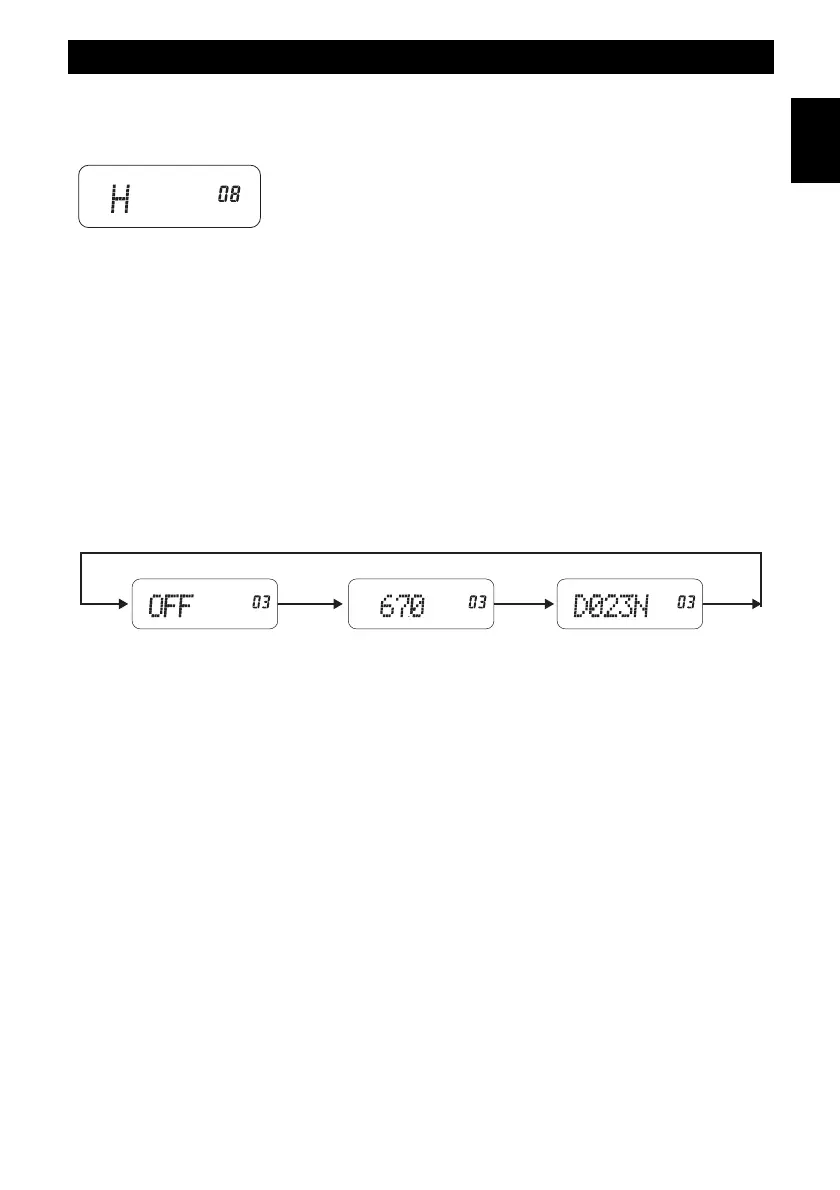
(8) RF OUTPUT POWER SETUP
Press the UP/DOWN (8) keys to choose the following items :
H : high power
L : low power
Press the CONFIRMATION (5) key to confirm.
RESET TO FACTORY SETTINGS
In the Power-OFF status, hold on the FUN (7) key and turn on the radio at the same time, then press
1 0 1 0 to get back the factory setting.
RECEIVING / TRANSMITTING SIGNAL SETUP
In the CTCSS and DCS code settings (RX and TX modes), use the MONITOR (14) key to select the
following modes :
CTCSS disabled (OFF) ---> CTCSS selection ---> DCS selection
In the DCS code setting, press the LAMP (12) key to select NORMAL code number (N) or inverted
code NUMBER (I).
- 15 -



 To Next Page