Self Programming Mode
English
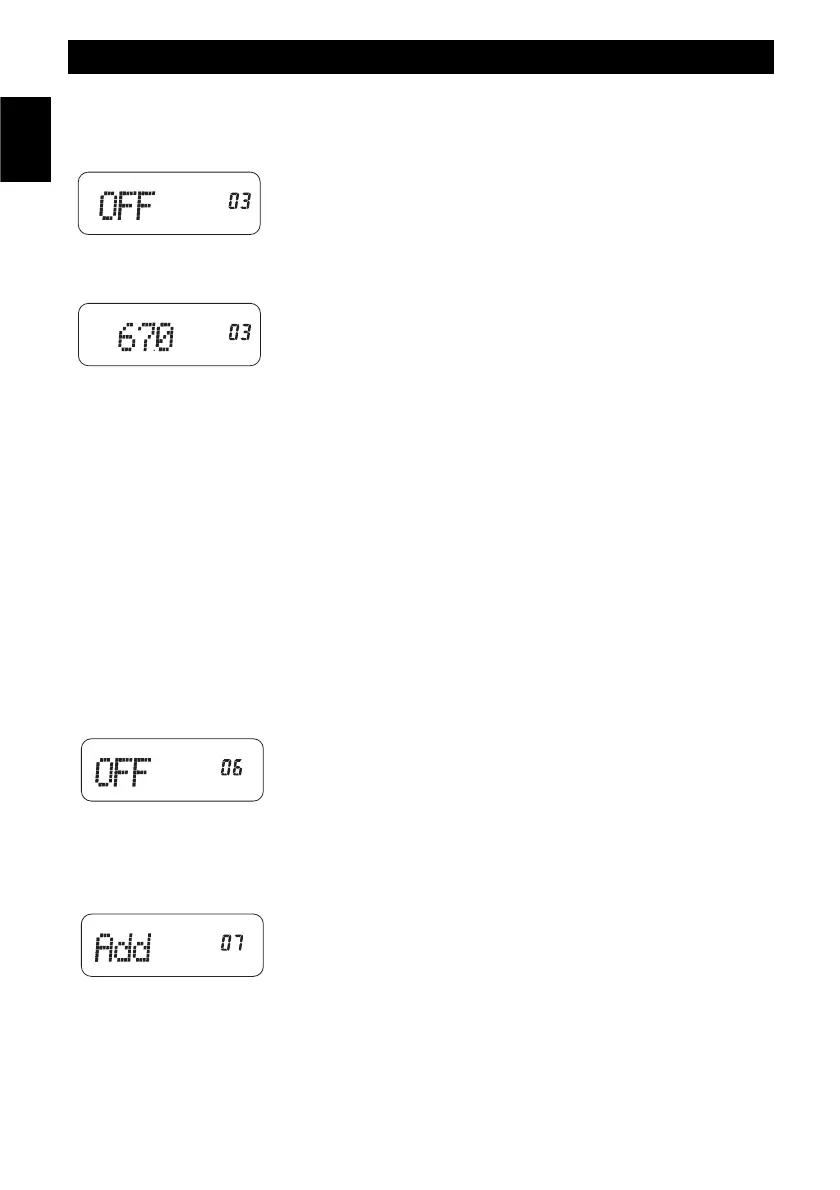
(3) RECEIVING CTCSS/DCS SETUP
Press the MONITOR (14) key to select the CTCSS or DCS codes. Press
the UP/DOWN (8) keys to choose the desired code number.
If the CTCSS function is disabled (OFF) press the MONITOR (14) key to
enable the code selection and use the UP/DOWN (8) keys to select the
desired code number (67.0 - 254.1 Hz).
Press the CONFIRMATION (5) key to confirm.
(4) TRANSMITTING FREQUENCY SETUP
Press the numeric keypad (6) to input the transmitting frequency. The frequency range is 144-146 MHz
(136.000-174.99375 MHz) (*). The default frequency step is 5 KHz.
Press the CONFIRMATION (5) key to confirm.
(5) TRANSMITTING CTCSS/DCS SETUP
Press the MONITOR (14) key to select the CTCSS or DCS codes. Press the UP/DOWN (8) keys to choose
the desired code number.
If the CTCSS function is disabled (OFF) press the MONITOR (14) key to enable the code selection and use
the UP/DOWN (8) keys to select the desired code number (67.0 - 254.1 Hz).
Press the CONFIRMATION (5) key to confirm.
(6) BCL (BUSY CHANNEL LOCKOUT)
Press the UP/DOWN (8) keys oto choose the following items :
1: carrier wave
2: CT
Press the CONFIRMATION (5) key to confirm.
(7) SCANNING DELETION / ADDITION SETUP
Press the UP/DOWN (8) keys to choose the following items :
Del : scanning deletion
Add : scanning addition
Press the CONFIRMATION (5) key to confirm.(8) RF OUTPUT POWER
SETUP
Press the UP/DOWN (10) keys or use the selector (2) to choose the
following items :
- 14 -



 To Next Page