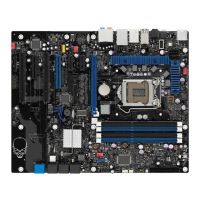
Intel Desktop Board DX58SO2 Product Guide
44
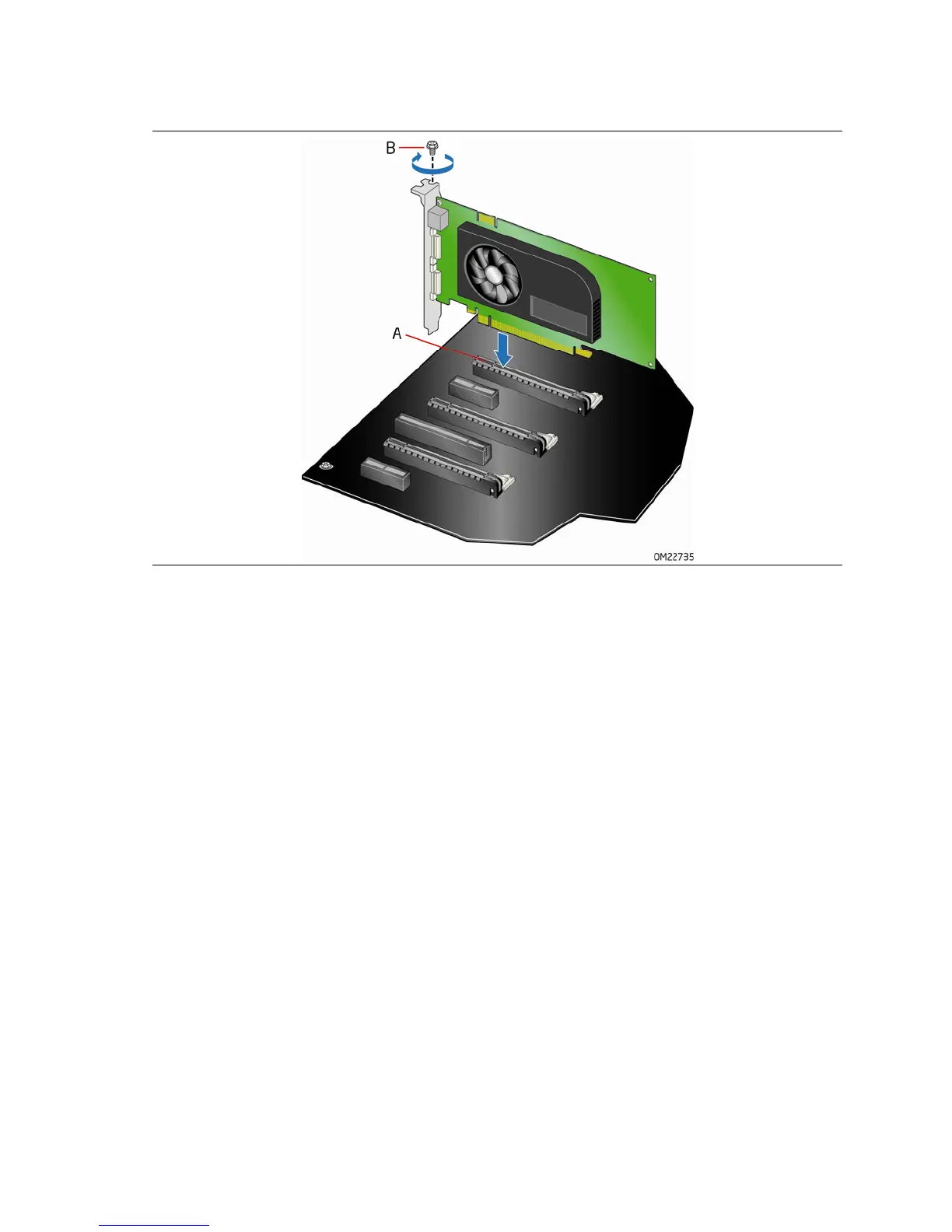
Figure 19. Installing a PCI Express x16 Card
Removing a PCI Express x16 Add-in Card
Follow these instructions to remove a PCI Express x16 card from a connector:
1. Observe the precautions in "Before You Begin" on page 31.
2. Remove the
screw (Figure 20, A) that secures the card’s metal bracket to the
chassis bac
k panel.
3. Push the card ejector lever down using the tip of a pencil or similar tool
(Figure 20, B) in the notch. This will release the card from the connector (C).
4. P
ull the card straight up.



 To Next Page