11
» Network password: if you disable the previous option (Leave network open), you can set the password you want
for your Wi-Fi network. This is the password you will use when connecting your wireless devices to the network (smart-
phones, notebooks, tablets etc). The encryption used will be
WPA/WPA2-PSK
.
Note:
the elds Wi-Fi Network Name and Wi-Fi Network Password allow the following characters:
Space
! “ # $ % & ‘ ( ) * + , - . / 0 1 2 3 4 5 6 7 8 9
: ; < = > ? @ A B C D E F G H I J K L M N O P Q R S
T U V W X Y Z [ \ ] ^ _ ` a b c d e f g h i j k l m
n o p q r s t u v w x y z { | } ~
Deactivate
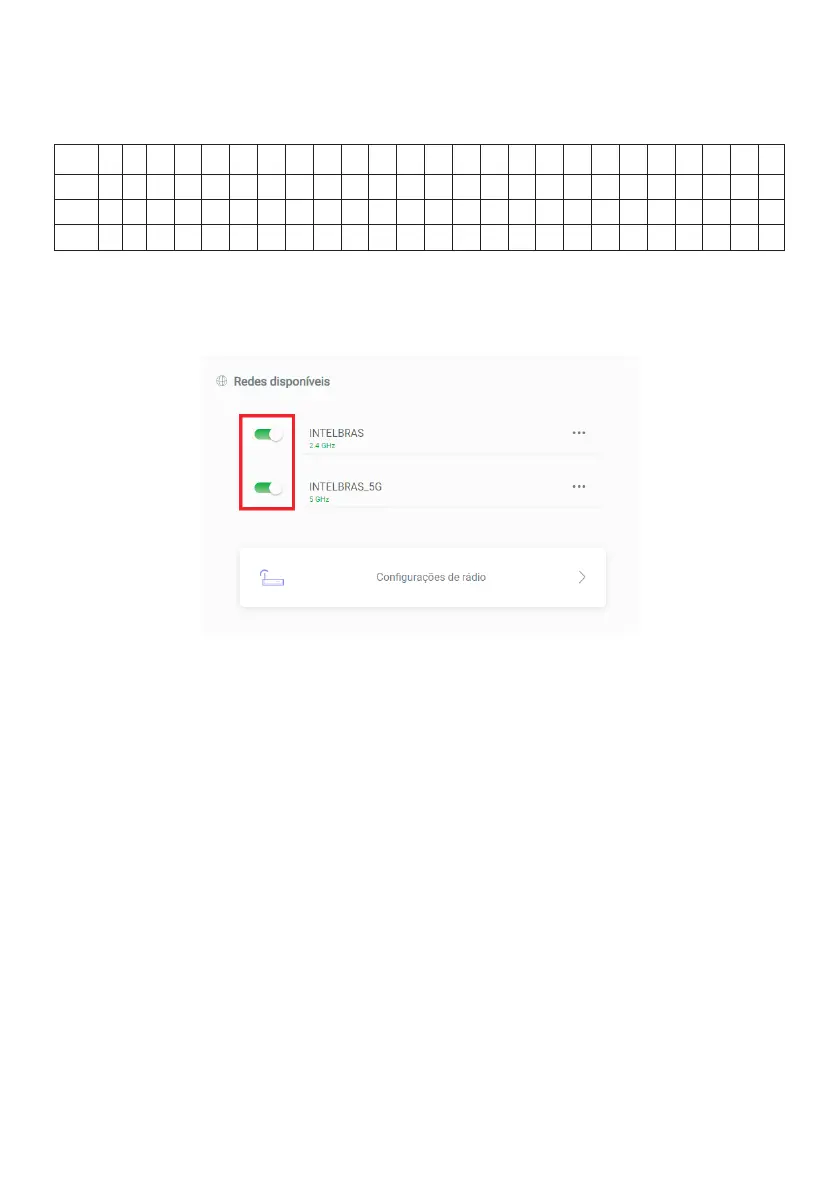
If you want any of your Wi-Fi networks to be deactivated, you can do so by using the signaled icons in the image below.
Thus, in a common search for Wi-Fi networks on a wireless device, the disabled network will not be listed, nor will it
be possible to connect to it.
Deactivation function for your network



 To Next Page