12
Radio
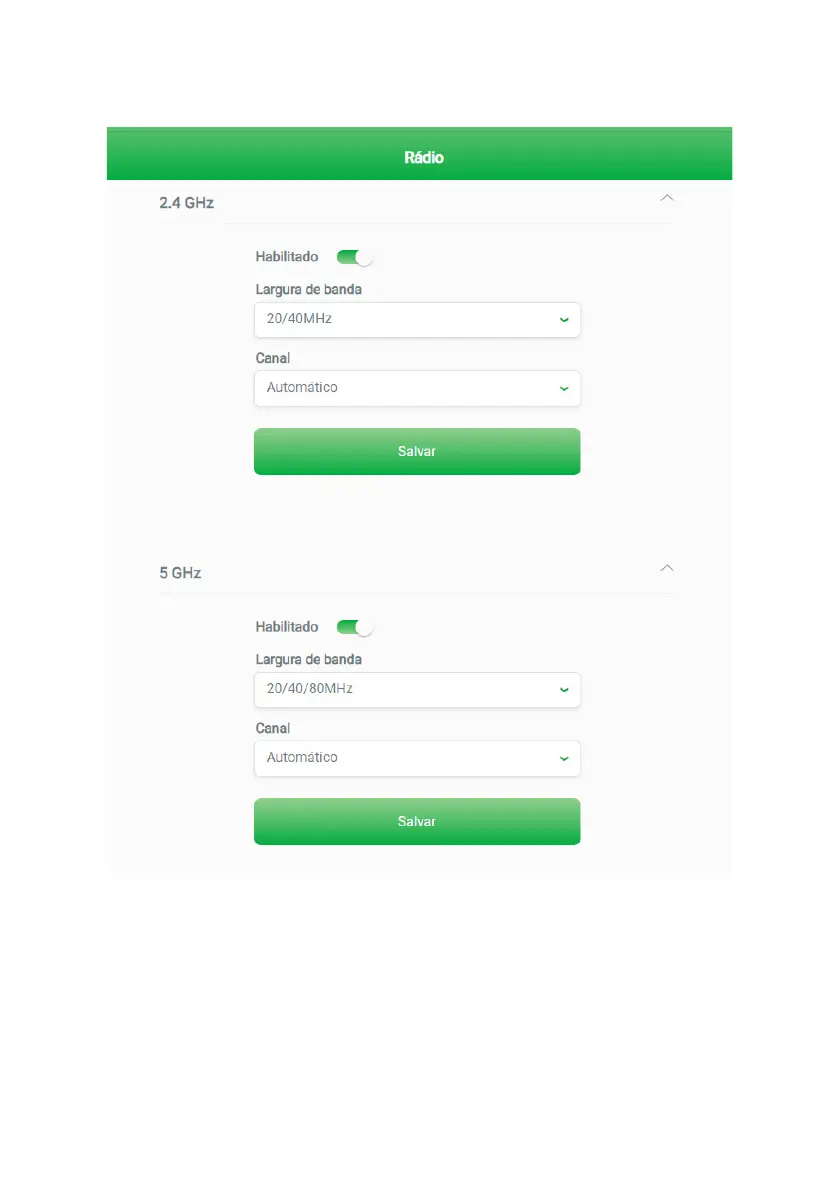
You can change the radio settings of each frequency separately by clicking on
Radio settings
and accessing the edit
screen as shown below.
2.4 GHz and 5 GHz radio settings
» Enabled: if activated (gure above), the radio of a certain frequency will be on and can provide Wi-Fi connection. If it is
deactivated, the radio of a certain frequency will be turned off and will not be able to provide Wi-Fi connection.
» Bandwidth: in this eld, you can select the bandwidth options you wish for each of the radios.
» For Wi-Fi 2.4 GHz network
» 20/40 MHz: In this option, the router will make available both the 20 MHz option and the 40 MHz option for
wireless devices to connect.
In environments with a lot of interference, your router will automatically use 20 MHz bandwidth.



 To Next Page