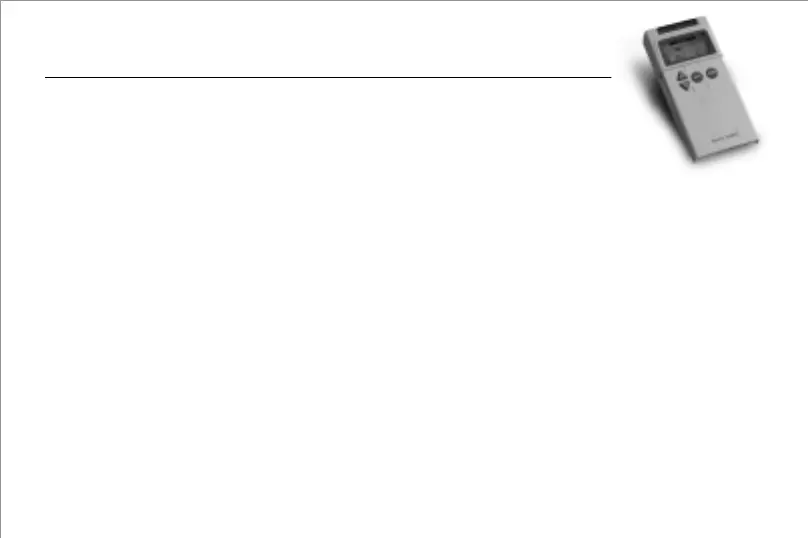
"DECREASE" control button (inverted triangle-button)
This button decreases the pulse width from 300~50µs, decreases the pulse rate from 120 to 2Hz, and decreases the
timer from continuous mode to 90 to 5 min.
"MODE" button (round-button on the right side of the control panel)
This button selects a Stimulation-Mode. It displays the mode status from three types of function modes; which are
Synchronous, Constant and Alternate.
"SET" button (round-button on the middle of the control panel)
This button set the ramp, on time, off time, rate, width and timer. Press the 'SET' button to enter a parameter
setting mode including ramp, on time, off time, rate, width and timer.
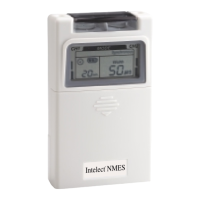
LCD screen
This LCD displays stimulating mode, ramp, on time, off time, pulse rate, pulse width and display timer. The channel
output will be indicated on the left side (Channel 1) and right side (Channel 2) of the LCD screen. The modes will be
displayed on the top of the LCD panel. The ramp, on time, off time, pulse rate, and pulse width will be shown on the
middle-right of the screen. The timer and clock symbol display on the middle-left of the screen, the clock symbol will
flash in final 5 min.
Battery compartment
9 Voltage battery- 1 pc
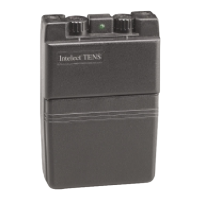
Knob Cover:
An acrylic knob cover protects amplitude controls from accidental user touch when the
unit is being used. After adjusting the output, remember to have the cover closed.
Lid Cover:
A panel covers the controls for Mode, Set, INCREASE and DECREASE adjustments. Your medical professional may
ask to set these controls for you and request that you leave the cover in place.
Amplitude Controls:
It controls the "INTENSITY" level of stimulating pulses. These controls located at the top of the unit regulate the
amplitude, or intensity, of the stimulation and are the ON/OFF CONTROL. The ON indicator signal will stay lit as
long as the unit is working, and mimics the output of the electrical pulse.
Caution: If the stimulation levels are uncomfortable or become uncomfortable, reduce the stimulation intensity to a
comfortable level and contact your physician if problems persist.
"INCREASE" control button (triangle-button)
This button increases the pulse width from 50~300µs, increases the pulse rate from 2 to 120Hz, and increases the
timer from 5 to 90 min to continuous mode.
87


 To Next Page