4.7 Adjust the Frequency:
The frequency is adjustable 2~150Hz.
Turn Frequency Control to adjust Frequency to the setting recommended by your medical
professional.
4.8 Adjust Timer:
The timer is adjustable: 30 minutes, 60 minutes, or Constant.
Shift TIMER switch to set the stimulation time recommended by your physician or therapist.
4.9 Adjust Channel Amplitude:
Turn Channel 1 or 2 clockwise. Slowly turn the Channel control until you reach the setting
recommended by your medical professional. Repeat for the other channel, if both channels
are to be used.
Caution: If the stimulation levels are uncomfortable or become uncomfortable, reduce the stimulation
intensity to a comfortable level and contact your medical practitioner if problems persist.
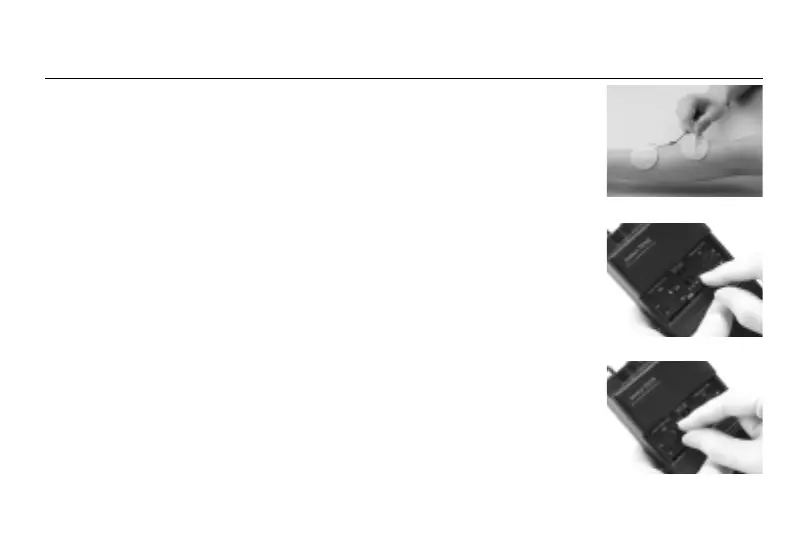
4.4 Place electrodes on skin:
Apply electrodes to the exact site indicated by your physician, following the instruction
included with the electrodes labeling. Before applying electrodes, be sure the skin surface
over which electrodes are placed is thoroughly cleaned and dried. Make sure the
electrodes are placed firmly to the skin and make good contact between the skin and the
electrodes. Place the electrodes over the skin; attach them properly, firmly, and evenly.
ADJUSTING THE CONTROLS
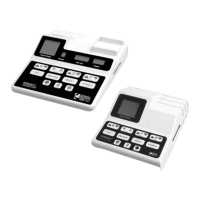
4.5 Select the mode:
Shift "MODE" switch to set the stimulation mode recommended by your physician or
therapist. For details about stimulating waveform and sequences, please refer to Sec. 3
"Stimulation Modes".
Caution: Consult your physician for your suitable stimulation mode.
4.6 Adjust the Pulse Width:
The pulse width is adjustable 60~250µs.
Turn Pulse Width Control to adjust pulse width to the setting recommended by your
medical professional.
12
11


 To Next Page