AC40 Service Manual Page 47
Selecting EAR3A Insert phone
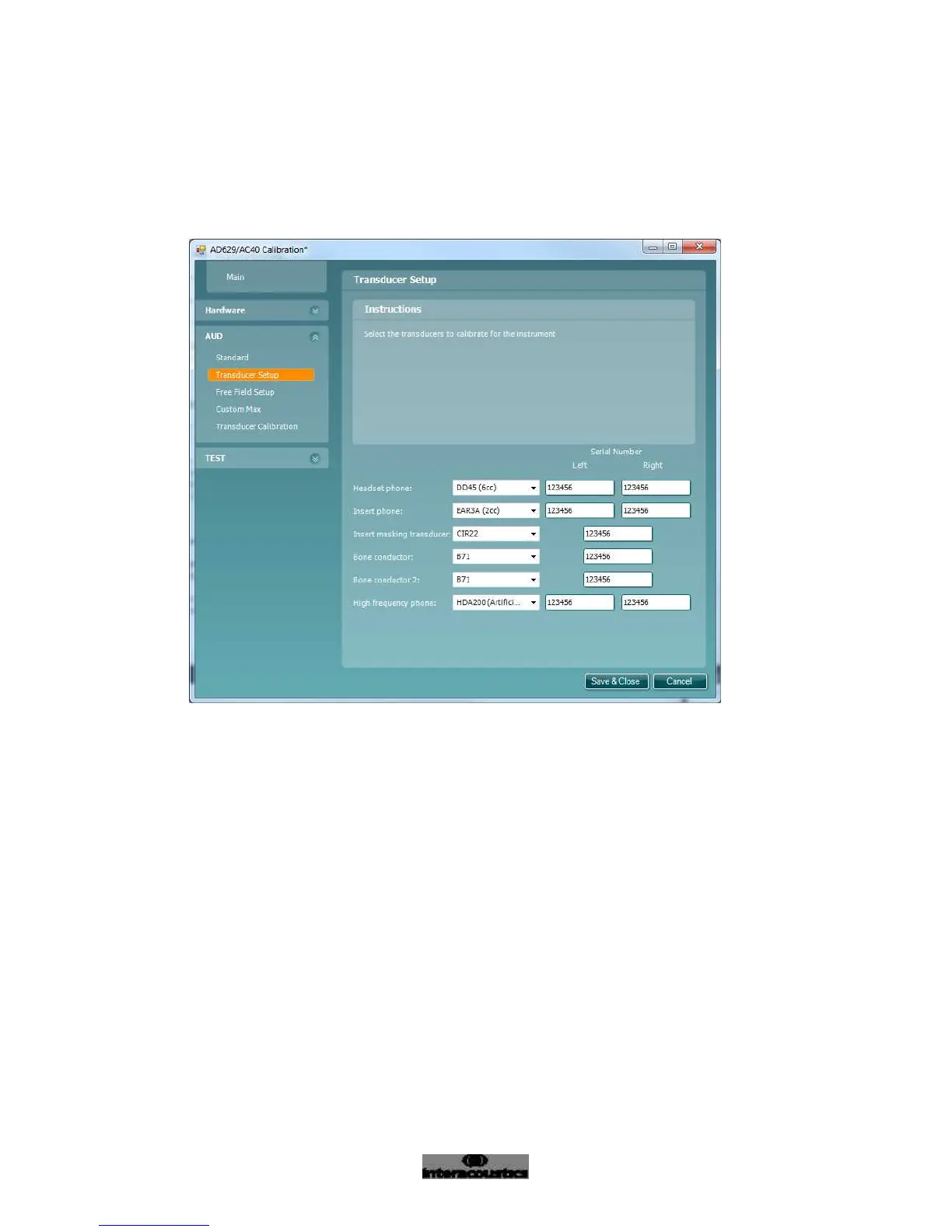
Select “Transducer Setup” (Figure 18)
Select “Insert phone” and select EAR3A
Enter the serial numbers for the left and right phones in the field “Left” and “Right”
Figure 18
Calibration of EAR3A
Equipment needed for calibration of EAR3A:
Measuring amplifier
Acoustical IEC 60318-5 (IEC126) coupler
Frequency counter
Correction values for coupler
30° adaptor cable



 To Next Page