D-0120588-B – 2019/03
Eclipse – Instructions for Use - EN Page 12
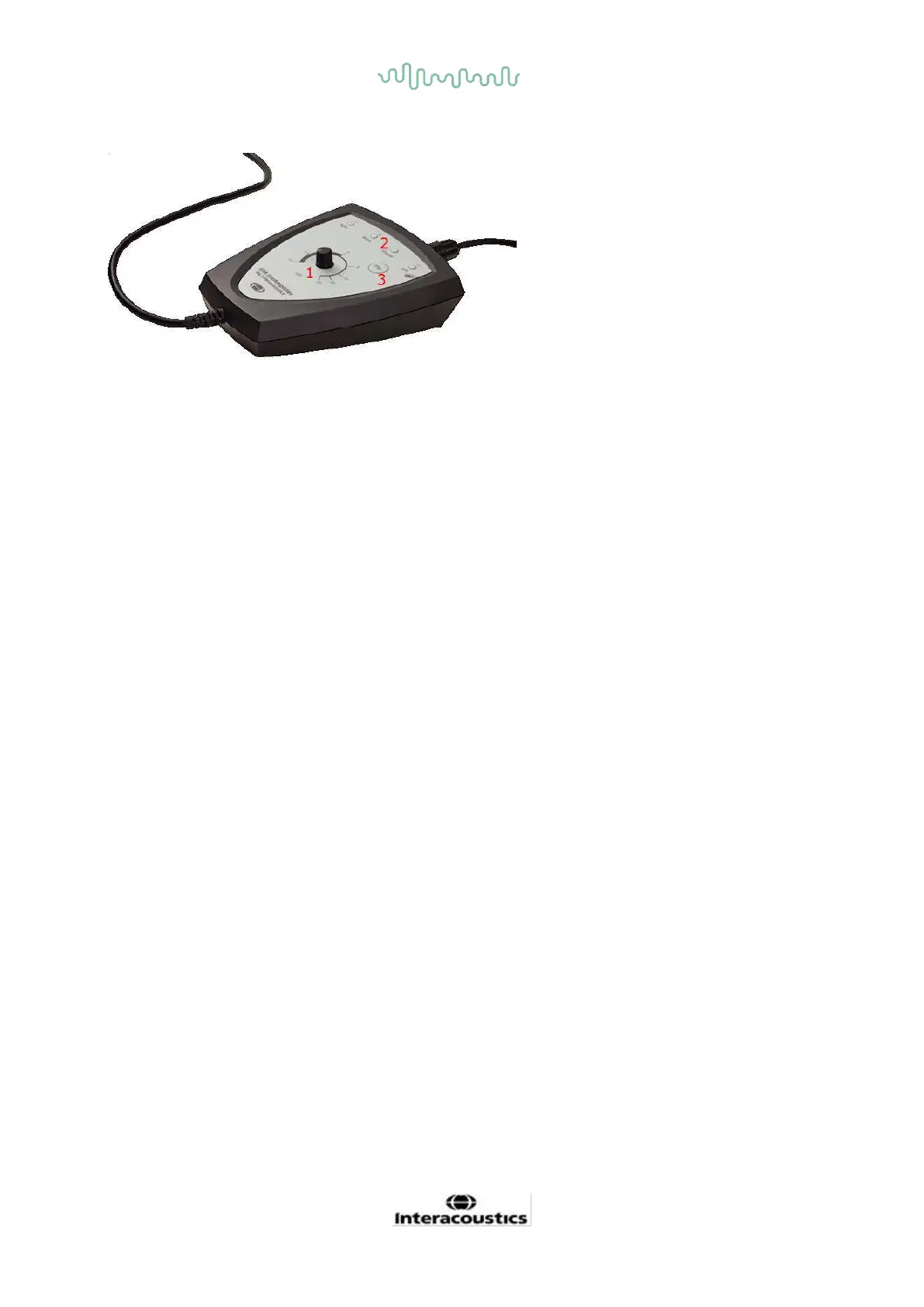
2.3.4 Preamplifier buttons
The preamplifier is used for the ABRIS, EP15, EP25, VEMP and ASSR modules.
For further instruction on how to use, please read the module chapter.
2.4 Software installation
2.4.1 To know before you start installation
1. You must have administrative rights to the computer on which you are installing the Eclipse module
software.
2. DO NOT connect the Eclipse Hardware to the computer before the software has been installed!
NOTICE
1. Interacoustics will not make any guarantee to the functionality of the system if third party software is
installed, with the exception of the OtoAccess® or a Noah 4.0 or higher.
2. When running the EP15/EP25/VEMP on Windows® 7, desktop composition must be disabled for
optimal user interface actions.
2.4.2 Minimum PC requirements
The Eclipse is a medical device requiring to be used with a PC that meets certain minimum specifications.
• Core i3 CPU or better (Intel recommended)
• 8 GB RAM or more
• Hard drive with min 10 GB free space (Solid State Drive (SSD) recommended)
• Minimum display resolution of 1280x1024 pixels or higher recommended)
• DirectX 11.x compatible graphics (Intel/NVidia recommended)
• One USB ports, version 1.1 or higher
Supported Operating Systems
• Microsoft Windows® 7 32-bit and 64-bit
• Microsoft Windows® 8 32-bit and 64-bit
• Microsoft Windows® 10 32-bit and 64-bit
Windows® is a registered trademark of Microsoft Corporation in the United States and other countries.














 To Next Page