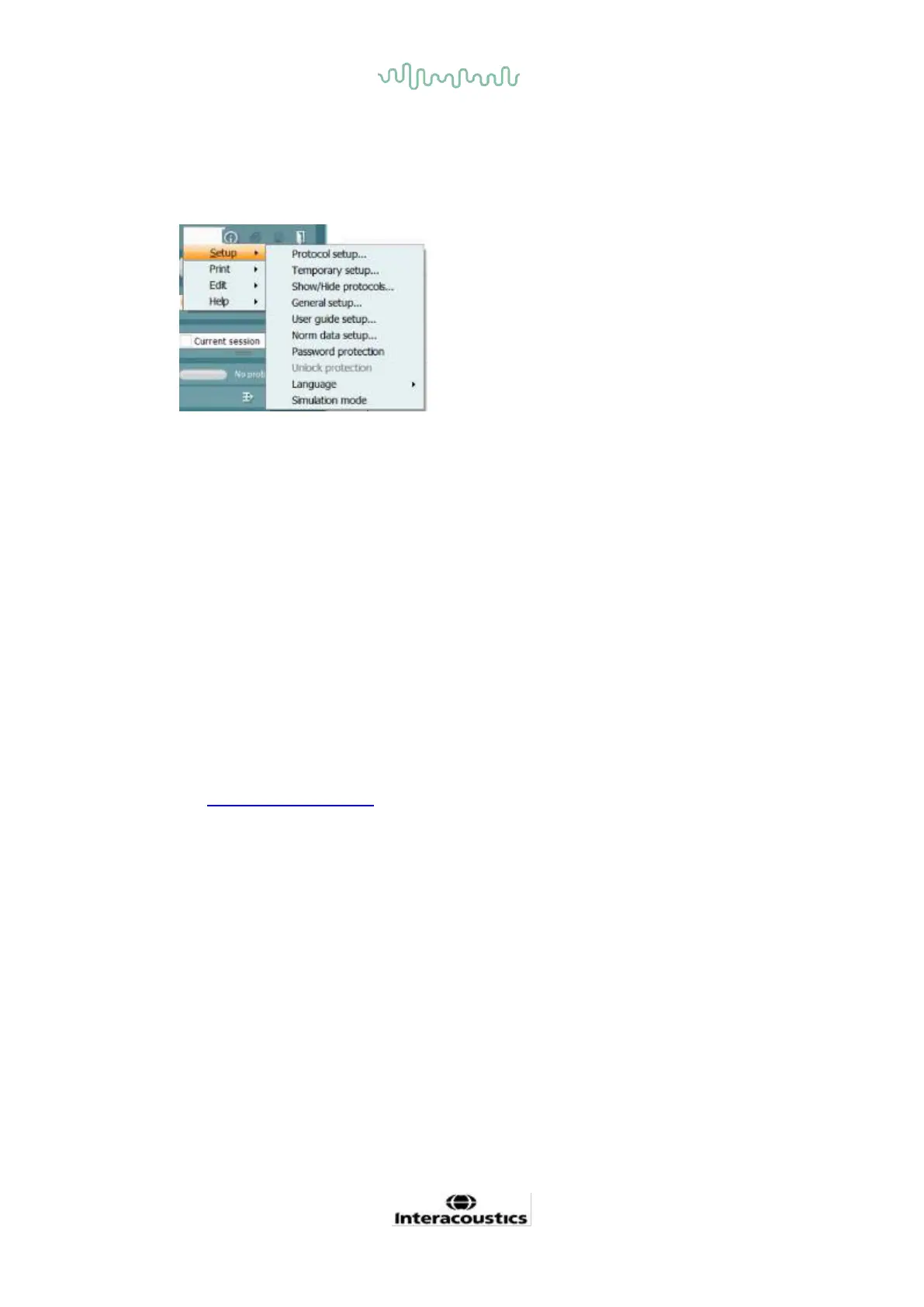
Menu provides access to Setup, Print, Edit and Help.
• Menu | Setup | Protocol setup create custom test protocols, or change the default
protocols
• Menu | Setup | Temporary setup change protocols temporarily
• Menu | Setup | Show/Hide protocols hide or show protocols as preferred
• Menu | Setup | General setup Set specific OAE test parameters and automated print to pdf
• Menu | Setup | Norm data setup customize and import/export OAE norm data
• Menu | Setup | Password protection set a password for the setup
• Menu | Setup | Language allows selection of one of the available .languages. The language
selection change will come into effect after the IA OAE software is reopened
• Menu | Setup | Simulation mode activate the simulation mode, and trial out the protocols or
see how data is visualized
• Menu | Print preview print, print wizard and print
• Menu | Edit export the data to an XML file
• Menu | Help | About OAE software… displays an information window showing the
following:
o IA OAE software version
o Hardware version
o Firmware version
o Copyright Interacoustics
Further, you can reach the Interacoustics website from this window by clicking on the link to
www.interacoustics.com
By pressing the License button you are able to change the license keys of the device. The
license keys for the device are specific for each serial number and define which modules,
tests, protocol settings and other functionalities are available. Never change the license key
without help of an authorized technician
• Menu | Help | Documents… launches digital version of the Instructions for Use Manual and
Additional information manual (Adobe Reader required)














 To Next Page