Affinity
2.0
Additional Information Page 120
1.11 Password protection
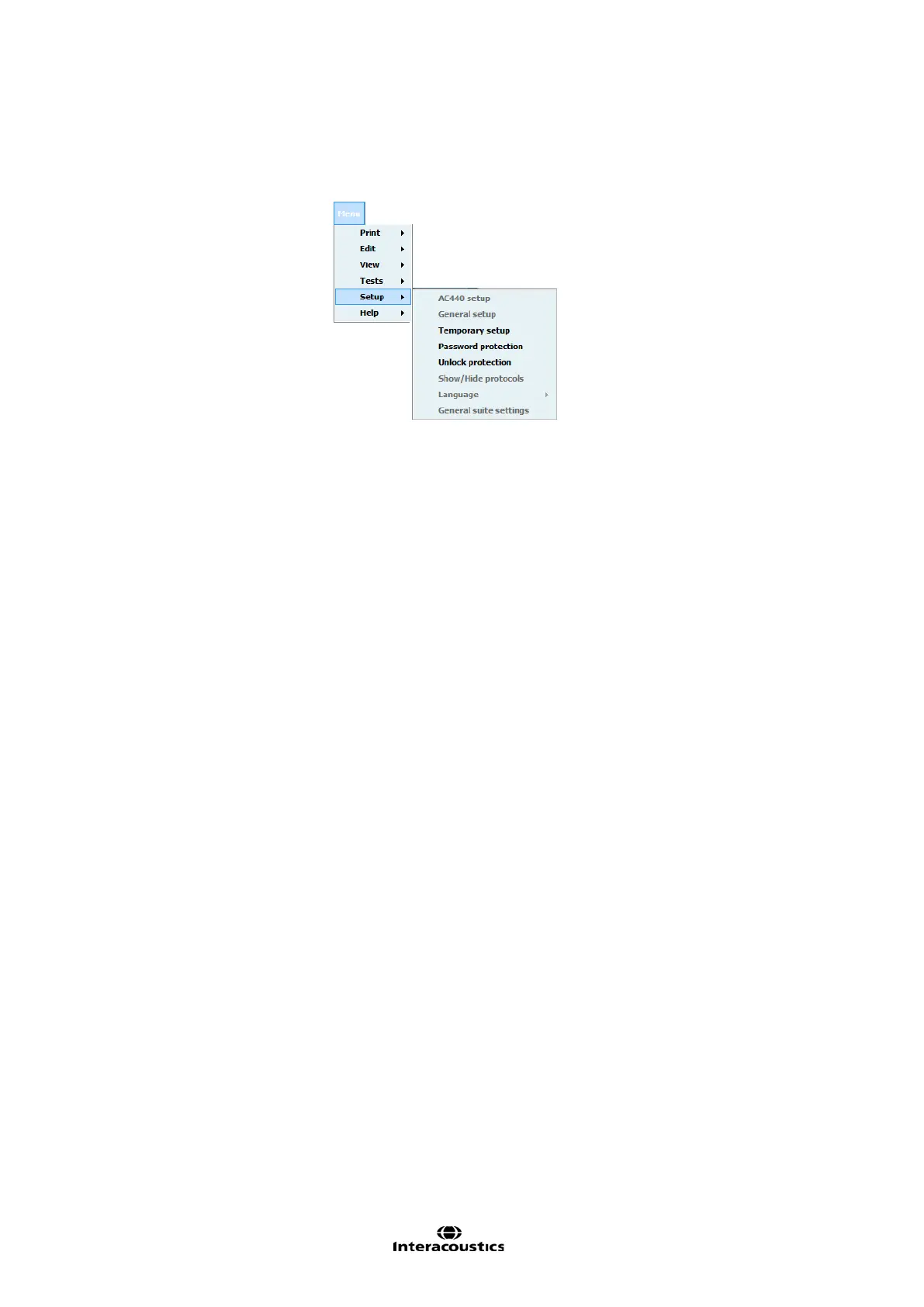
When password protection is enabled the following menu items are greyed out and thereby make it
impossible to permanently change settings.
To activate or change a password, select Menu | Setup | Password protection and enter and confirm your
password. In case no password was used before you must leave current password empty. You remove
password protection by leaving the new password empty.
To temporarily disable the password protection, select Menu | Setup | Unlock protection and enter your
password in the pop up window.
The password and protection applies to all modules of the suite.



 To Next Page