Affinity
2.0
Additional Information Page 127
1.16 Appendix 1
1.16.1 Importing Wave Files – Speech from Hard Drive (ISF440)
34
The AC440 allows for implementing individual speech material via the Speech from Hard drive function
(ISF440) if purchased. Using a special indexing tool you have the ability to upload speech material to the PC
and divide it into the preferred lists.
1) Install and open the indexing tool provided by the distributor
35
.
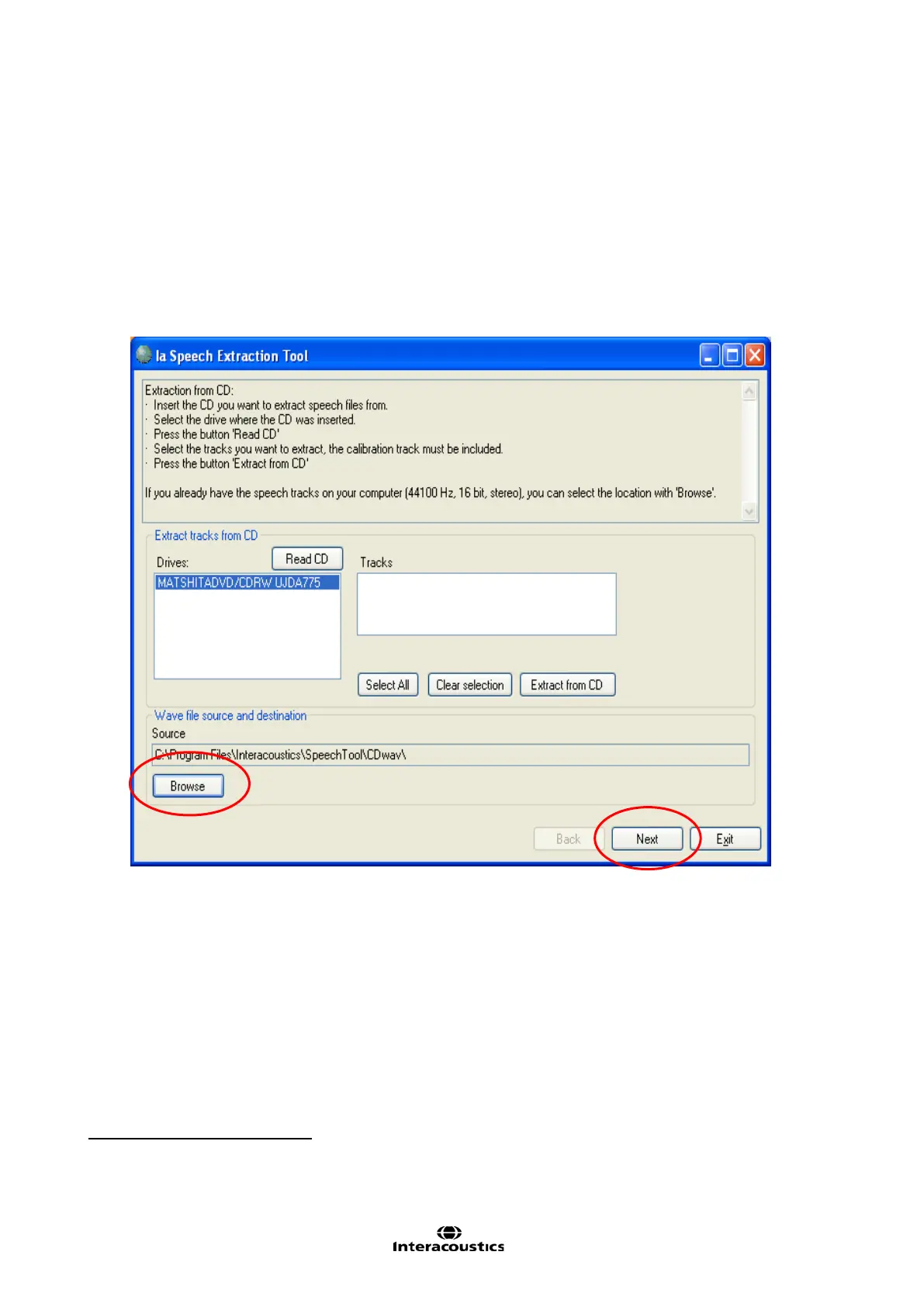
2) When the indexing tool is opened, select Browse and find the Speech files at their location on the PC.
3) After having found the speech material click Next.
34
Speech from Hard Drive (ISF440) is an additional hardw are license.
35
If having trouble installing the Indexing Tool please contact the local distributor.



 To Next Page