Affinity
2.0
Additional Information Page 239
After saving it by clicking OK the test protocol can be selected in the List of Protocols on the front
screen.
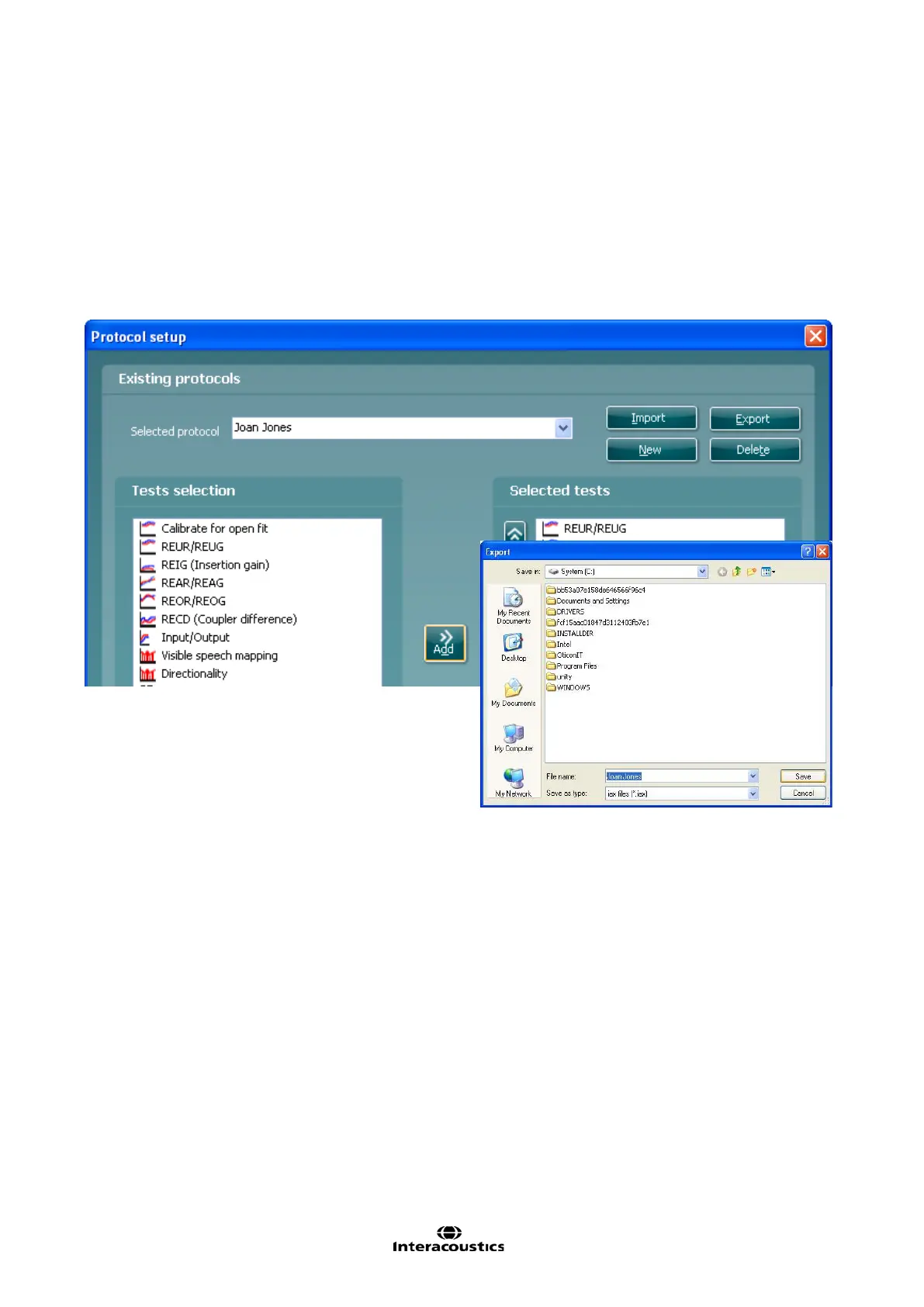
2.6.8.2 Exporting a Test Protocol
1) Go to REM440 setup (Menu/Setup/REM440 setup).
2) Click on Export.
3) Select if the file is to be saved as “read only”. In this case the protocol file is locked and the clinician
receiving it will not be able to make changes to it.
4) Browse for the location on the PC or USB where the test protocol is to be placed.
5) Click Save. Other REM440 users will then be able to upload the test protocol using the Import
function.



 To Next Page