Affinity
2.0
Additional Information Page 180
9) Check that the information about client, fitting prescription and hearing aid parameters to the right
are correct.
10) Ensure that the correct Ear is selected
11) Choose the preferred Stimulus in the corresponding dropdown list
If you have done Calibrate for open fit only the signals used for this calibration are available in the
stimulus selection dropdown (see section 0).
12) Select input level using the Input level slider
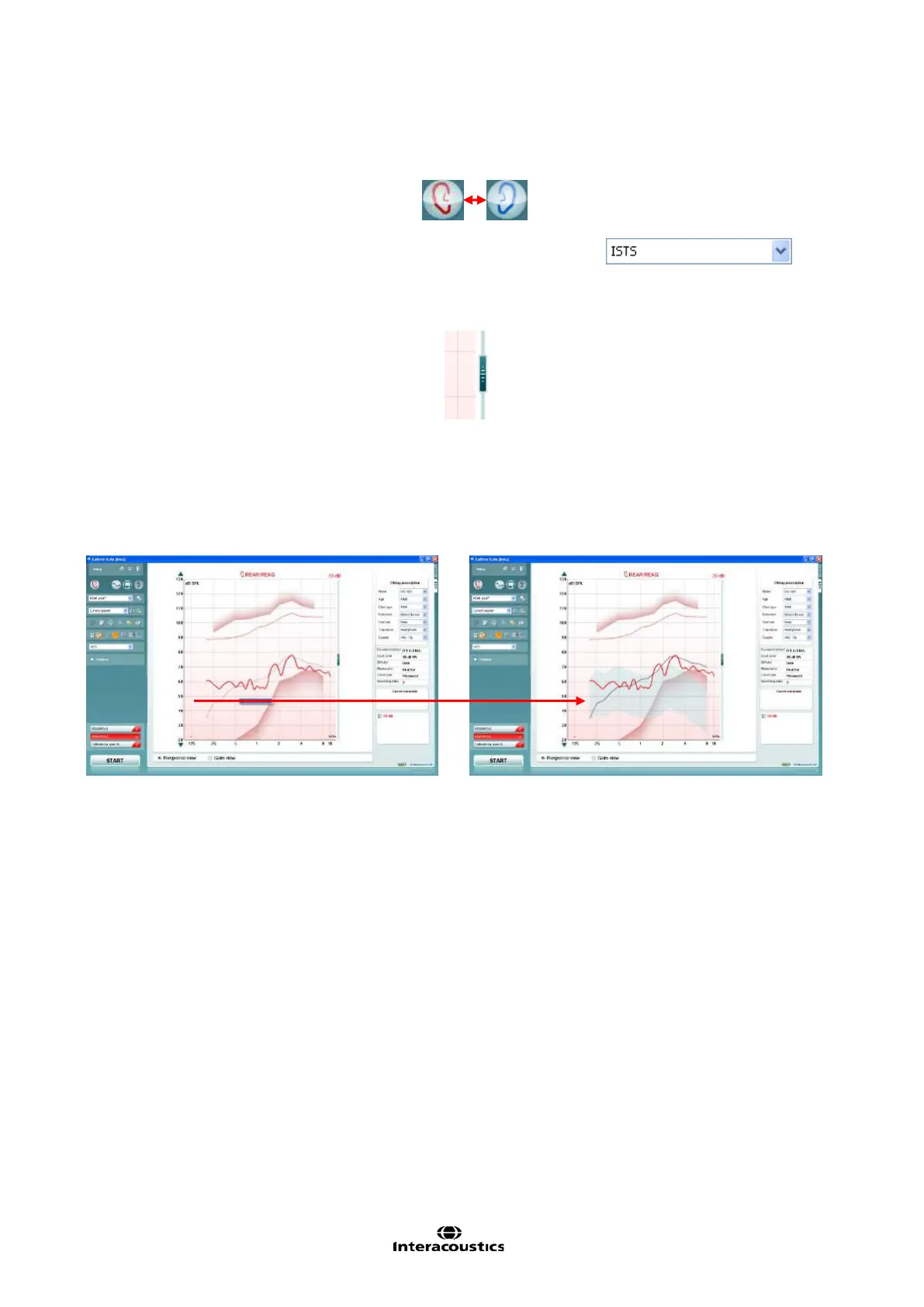
13) Click START and the REAG/REAR will be performed.
Ensure that the hearing aids are switched on and that the room is quiet whilst the curve is obtained.
Note: An REAR90 is added when DSL m[i/o] is selected under Fitting Prescription. Furthermore, a speech
banana using the unamplified speech spectrum from DSL can be viewed by right clicking on the graph. This
is, however, only possible for REAR measurements.



 To Next Page