Affinity
2.0
Additional Information Page 74
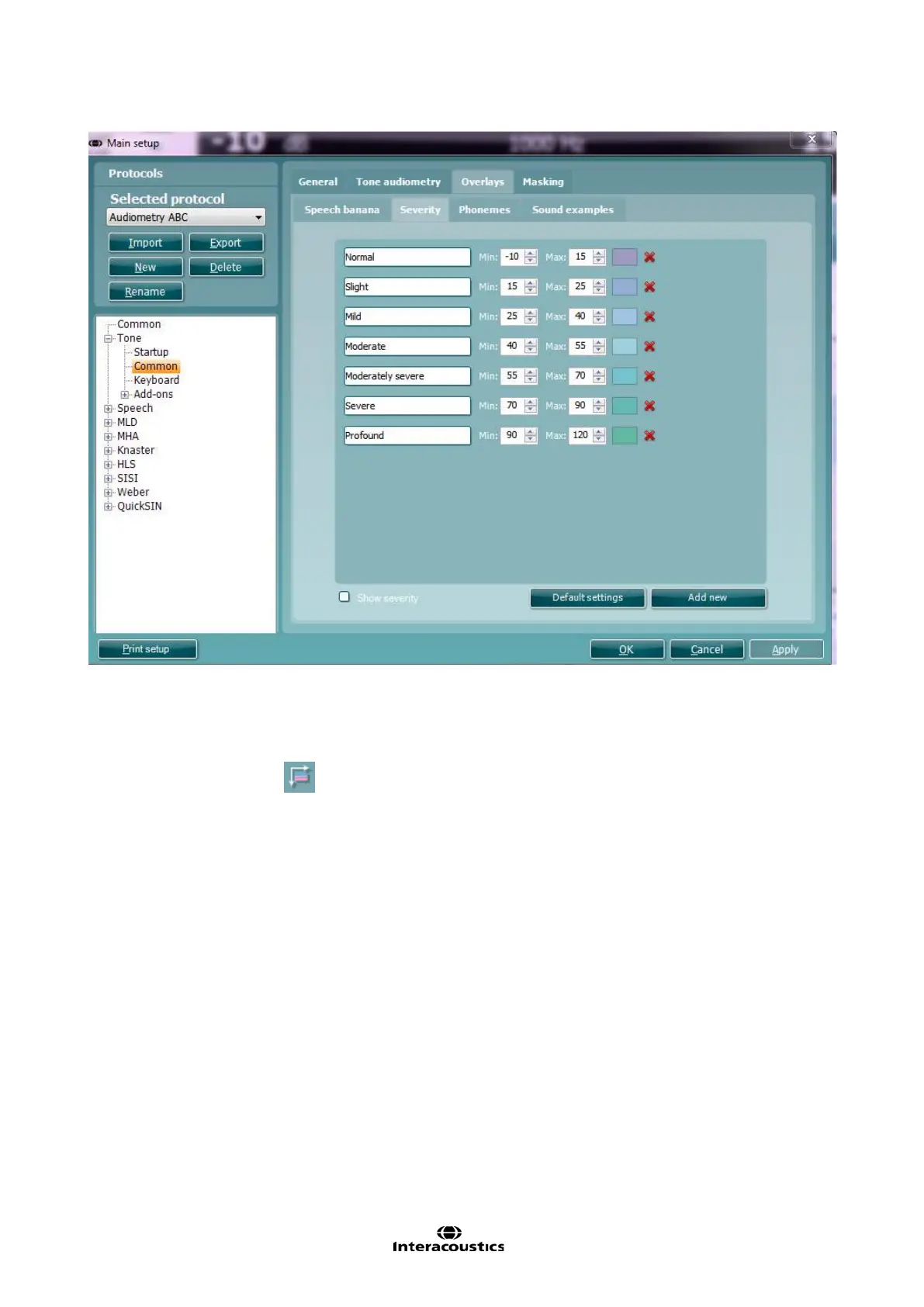
21) A Severity indication can be set up by defining the label, minimum and maximum dB and colour for
each indication in the audiogram.
22) For counselling purposes you can tick Show severity in the Severity tab. This allows for severity
indications in the audiogram screen. In the tone audiometry test screen the dedicated button under
Counselling overlays,
, also allows for (de)activating the severity indications.



 To Next Page