D-0128588-D – 2022/02
VRA Screen - Instructions for Use - EN Page 9
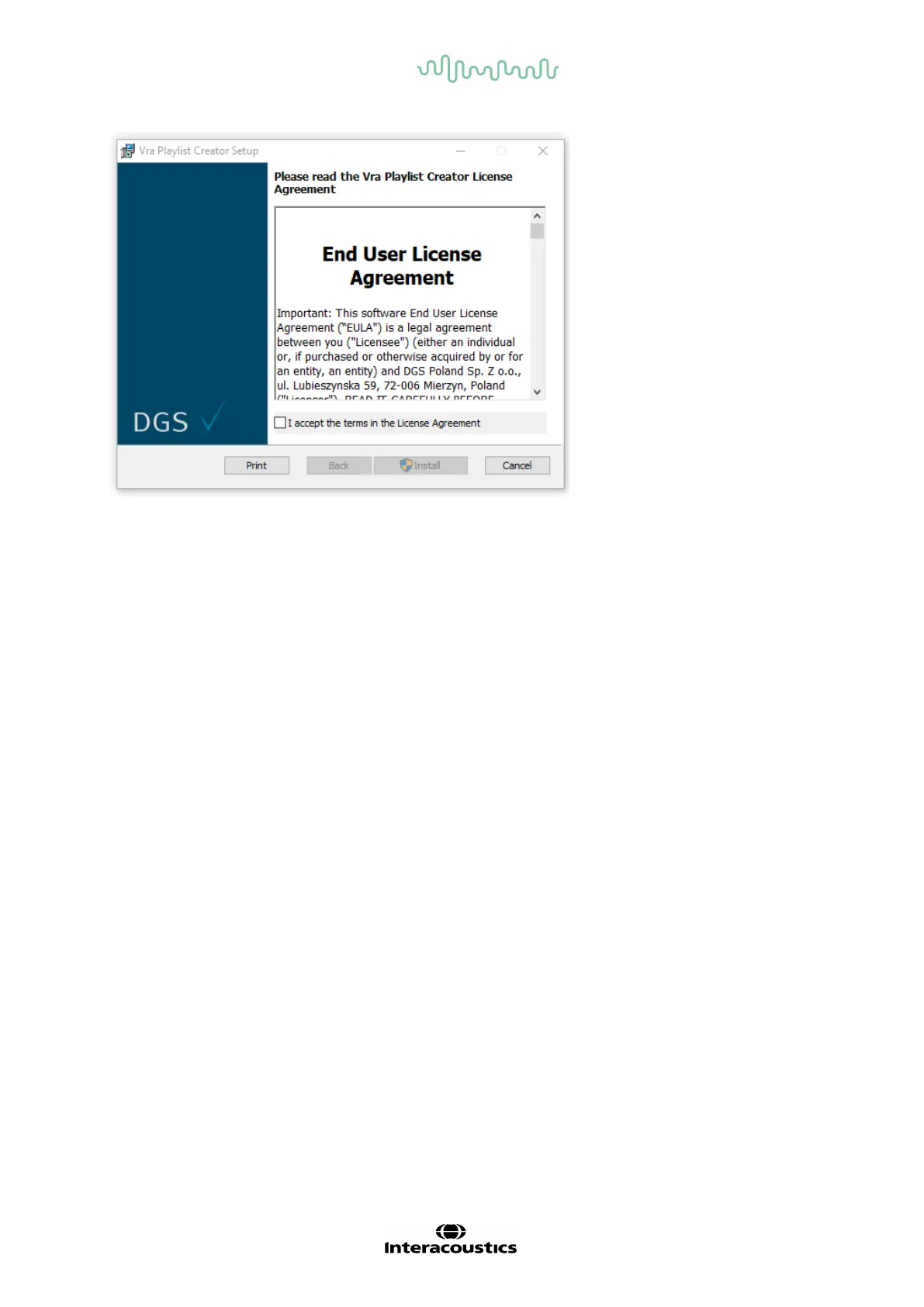
Follow the onscreen VRA Playlist Creator Installer instructions until the installation has been com-
pleted. Click on Close. The software is now installed and ready to use.
During installation, Windows® may:
• Ask if you want to allow changes to the computer. Click Yes if this happens
• Ask to download and install a new Windows Feature (e.g., .NET Framework 3.5). Download
and install new f eatures to ensure that the sof tware works as intended
• Warn you that Windows cannot verif y the publisher of this driver software. Install the driver
sof tware anyway to ensure the VRA playlist creator works as intended
Open the program from desktop shortcut or from Start. Make sure you have the VRA USB connected
to the PC in use.
Supported files are:
• images: .jpeg, jpg, png, bmp
• videos: .mp4, .m4a, .m4v
Only supported files are visible when looking through f olders on the local PC.














 To Next Page