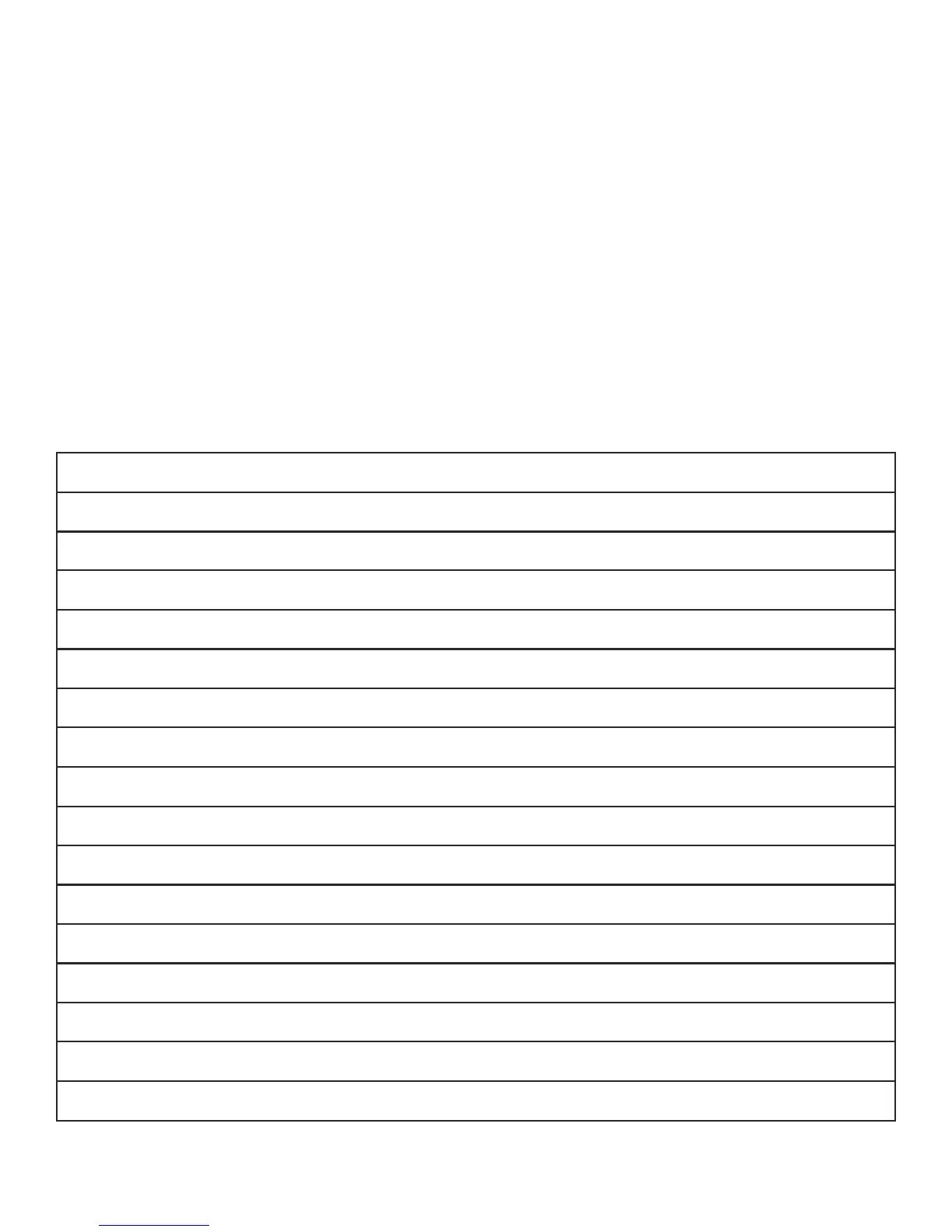
Specications of the S1
Max Watt Seconds 500Ws
Wireless Control Yes - when used with any Intert TTL or Manual Remote
Power Range 9 Stops (500Ws - 1.9Ws)
Shooting Mode Manual, TTL
Variability 1/10th stop increments
Dimensions 13.4 x 9.1 x 5.1” (34 x 23 x 13cm)
Max Sync Speed 1/250 (1/8000 in HSS mode)
Recycle Time 3 seconds at full power
Weight 6.3lbs (2.85kg)
Fan Cooled Yes
Flash Duration 1/900 @ full power
Auto Dump Yes
Guide Number 148 (100 ISO, 1/125, 1 meter, 7” reector)
Color Temperature 5500K +/- 50K
Temperature Regulation Yes
Modeling Lamp 10w LED (Off, 50%, 100%)
Umbrella Mount Fits umbrella shafts up to 5/8”(8mm)
www.intertphotographic.com 8
Firmware Updates
In order to ensure proper communication between the S1, your TTL Remote and your camera, make sure the
rmware on both your light and remote are updated to the most recent version. The newest rmware updates are
available in the support section of the Intert website.
In order to check the rmware version on your light, power the light off, press and hold the “test” button, and
power the light back on. A number (2.3, 2.4, etc.) will appear on the LCD readout that corresponds to the
rmware version. In order to check the rmware version on your remote, power the remote on and press and
hold the “mode” button. A letter and number (b 01, b 02) will appear on the LCD readout that corresponds to the
rmware version.


 To Previous Page