Accessorizing your S1
Umbrellas
Umbrellas are the most widely-used modiers in photography. Their ease-of-use and versatility makes them
quick to master; a go-to modier in many situations.
Umbrellas can be mounted to the S1 using the umbrella shaft mount on the bottom of the ash unit. The
shaft mount can accommodate the wide variety of Intert brand umbrellas and parabolic umbrellas as well
as most umbrellas from other manufacturers with up to a 3/8” (8mm) diameter shaft. Make sure to securely
tighten the thumb screw on the umbrella mount.
Sync Cable
Sync cables allow the ash to be triggered by the camera via a physically tethered connection. While sync
cables are the most economical way to trigger a ash, they will not allow you to make any adjustments to
the ash from the camera. They will also not allow you to use HSS or TTL.
A sync cable is included with your S1 and can be plugged into the sync port on the rear left side of the ash
unit and the corresponding sync port on your camera. To connect the cable to the light, insert the 3.5mm
(headphone jack) plug into the sync port on the light. Take the other end of the cable and connect it to the
PC terminal on your camera (*consult your camera user manual to locate the PC terminal on your camera.
Some camera models do not have a PC terminal and may require a separate adapter).
Remotes
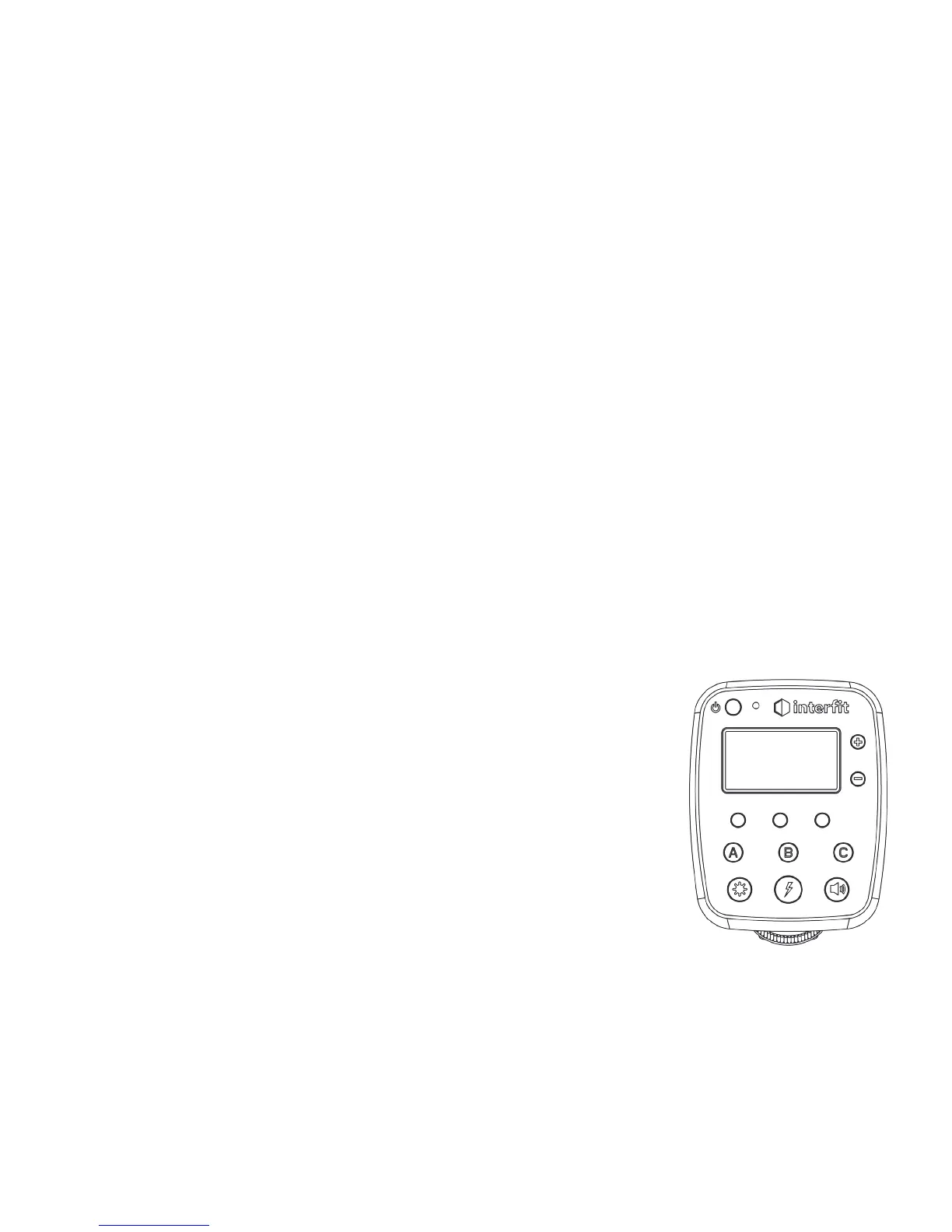
The S1 is compatible with all Intert TTL Remotes as well as the Intert Manual
Remote. Using these remotes allows you to control all functions of the light
wirelessly, though only the Intert TTL Remotes will be able to activate and
control the TTL and HSS functions of the S1. The Intert TTL Remotes are brand
specic and must correspond to the brand of camera being used. This remote
mounts to your camera’s hot shoe and communicates to the S1 unit without an
additional receiver. Intert Remotes are sold separately.
*Compatible remotes include:
-Intert TTL Remote for Canon
-Intert TTL Remote for Nikon
-Intert TTL Remote for Sony
-Intert Manual Remote (manual mode only)
Third-Party Remotes
The S1 is compatible with all third-party remotes with a corresponding receiver plugged into the sync port.
While these remotes ie. Pocket Wizard or Yongnuo, will allow you to trigger the S1, they will not allow you
to make any power adjustments from the camera or use TTL or HSS. All power adjustments must be done
manually through the back of the light when using third-party remotes.
www.intertphotographic.com 5


 To Next Page