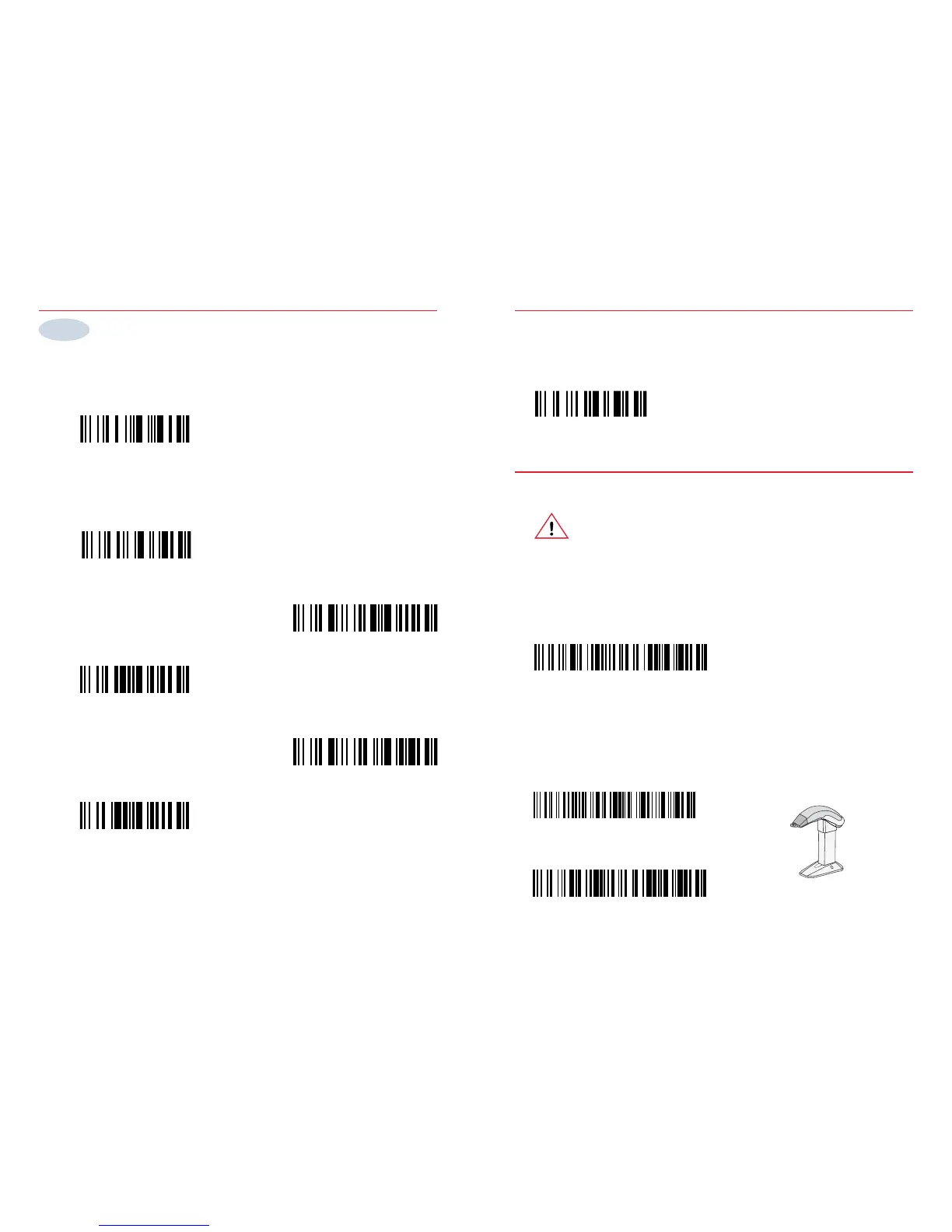
Code 39
UPC-A, UPC-E, EAN-8, EAN-13
(UPC-A -> EAN-13)
Code 128 / EAN 128
UPC-A, UPC-E, EAN-8, EAN-13
(UPC-A -> UPC-A)
Symbologies
Disable all symbologies
Select symbology
Use the bar codes on the back cover to test your setup
PDF 417 (1800 PDF only)
Step 2
Trigger activation
Default setup
Important ! Do NOT read these codes if your ScanPlus does not have
a trigger.
Read this code to reset your scanner to the default conguration
If you read these codes with a non-trigger model your ScanPlus may stop working.
If this happens: 1 Disconnect the ScanPlus. 2 Reconnect the ScanPlus while aiming
it at the "Default setup" code above.
Activate hands-free scanning
Read this code to activate the trigger of your scanner
Deactivate hands-free scanning
Hands-free scanning
Read these codes to activate/deactivate automatic hands-free scanning using a
scanner stand.
Trigger



 To Next Page