14 User Manual
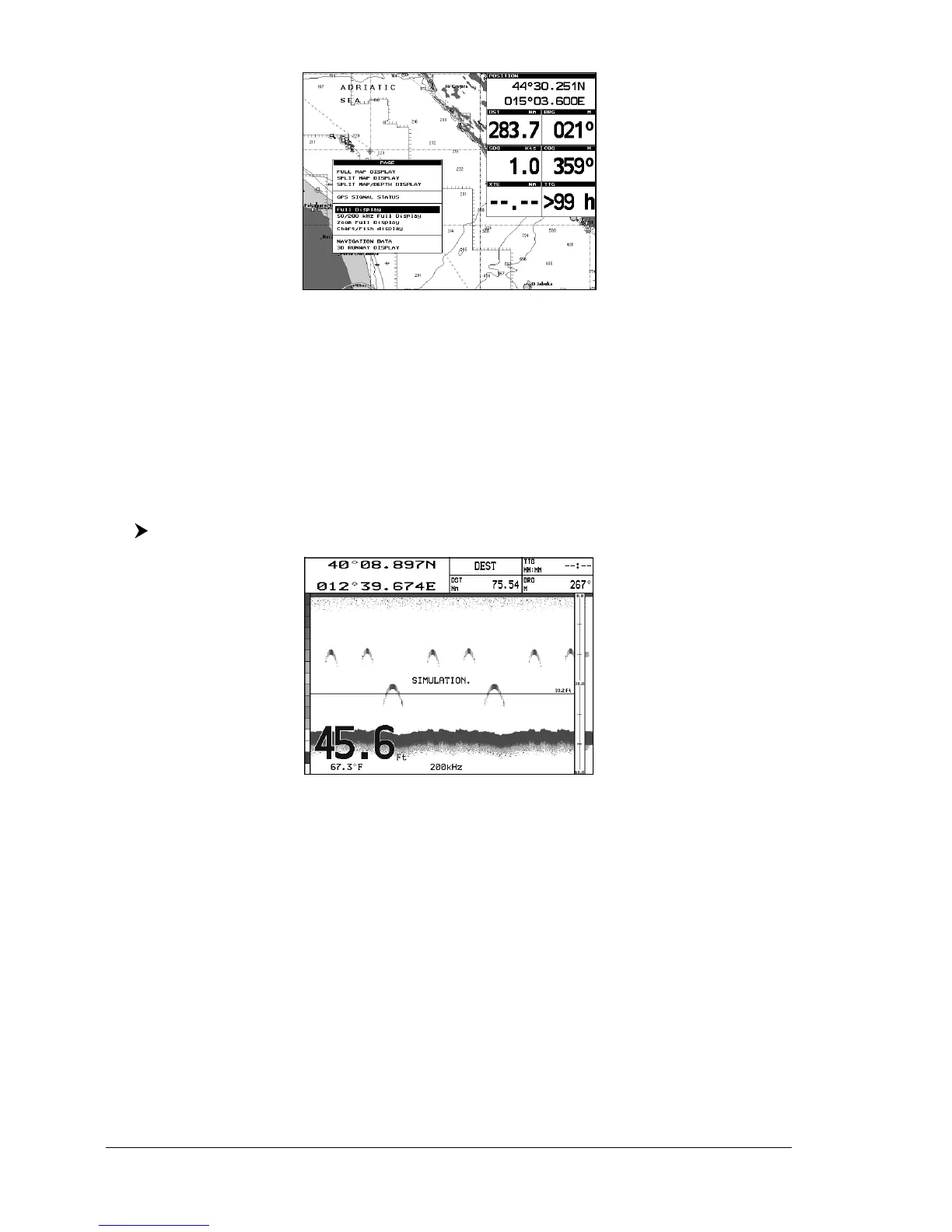
Fig. 2.2.1 - Page Selection menu
The menu now shows four selections related to the Fish Finder, Full Display, 50/
200kHz Full Display, Zoom Full Display and Chart/Fish display. Move the
cursor to select the desired item and then press [ENTER].
NOTE When the Radar* is connected, two other displaying pages are available too,
Radar/FF and Radar/FF/Chart/Nav Data. See the Radar* User Manual
for more information.
(*) ONLY FOR CM 11CV+/11CVS+/169 CS/169 CSI
2.2.2 Fish Finder Full Display page
To display the Fish Finder Full Page Display, follow this procedure:
[PAGE] + "Full Display" + [ENTER]
Fig. 2.2.2 - The 200kHz Fish Finder Full Display
NOTE The frequency displayed depends on the selection done in the Frequency item
(see Par 3.1.9).
The MENU key
Pressing [MENU] activates the Fish Finder Setup menu (see Par. 3.1). Pressing
[MENU] subsequent times toggles between the Fish Finder Setup menu and the
Main menu.
The Cursor key
Moving the Cursor key up/down adjusts the Variable Depth Marker (VDM) up or
down on the screen.
The ENTER key
Pressing [ENTER] activates the Sensitivity menu (see Par. 3.1.1) that allows
tuning the Gain, the Noise Threshold and the STC.



 To Next Page