9
CAP. 6 – FM RADIO
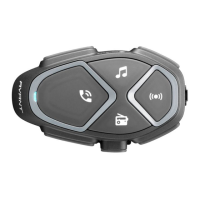
Interphone AVANT has integrated FM radio with RDS and 8 stations that can be saved.
6.1 Listening to FM radio
Radio on/OFF
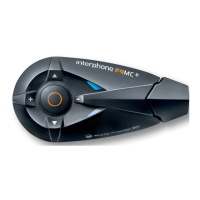
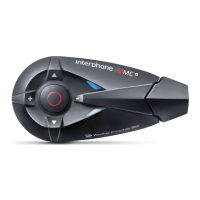
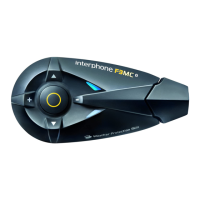
Press the button or say the corresponding voice
command (Cap. 2.8).
Forward/backward station search
Press the UP/DOWN button or say the corresponding
voice command (Cap. 2.8).
Memory selection
Press the UP button until the beep to select the
next saved station.
Press the DOWN button until the beep to select
the previous saved station.
Saving a station
Press the button until the first beep (1.5 secondi)
to save the station being listened to
Press button UP/DOWN to select the memory (from
no. 1 to no. 8) to save the station
Press again the button
to confirm the memory
(from no. 1 to no. 8).
Temporary Automatic Saving
Press the button until the second beep (3 seconds)
to save the 8 stations with the best frequency.
Saving is temporary and the stations will be
deleted when Interphone AVANT is restarted.
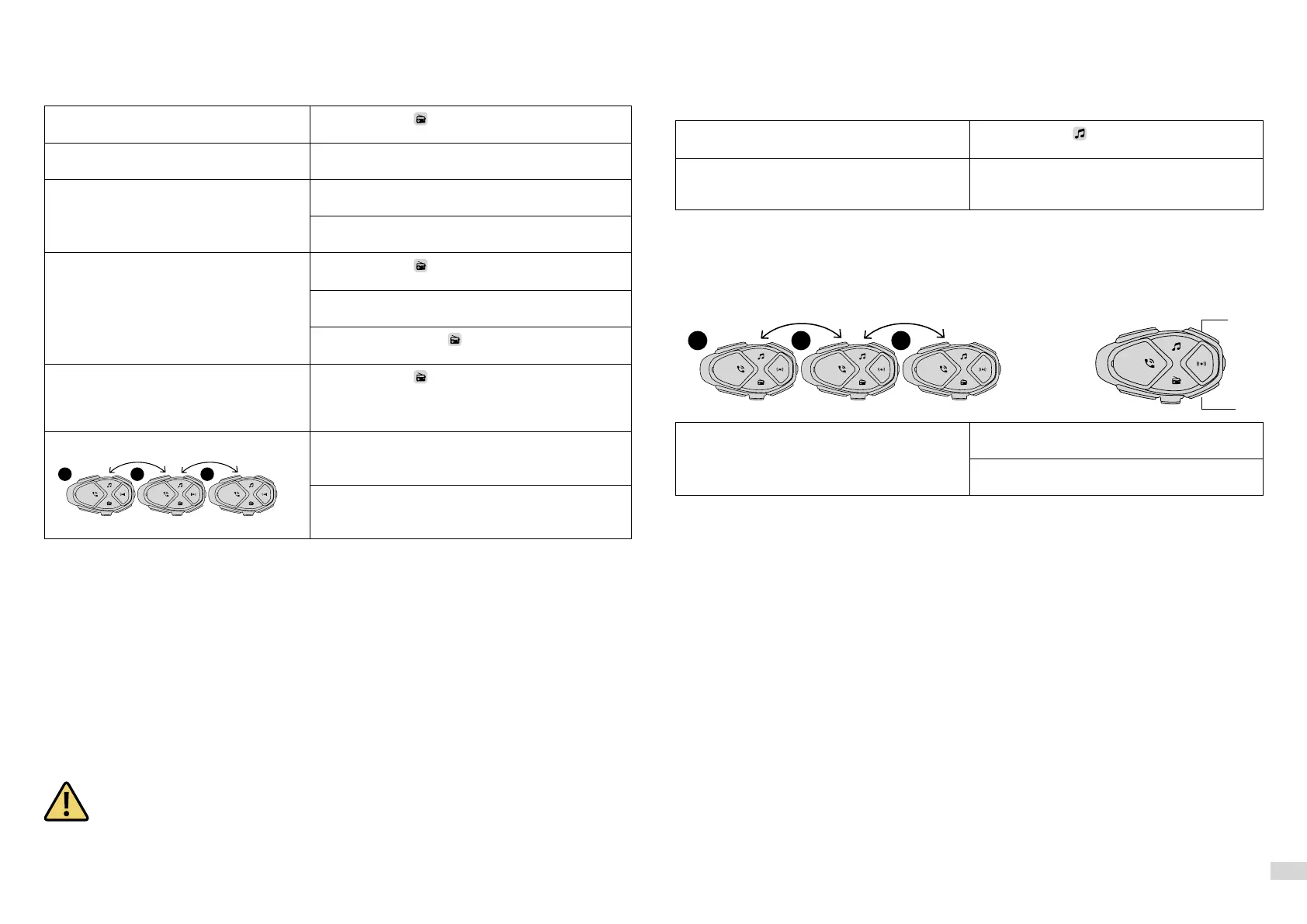
Start/Stop FM radio sharing (from unit 2)
Press the UP button until the second beep to start/
stop sharing with unit no. 3.
Press the UP button until the second beep to start/
stop call sharing with unit no. 1.
6.2 FM Mix
The FM Mix function allows listening to FM radio in the background during a conversation with another
intercom. To activate it, it is necessary to set the FM Mix volume to a value between “Low/Medium/
High” (see Chap. 3.1). This parameter sets the background volume of the radio during the conversation.
Once the conversation is over, the FM radio volume increases to the standard level set. To deactivate the
function, set the FM Mix volume on “Off” (see Chap. 3.1).
6.3 Avvertenze e suggerimenti funzione “radio FM”
Interphone AVANT has an FM receiver with RDS. This feature is used:
• When the tuned broadcast signal becomes too weak, AVANT Interphone will attempt to tune in to an
alternative frequency used by the same station.
• When the device tunes to a radio station, the voice guide will pronounce the frequency and the name
of the broadcaster.
In case the signal of the current station is not weak enough to trigger the search for an alter-
native station, it is possible that listening will be characterised by disturbances due to poor
signal strength. FM reception is strongly influenced by the surrounding environment (electro-
magnetic disturbances, natural obstacles etc.).
CAP. 7 – MUSIC
Interphone AVANT can play music from Bluetooth® devices (smartphones, MP3 players etc.) equipped
with A2DP profile. To play music it is necessary to pair the devices to INTERPHONE AVANT (Chap. 5.1)
7.1 Music Streaming
Play/Pausa
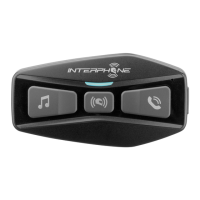
Press the button
or say the corresponding
voice command (Cap. 2.8).
Track selection Press the button UP or DOWN to select next or
previous track or say the corresponding voice
command (Cap. 2.8).
Music streaming will be in background mode if intercom conversation is active, at the volume set
with the relevant MIX Level parameter (chap. 3.1).
7.2 Music Sharing
Interphone AVANT has a “SONG SHARING” function which allows music sharing with another Interphone.
Start/Stop Music sharing (from unit 2)
Press the UP button until the second beep to
start/stop music sharing with unit no. 3.
Press the DOWN button until the second beep to
start/stop music sharing with unit no.1.
7.3 Warnings and suggestions for MUSIC function
• Only Bluetooth® devices with A2DP profile can transmit stereo music to the device.
• Only Bluetooth® devices with AVRCP profile can be controlled at a distance from the device.
• The sound quality of the music also depends on the quality of the audio source (bitrate and codec of audio
files, Bluetooth® player quality etc.).
1 2 3
UP
DOWN
1 2 3


 To Next Page
 Loading...