8 WHEELCHAIR OPERATION
Invacare
3G Storm Series® 58 Part No 1143151
Main Screen
During normal operation, the active drive is displayed in the upper half of the LCD display. Battery charge level is shown in the Battery Gauge Display
(BGD) located on the right side of the LCD display. At full charge, solid blocks fill in all ten segments between E (Empty) and F (Full). As the battery
becomes discharged, the top most segments will progressively disappear until no segments appear between E and F. At this level, the user should
charge the batteries as soon as possible.
The lower half of the LCD display is the Information Center. The Information Center displays current data on the wheelchair.
Refer to LCD Display
table on page 58 for descriptions of information shown.
LCD DISPLAY
For this procedure, refer to FIGURE6 on page 60.
ITEM DESCRIPTION
DRIVE
NAME
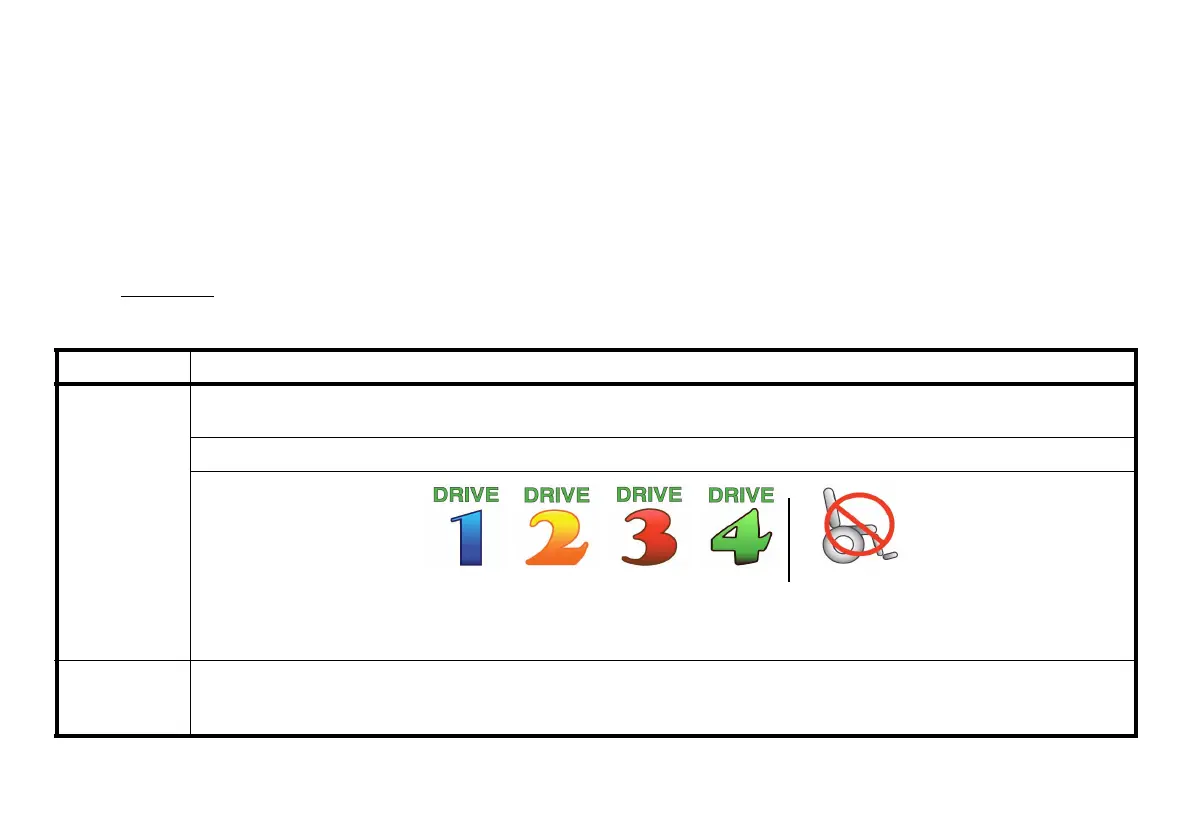
This field shows the currently selected Drive’s Name.
Available choices are as follows:
Color CMPJ+
BATTERY
LEVEL
INDICATOR
This symbol shows the Battery Level and will change depending on the available battery power.
This indicator is shown on every screen.
Drive 1* Drive 2* Drive 3* Drive 4* “No Drive**”
*Drive names can be customized. Actual drive names may display differently.
**No Drive selected via the programmer.














 To Next Page