Service Manual Invacare
®
Meteor
11
3 The Invacare
®
Meteor in overview
3.1 Layout of modules, components and displays and controls
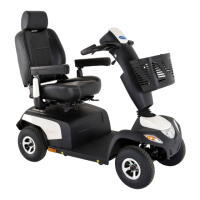
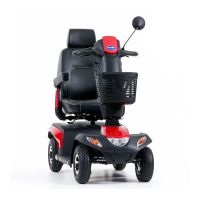
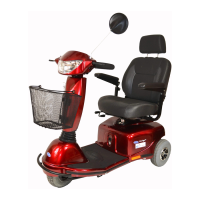
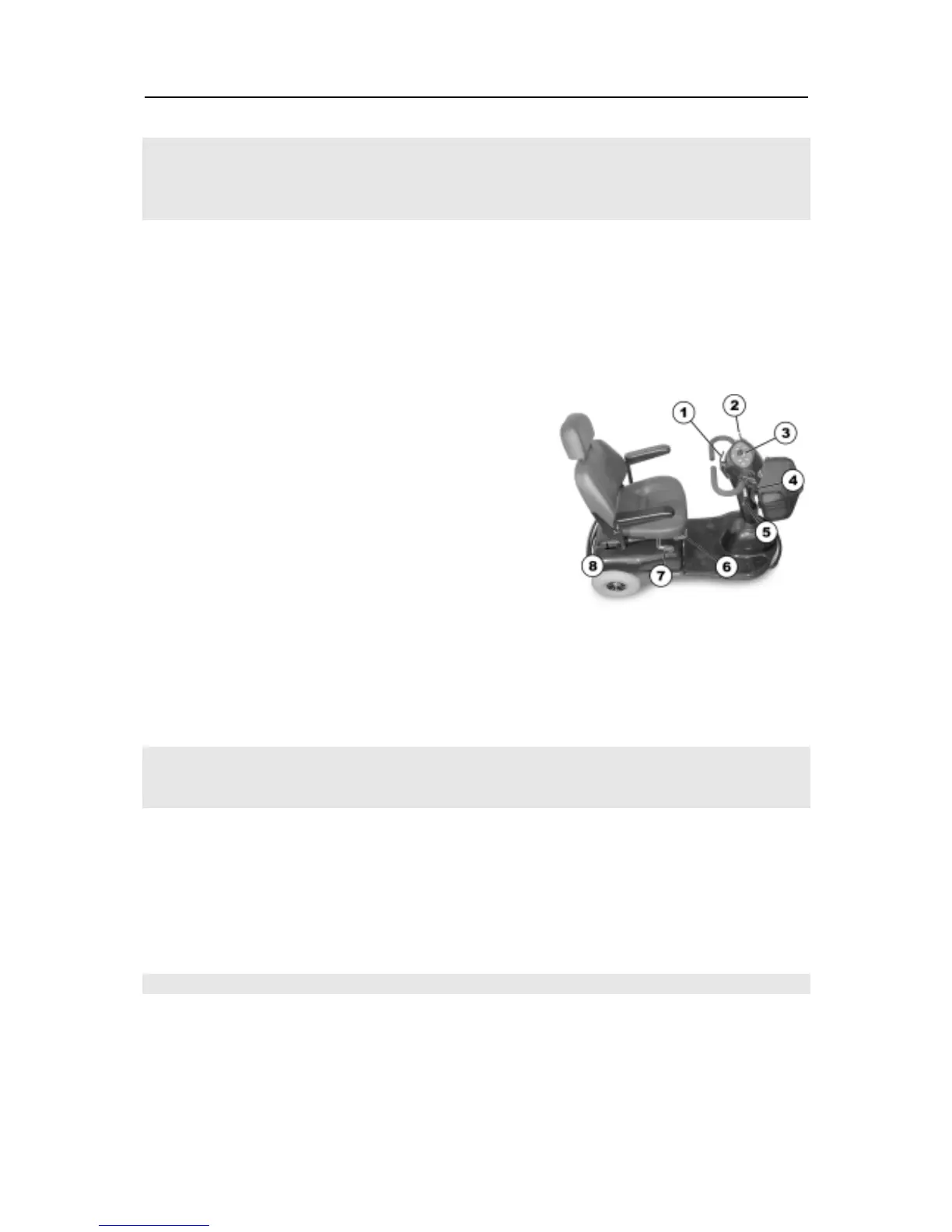
The following figures show the layout of Meteor modules. Removal and reassembly of spare parts is
described in Chapter .7
ü NOTE:
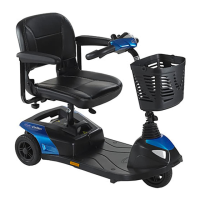
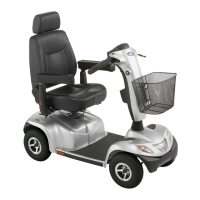
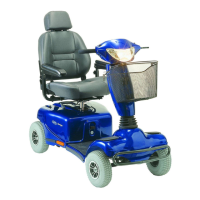
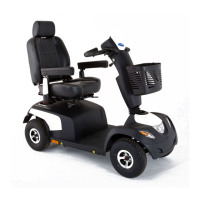
The arrangement of displays and controls for the three or four-wheel Meteor is the same.
The three-wheel Meteor is used as an example in the following figures.
1. Drive lever
2. Lever for steering column inclination adjustment
3. Operating console
4. Handbrake lever
5. Keyswitch (ON/OFF)
6. Unlocking lever for moving seat rails (front right
below seat)
7. Release leader for turning and removing seat (right
below seat)
8. Disengaging lever.
3.2 Module composition / variations, accessories
3.2.1 Module composition / variations
The Invacare
®
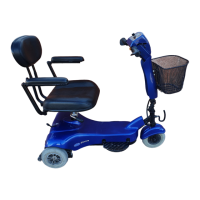
Meteor is available as a three- or four-wheel variation with the following options:
• Colour
ruby red
sapphire blue
3.2.2 Accessories
The following accessories are available for the Invacare® Meteor
• Basket assy. (rear)
• Cane holder assy.
• External mirror (right and / or left)



 To Next Page
 Loading...