Part No. 1122140 8-15 MK5
™
NX
™
- 80 ELECTRONICS
The first line gives the current battery volt-
age. Fully charged batteries should indicate 25.2V or above.
The second line gives the load test condition of the battery.
The possible results are:
GOOD means the batteries are fine.
POOR means the batteries may affect the performance of the chair under
heavy loads, but do not need to be replaced yet.
BAD means the chair performance will be affected even immediately after
recharging and that they should be replaced.
UNKWN (Unknown) means that the conditions for a load test have never been
met and the test has not been performed.
The third line shows the hourmeter reading when the load test was performed and the
current value of the hourmeter. A comparison of the two values will give an indication
of how recent (and therefore the validity) the load test was performed. The hourmeter
indicates the number of hours that the chair has been driven. Leaving the chair on, but
not driving does not add time to the hourmeter.
The fourth line show the number of Amp-hours (AH) that have been consumed by
driving the chair. This value can be useful when checked at the beginning of the day and
again when the batteries have become discharged to indicate battery capacity. If the AH
value is much lower than the battery manufacturer’s specification, the batteries may be
bad or the charger could be undercharging. Independent checks should be made.
FAULT LOG
The Fault Log shows all of the fault codes that have been detected by the diagnostic
system since the control was built in the factory. The fault codes correspond to the
Diagnostics Codes given in the next section. The Fault Log can be used by the service
technician to uncover the cause of intermittent faults that are not evident when the
chair is being serviced. (Note: It is normal to have some codes in the Fault Log, even in
a new chair, because they are generated during factory testing and calibration.) Pressing
the SELECT key accesses descriptions of the meaning of each error code. Scrolling
through the code descriptions is performed by using the and keys. Use the
MENU key to return to the fault log.
SET MILES/KM
The speedometer and odometer can be set to display in either mph and miles or kmh
and kilometers. Use the key to select miles (English units) or the key to select
kilometers (metric units).
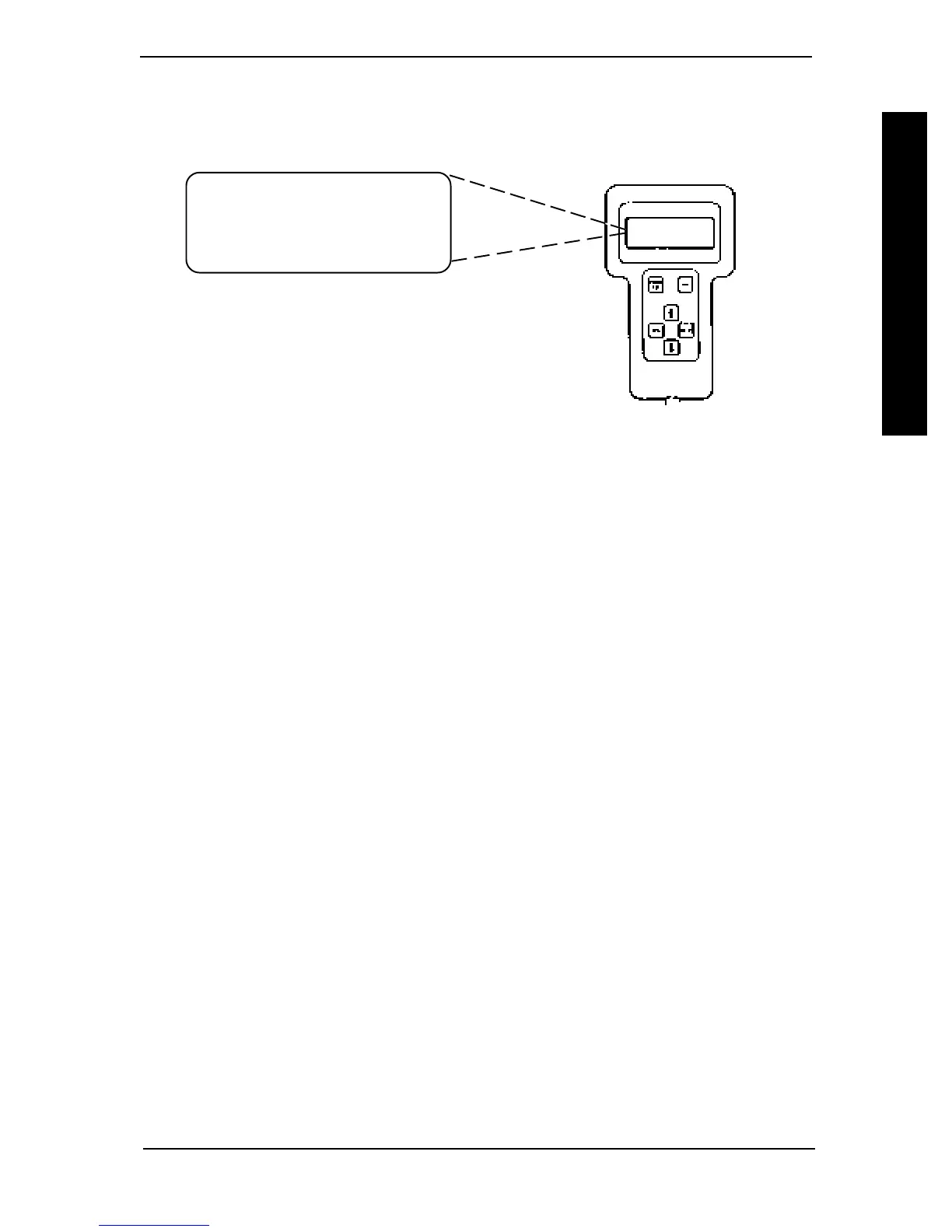
BATTERY IS NOW 24.8V
LOAD TEST WAS GOOD
@0101 HR, NOW=0115HR
TOTAL AH = 01575
SERVICE SECTION IV
CALIBRATION OF THE
CONTROL MODULE
CALIBRATION OF THE CONTROL MODULE
BATTERY QUALITY
The battery quality screen displays the current condition of the battery, the total num-
ber of hours the chair has been driven and the number of Amp-hours consumed while
driving. Below is a sample of the display.



 To Next Page