EasyManua.ls Logo

Invacare Platinum IRC5LX - User Manual

Invacare Platinum IRC5LX
32 pages
Print Icon
To Next Page IconTo Next Page
Loading...
Dealer: This manual MUST be given to the end
user.
User:
Before using this product, read this manual
and save for future reference.
Operator’s Manual
For more information regarding
Invacare products, parts, and services,
please visit www.invacare.com
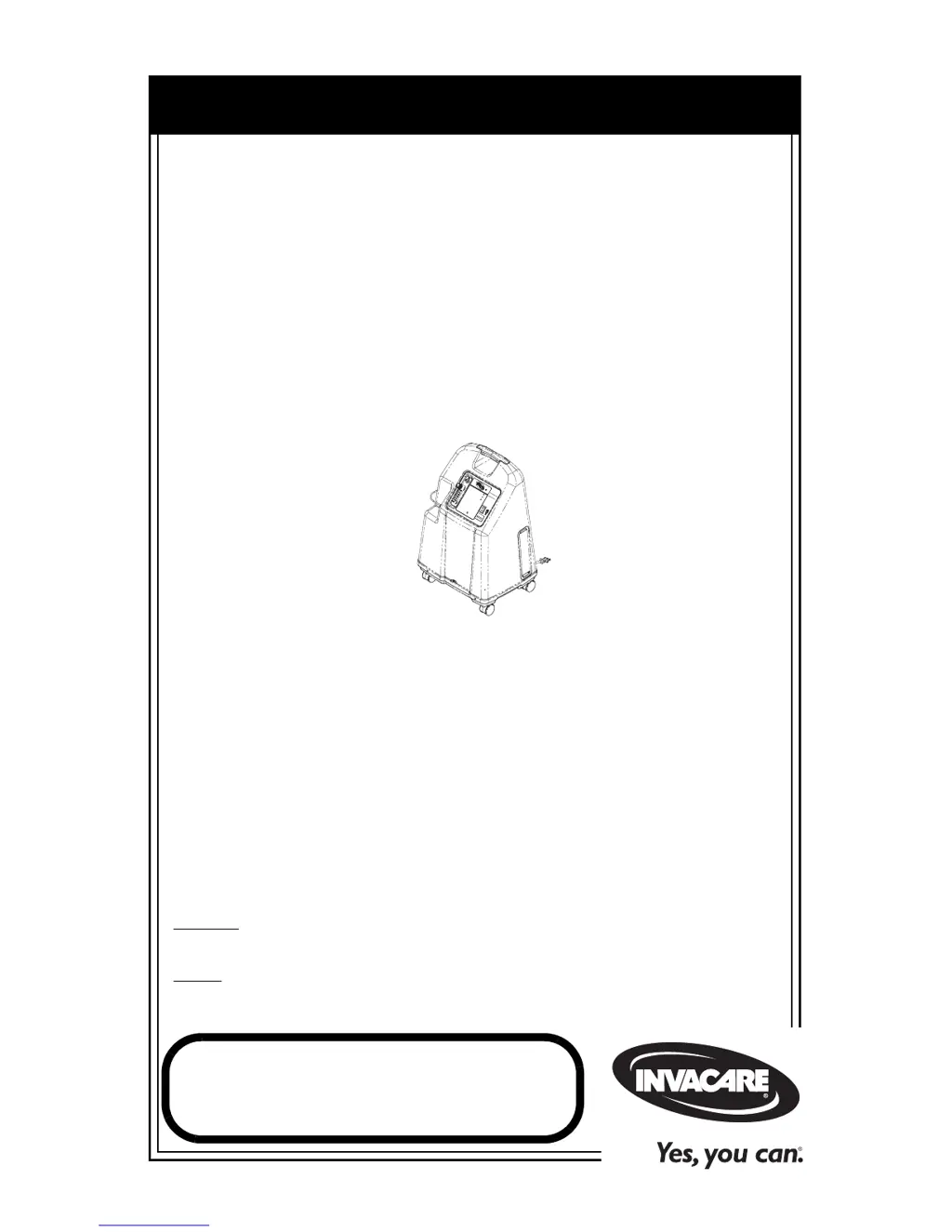
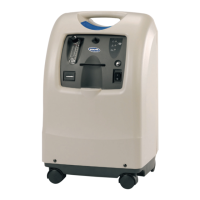
Platinum
Series
XL, 5, 10
Oxygen Concentrators Standard,
with
SensO
2
®
and HomeFill
®
Invacare 5
with
SensO
2
Model IRC5LXO2
Invacare 5
Model IRC5LX
Invacare 10
with
SensO
2
Model IRC10LXO2
Invacare 10
Model IRC10LX

Questions and Answers

  • S
    Sean PattonAug 8, 2025
    What to do if Invacare Medical Equipment alarm beeps with short beeps and long pauses?
    • E
      erinhardinAug 8, 2025
      If your Invacare medical equipment is alarming with short beeps followed by long pauses, and the concentrator isn't operating, here's what you should check: * First, ensure the power cord is properly plugged into the outlet. If it isn't, insert the plug securely. * Next, verify that the outlet has power by inspecting your house's circuit breakers or fuses. If the problem continues, try using a different outlet. For tripped circuit breaker, call Service Provider.
  • K
    Kaitlyn GarciaAug 15, 2025
    What to do if yellow or red light is illuminated on Invacare Medical Equipment?
    • J
      Jason HigginsAug 15, 2025
      If the yellow or red light is illuminated (continuous alarm on red light only, applicable to 5LXO and 2 10LXO SensO2 models), it indicates a potential issue. Here's what you can check: * Start by cleaning or replacing the filters. * Inspect the tubing, cannula, or humidifier for any kinks or blockages. Correct, clean, or replace the item if necessary, then turn the power off for 60 seconds and back on. * Ensure the flowmeter is set correctly: check the flowmeter is set to 1.0 L/min. or more. * Check for blocked air intake: Remove and clean cabinet filters and move the concentrator at least three inches from walls, draperies, and furniture. * Avoid extension cords: Move to another electrical outlet or circuit.
  • D
    donna25Aug 22, 2025
    What to do if Invacare Platinum IRC5LX Medical Equipment alarm is continuous and concentrator is not operating?
    • J
      Joshua HuberAug 22, 2025
      If your Invacare medical equipment has a continuous alarm and the concentrator isn't working while the power switch is on, it could be due to several reasons: * The unit might be overheating because of a blocked air intake. Remove and clean the cabinet filters and ensure the oxygen concentrator is at least three inches away from walls, draperies, or furniture. * There might be insufficient power at the outlet. Avoid using extension cords and try moving to another electrical outlet or circuit.
  • D
    Dana GriffinAug 30, 2025
    What to do if Invacare Platinum IRC5LX Medical Equipment alarm beeps rapidly?
    • D
      Daniel PriceAug 30, 2025
      If your Invacare medical equipment is alarming with rapid beeps, it often indicates a low flow issue. Here’s how to troubleshoot: * Check for any kinks or blockages in the tubing, cannula, or humidifier. If you find any, correct, clean, or replace the affected item. After doing so, turn the power off for 60 seconds and then turn it back on. * Also, verify that the flowmeter is set to the prescribed flowrate. If the prescribed flowrate is below 0.5 L/min, use the Pediatric Flowmeter IRCPF16 (Only with Platinum 5 and XL).

Summary

Accessories

Special Notes and Safety Warnings

DANGER Warning: Smoking and Ignition

Critical safety warning regarding smoking and ignition sources.

Label Location

Model Label Identification

Identification of labels for specific product models.

Serial Number Label Location

Location of the serial number label on the unit.

Specification Label Location

Location of the specification label on the unit.

Section I: General Guidelines

Reduce Risk of Burns, Electrocution, Fire, Injury

Safety precautions to prevent burns, electrocution, fire, or injury.

Operating Information

Guidance on proper operation and usage of the concentrator.

Radio Frequency Interference

Information regarding electromagnetic interference compliance.

Section 2: Features

Section 3: Handling

Unpacking

Instructions for safely unpacking the oxygen concentrator.

Inspection

Steps to inspect the concentrator for damage after unpacking.

Storage

Guidelines for storing the oxygen concentrator when not in use.

Section 4: Typical Product Parameters

Section 5: Operating Instructions

Introduction

Overview of the oxygen concentrator's purpose and usage.

Select a Location

Guidance on choosing a suitable and safe location for the concentrator.

Set-Up

Steps to prepare the concentrator for operation.

Plug in Power Cord

Instructions for connecting the power cord to an electrical outlet.

Connect Humidifier (If So Prescribed)

Procedure for connecting the humidifier bottle to the device.

Power Switch

How to operate the power switch and what to expect.

Flowrate

Instructions for setting and adjusting the oxygen flow rate.

Front Panel Indicators - Units with Senso₂

Explanation of indicator lights on units with Senso₂ feature.

Initial Startup of the Concentrator (with Senso₂)

Information on the initial startup and warm-up period.

Front Panel Indicators - Units without Senso₂

Explanation of indicator lights on units without Senso₂.

Initial Startup of the Concentrator (without Senso₂)

Information on the initial startup and warm-up period.

Section 6: Maintenance

Routine Maintenance

Overview of routine maintenance tasks.

Cleaning the Cabinet Filter

Procedure for cleaning the cabinet filters.

Cleaning the Cabinet

Instructions for cleaning the exterior of the concentrator cabinet.

Cleaning the Humidifier

Daily and weekly cleaning steps for the humidifier.

Preventive Maintenance Record

A record log for tracking preventive maintenance activities.

Section 7: Troubleshooting Guide

Notes

Limited Warranty

Invacare Platinum IRC5LX Specifications

General IconGeneral
BrandInvacare
ModelPlatinum IRC5LX
CategoryMedical Equipment
LanguageEnglish

Related product manuals