EasyManua.ls Logo

Invacare Platinum Mobil - User Manual

Invacare Platinum Mobil
72 pages
Print Icon
To Next Page IconTo Next Page
Loading...
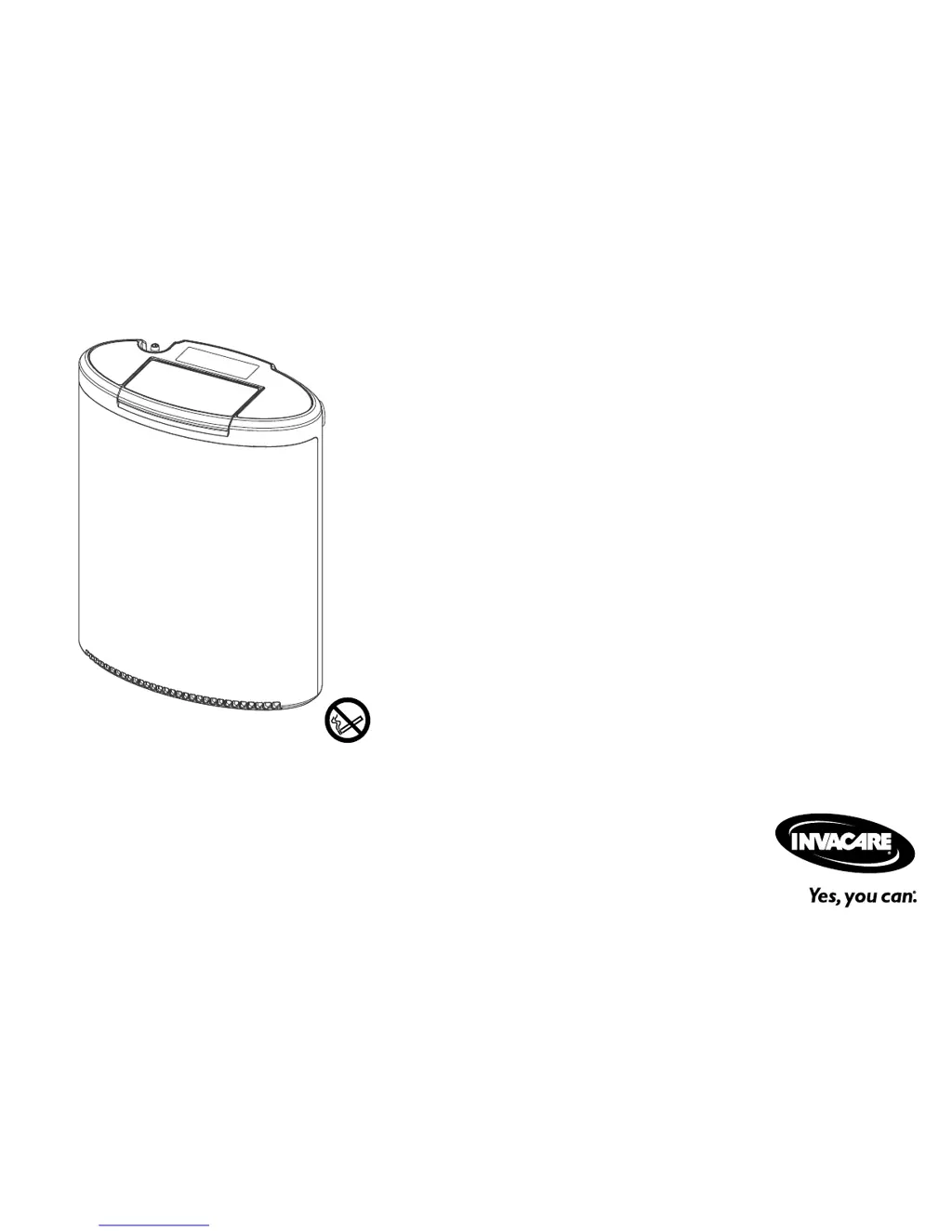
Invacare®Platinum™Mobile
POC1–100B,POC1–100B-C
enOxygenConcentrator
UserManual
ThismanualMUSTbegiventotheuseroftheproduct.
BEFOREusingthisproduct,readthismanualandsaveforfuturereference.

Table of Contents

Questions and Answers

  • V
    Vanessa VillarrealAug 10, 2025
    What to do if Invacare Medical Equipment battery is not charging when external power is connected?
    • T
      Tyler CurtisAug 10, 2025
      If the battery of your Invacare Medical Equipment is not charging when external power is connected, consider these potential causes and solutions: * The power source could be faulty, or there might be a loose connection. Try another power outlet and check the connections to the concentrator. * The battery might be outside the allowed temperature range for charging. Allow the concentrator and battery to cool down to less than 104°F (40°C), or warm up to 41°F (5°C). * The battery may not be fully seated. Ensure the battery is completely inserted. * The battery charge may be complete. If all four segments of the charge level indicator are illuminated, no action is required.
  • E
    Eric WarrenAug 18, 2025
    What to do if Invacare Platinum Mobil Medical Equipment concentrator is beeping with no lights?
    • J
      Jessica LunaAug 18, 2025
      If your Invacare Medical Equipment concentrator is beeping with no lights or display, here are a couple of things to check: * The battery may have been removed or disconnected, and there is no external power connected. Ensure the battery is completely inserted and restart. You can also try installing a different charged battery and restarting. * If operating without a battery, external power may be lost. Try another power outlet and check the connections to the concentrator, then restart.
  • D
    Donald MartinezAug 25, 2025
    How to troubleshoot no external power symbol illuminated on Invacare Medical Equipment control panel?
    • H
      hhughesAug 25, 2025
      If there is no external power symbol illuminated on the control panel of your Invacare Medical Equipment, it could be due to the following reasons: * The power source may be faulty, or there is a loose connection. If the green indicator light on the AC adapter is lit, check the power connections from the AC adapter to the concentrator. If the green indicator light on the AC adapter is not lit, check the power connections from the outlet to the AC adapter or try another outlet. * The DC power cable fuse may have blown. Switch to AC power and contact your provider to service the DC power cable.
  • J
    James BauerNov 1, 2025
    Why Invacare Medical Equipment oxygen concentrator does not turn on?
    • B
      burgessrebeccaNov 1, 2025
      The Invacare Medical Equipment oxygen concentrator might not turn on for several reasons: * The On/Off button may not have been held down long enough. Try powering up the concentrator again while continuing to press the On/Off button until the front panel lights and LCD begin to illuminate, typically one full second. * The battery may be discharged or improperly connected. Remove the battery and check the battery gauge. If the gauge shows the battery is charged, reinstall the battery and retry. If the gauge shows the battery is depleted, install a charged battery or connect external power and retry. * The battery may have performed a self-protect shutdown when there was no external power. Wait one minute and retry. Alternatively, change to an alternate battery or connect the concent...

Summary

I General

1.1 Quick Start Guide

Provides essential steps for initial setup and operation of the oxygen concentrator.

1.6 Features Overview

Overview of the concentrator's capabilities and components.

1.6.1 Control Panel Details

Describes the functions and indicators of the device's control panel.

2 Safety

2.2 General Safety Guidelines

Provides essential instructions for the safe installation, assembly, and operation of the device.

3 Setup

3.3 Powering the Oxygen Concentrator

Details on how to power the device using various sources.

3.3.1 Installing the Battery(s)

Steps for correctly installing the rechargeable battery into the concentrator.

3.3.2 Charging the Battery(s)

Instructions for initial and subsequent charging of the device batteries.

3.5 Connecting Nasal Cannula

Guidance on connecting and correctly positioning the nasal cannula.

4 Usage

4.4 Turning On the Concentrator

Step-by-step instructions to power on the oxygen concentrator.

4.5 Turning Off the Concentrator

Procedures for safely shutting down the oxygen concentrator.

4.9 Adjusting Pulse Flow Setting

How to set and adjust the prescribed oxygen flow rate.

4.10 Battery Life and Management

Tips for maximizing battery life and proper battery care.

5 Maintenance

7 Troubleshooting

7.1 Troubleshooting Guide

A guide to diagnosing and resolving common operational issues with the concentrator.

7.2 Alarm Conditions

Explains various alarm conditions, their causes, and solutions.

7.2.1 Operational Alarms

Details alarms that occur while the concentrator continues to operate.

7.2.2 Shut Down Alarms

Describes alarm conditions that cause the concentrator to shut down.

8 Technical Data

8.2 Specifications

Lists detailed technical specifications for optimal performance and operation.

Invacare Platinum Mobil Specifications

General IconGeneral
BrandInvacare
ModelPlatinum Mobil
CategoryMedical Equipment
LanguageEnglish

Related product manuals