EasyManua.ls Logo

Invertek Optidrive ODE-2-12005-3H01 - User Manual

Default Icon
28 pages
Print Icon
To Next Page IconTo Next Page
Loading...
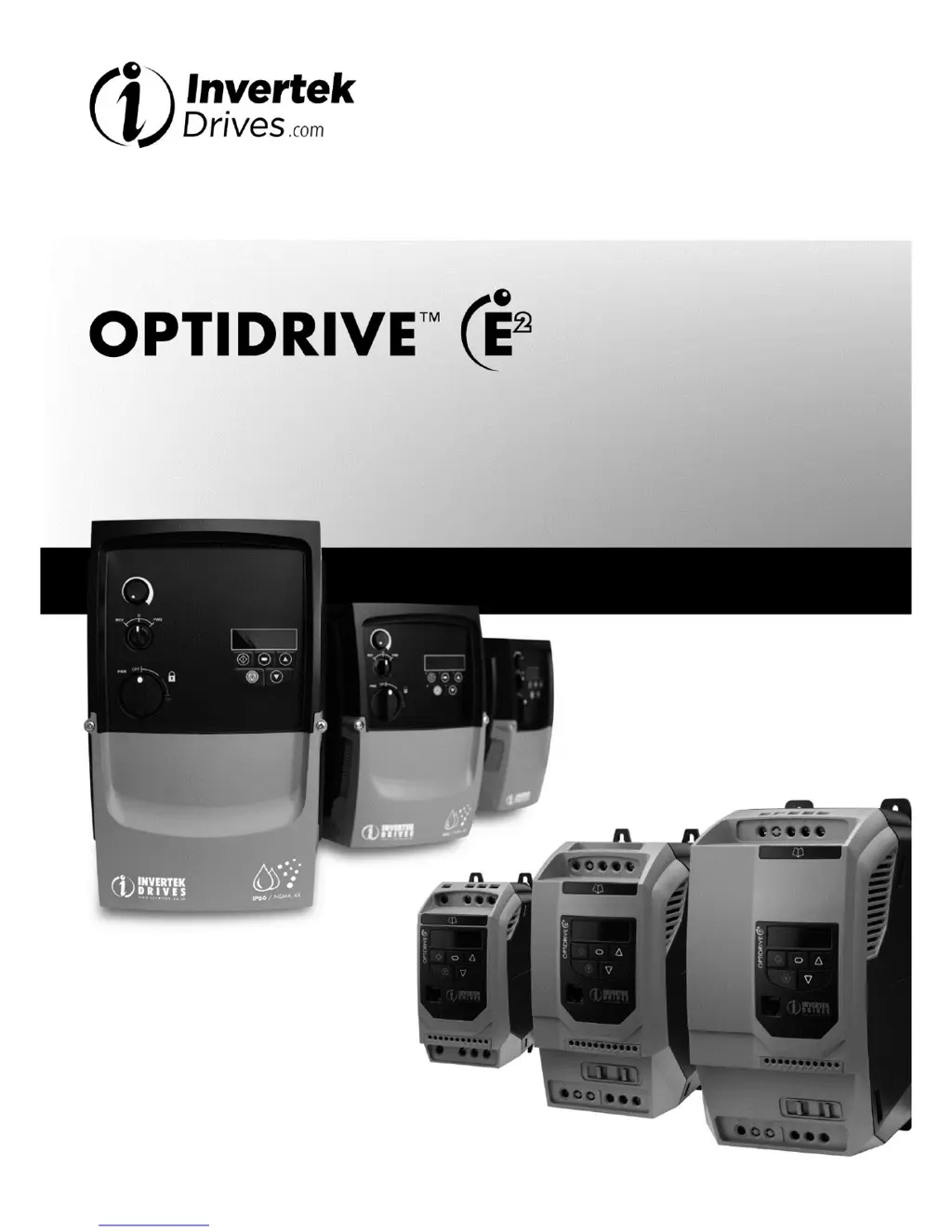
Optidrive ODE-2 User Guide Revision 3.30
www.invertekdrives.com
1
1
Introduction
User Guide
IP20 & IP66 (NEMA 4X)
AC Variable Speed Drive
0.37 11kW (0.5 15HP)
110 480V
Installation and Operating Instructions

Questions and Answers

Summary

Introduction

Important Safety Information

Critical safety precautions and warnings for drive installation and operation.

Mechanical Installation

Power Wiring

Grounding the Drive

Essential guidelines for properly grounding the drive and its components.

Wiring Precautions

Important precautions to observe during power and control wiring.

Incoming Power Connection

How to connect the main AC power supply to the drive.

Drive and Motor Connection

Connecting the drive to the motor and general wiring considerations.

Motor Terminal Box Connections

Details on connecting motor cables to the terminal box.

Connection Diagram

Diagrams illustrating power and control connection layouts.

Operation

Managing the Keypad

How to navigate the keypad, display information, and change parameters.

Parameters

Standard Parameters

Details of the basic operational parameters for the drive.

Extended Parameters

Advanced parameters for fine-tuning drive functionality.

Analog and Digital Input Configurations

Terminal Mode (P-12 = 0)

Configuring analog and digital inputs for terminal control mode.

Modbus RTU Communications

Technical Data

Rating Tables

Tables detailing drive specifications, power ratings, and cable sizes.

Trouble Shooting

Fault Code Messages

List of fault codes, their descriptions, and corrective actions.

Summary

Introduction

Important Safety Information

Critical safety precautions and warnings for drive installation and operation.

Mechanical Installation

Power Wiring

Grounding the Drive

Essential guidelines for properly grounding the drive and its components.

Wiring Precautions

Important precautions to observe during power and control wiring.

Incoming Power Connection

How to connect the main AC power supply to the drive.

Drive and Motor Connection

Connecting the drive to the motor and general wiring considerations.

Motor Terminal Box Connections

Details on connecting motor cables to the terminal box.

Connection Diagram

Diagrams illustrating power and control connection layouts.

Operation

Managing the Keypad

How to navigate the keypad, display information, and change parameters.

Parameters

Standard Parameters

Details of the basic operational parameters for the drive.

Extended Parameters

Advanced parameters for fine-tuning drive functionality.

Analog and Digital Input Configurations

Terminal Mode (P-12 = 0)

Configuring analog and digital inputs for terminal control mode.

Modbus RTU Communications

Technical Data

Rating Tables

Tables detailing drive specifications, power ratings, and cable sizes.

Trouble Shooting

Fault Code Messages

List of fault codes, their descriptions, and corrective actions.

Invertek Optidrive ODE-2-12005-3H01 Specifications

General IconGeneral
TypeVariable Frequency Drive (VFD)
CommunicationModbus RTU (RS485)
Enclosure RatingIP20
ModelODE-2-12005-3H01
Control MethodSensorless Vector Control
Protection FeaturesOvercurrent, Overvoltage, Undervoltage, Short Circuit
Humidity95% non-condensing
Operating Temperature-10°C to +50°C (14°F to 122°F)
Storage Temperature-20°C to +60°C

Related product manuals