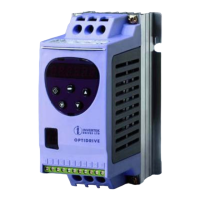
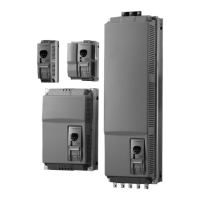
Optidrive ODE-2 User Guide Revision 3.30
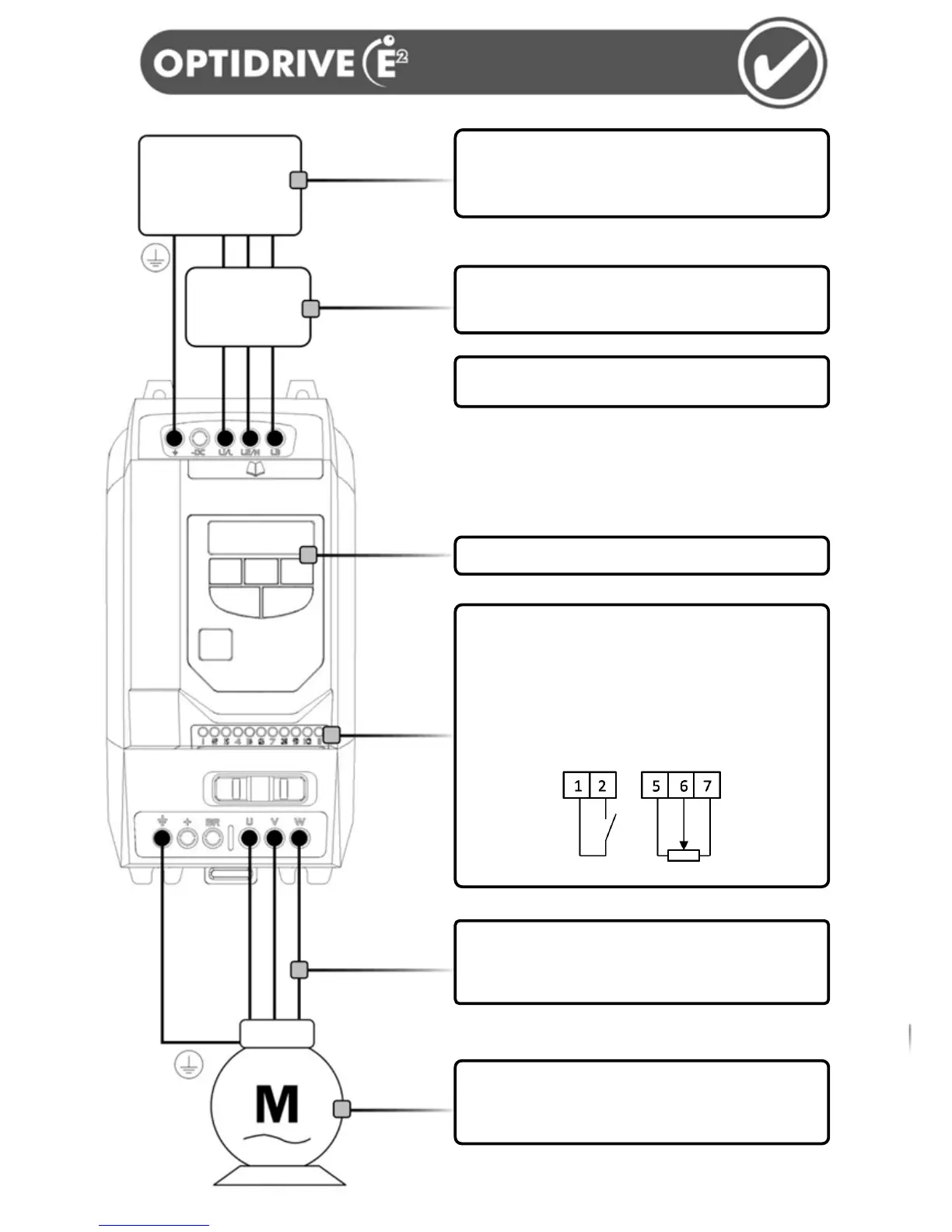
Supply Voltage
- 110 – 115, 200 – 240, 400 – 480 VAC + / - 10%
- 1 or 3 Phase
Check the drive rating information on page 26
Fuses or MCB
- Fuse Ratings given on page 26
- Recommended cable sizes shown on page 26
Always follow local and national codes of practice
Mechanical Mounting
- Information can be found on page 10
Motor Connections
- Check for Star or Delta connection according to the motor
nameplate and voltage rating (See page 13)
Motor Nameplate Details
- Enter the motor rated voltage in P-07
- Enter the motor rated current in P-08
- Enter the motor rated frequency in P-09
Keypad operation can be found on page 16
Control Terminals
Based on the factory default (out of box) settings
- Connect a Start / Stop switch between terminals 1 & 2
- Close the switch to Start (Enable) the drive
- Open the switch to Stop (Disable) the drive
- Connect a potentiometer (5kΩ minimum) between
terminals 5, 6 and 7 as shown below to vary the speed
from minimum (0Hz) to maximum (50 / 60 Hz)
Motor Cable Information
- Check the rating information on page 26 for sizing
information
- For EMC compliance, use a shielded type cable
AC Supply Voltage
(50 / 60 Hz)
L1 L2 L3
Earth L N



 To Next Page